
Driving the Labyrinth
2014 Travel Journal: Austin, Houston, Oklahoma, and the Journey East through Missouri, Illinois, and Indiana

I am pretty much running these journal entries without much editing to capture the mood and time twelve years ago, though some of it gives me pause. I have also cut several pages about the conflict in Oklahoma, and it still seems way too long, especially this many years later. I also don’t have the photographs, except one mysteriously, which I included. They begin again, equally mysteriously, in Montreal. I still have hope of recovering them by going back to 2014 on Facebook where I posted them, but I don’t as yet know how to do that or if they will really be there.
Austin
I began writing these travel notes in medias res and, from the responses (in 2014), I have picked up a few readers via Facebook and other sharing portals. Thanks to everyone who sent me their insights or encouragement. I want to emphasize here just how bizarre and radical this trip is for us. We spent most of a month packing up and/or discarding four decades worth of accumulation from our Berkeley life, some of it even older than that since it came west with us from Vermont with our two young kids who are now 45 and 40 with kids of their own. As the days passed, our house gradually became less and less a residential space and more a warehouse with stacks of boxes: 18 x 18 x 18, 18 x 12 x 12, 24 x 18 x 18. Then on June 25th two movers arrived at 8:30 AM, having parked their truck in the street. Two others showed up soon afterward in cars, and then they began their routine. They were equipped with pads, hand trucks, and their own packing materials. In one day the house was emptied and became lonely and hollow-sounding, as though it were a space for rent. Seventeen years of accouterments and habitation were gone. What remained were a few objects that the new owners had bought from us plus stuff for either Salvation Army or the edgy and preferable (but less reliable) Charity Squad. There were also a few items that the movers flat-out missed, while they were also mistakenly loading some objects meant for either donation or the dump. Neither outcome was reversible any longer: the doors were sealed either way. On Lightning Vans’s storm through our house, four people worked in hyperdrive, hauling somewhat indiscriminately and then, since they had skipped lunch (no fast-food joints near enough for their satisfaction), they wanted to be out of there at six sharp. We were astonished that it did not go exactly as planned. Who wanted to ship junk 3000+ miles for no reason or randomly leave behind items we valued?
It can be hard to picture what something is going to be like before it happens. We just assumed that the meticulousness with which the salesman went through and itemized everything along the tags that we placed squarely on stuff that was not to be loaded would suffice to assure a perfect match. But that did not account for the distracted haste with which they worked or the language barrier (all Spanish—they couldn’t read the “Do Not Move” tags).
As he surveyed the rather obvious errors with us, Lightning’s foreman concluded that it would be cheaper for us to let the cargo go as packed; that is, we could replace the overlooked chair, rug, bureau, etc., on the other end, and discard the grungy futon, etc., for less cost and less collateral damage than we would incur having the men take apart and rearrange the entire load. It still grates on me, but less and less as time passes. I take in the deeper meaning of being “between worlds,” not attaching to objects that sooner or later have to be let go of anyway. That is a lot what this trip is about—a detour from everyday patterns, a turn in the larger road.
So Lightning Vans made their hit-and-run and put our load in storage in San Leandro. I verified that by email exchange with the salesman the next day. Initially he didn’t understand what I was asking him (“Do you have our stuff? Were those really your crew?”). I had seen enough episodes of Mission: Impossible! to not take for granted possible subtexts behind a bunch of unknown guys showing up in uniforms, clearing your house of all your belongings, putting them in a rented van, hitting your credit-card for $5000, and then disappearing into the dusk with mariachi music on the radio. Once he grokked the true range of my paranoia, the salesman wrote: “Yes, our crew picked up your goods yesterday and they are safe in our storage location in San Leandro. We did receive the payment as well.”
We had stayed and ate that night two blocks up the hill at the house of an out-of-town friend, also the contractor who had worked on upgrading our property for sale. The next day the couple we hired to clean arrived promptly after breakfast. Lindy had found the husband-and-wife team on Craigslist though not as cleaners: they arrived as potential purchasers of a small kitchen bureau and then asked to look around and selected assorted other items for themselves and family members as well. They came to collect them in a fancy truck and paid with 7 $20 bills. When I saw the vacuum cleaner and chemicals in the rear as we were loading, I asked and José replied in the affirmative, “Yes, we clean. We do everything.” Then Lupita proudly produced her string of clients’ keys. She pulled them out of her purse like clowns’ handkerchiefs, and I am going to guess that there were fifty, maybe even a hundred, all braided together in what looked like an Inca counting knot or a motley strand of a dreadlock with found jewelry. That was her response again when Lindy asked for references: the keys. She said nothing but moved them closer to Lindy and shook them. She had a proud, almost imperial smile. “There they are,” I said. “The keys are her references.”
After José and Lupita finished their whirlwind of cleaning, we got on the road by 1:15, heading for LA, just like that: June 1977 in; June 2014 out. Most of a lifetime in between. It felt like a getaway because it was, and in that sense it was thrilling.
I think that part of me always wanted to get out of California and vamoose onto the highway going east, from the time we arrived for “one year” and then “for good” in ’77, but things got complicated very quickly with young kids and the onus to earn a living. Real life had hit; we were no longer a young couple in a post-college enchantment with cute babies and who might find college teaching jobs forever. No jobs had materialized; our natal families were in various states of dysfunction themselves and offered no support or backup. We had to do it ourselves. And it suddenly came together in countercultural Berkeley with North Atlantic Books in a way that had never occurred to us or been possible in Maine or Vermont. In the Bay Area people with upscale educations like us didn’t just look around or beg for college teaching gigs; they invented businesses, whole new realities. By the time we headed out of town, we left behind a fully operating publishing company with twenty-five employees, albeit in a bad era for the publishing business with predatory Amazon on vulture watch, plenty of DIY technology in competition, and too much free reading material on the Internet.
But the eighties, nineties, and aughts were great for small independent presses, spurred by a change in inventory tax laws (driving commercial publishers into the bestseller business and out of more specialized and serious lines that we were developing like internal martial arts, bodywork, and shamanism), the emergence of the imprint-blind chain-stores (and early Amazon) who cared more for the discount rate than publishing-insignia prestige, and the development of large-scale independent distributors that allowed smaller presses to compete with larger ones on the same terms and turf—we used Publishers Group West for almost thirty years before switching to Random House in 2007.
Yet for all that, in some essential way Berkeley never seemed quite real to me. It lacked summer thundershowers, evening fireflies and August heat, fall chill and colors, first snows and then first lupines and forsythia.
What the Bay Area lacked in the depth of an internalized seasonal zodiac, it made up for in psychospiritual training, lifestyle, and alternative-career livelihood. I remember how shocked Lindy’s mother was by the turn of fate. To her death, I don’t think she ever quite believed that what we were earning was “real” money; it looked too easy, too much like mischief and fun. We were just doing our weird stuff and were suddenly earning many times what we did in our teaching jobs. Yet we weren’t being doctors, lawyers, lumber barons (like her father), or financiers. I wonder what she would have made of retired dot.com millionaires in their thirties, some of them down the block or across town from us—but she didn’t live that long. None of it would have seemed real by her old Colorado values.
Through the rich, complex decades of my thirties, forties, and fifties, I barely noticed Berkeley’s lacks, as northern California provided wise friends, mild winters, and lively ethnic restaurants while it trained me in meditation, diet, martial arts, palpation, energy perception, conscious breath, psychic awareness, and, perhaps most significant of all, gave us a way to turn something I loved and was good at (writing and publishing books) into an entrepreneurial endeavor and honest salary. Those were true, hard-earned skills, from the craniosacral stillpoint, sitting Zen, and internalizing a hsing-i set to how to co-venture book projects.
The reason that such an entrepreneurial scenario never would have occurred to me in Maine or Vermont (or New York City) is that too much in those places was fixed, resolute, and impenetrable, guarded jealousy by prior generations. Youth culture was an oxymoron. But the spaciousness, open-ness, and big, sunny skies of Berkeley welcomed and initiated me, and it entertained both of us for the greater girth of a human life.
By the time we left, Berkeley was no longer Berkeley, and the transitionfrom hippie to yuppie to techie had its own irreversible momentum—this is a millennial regional shift like drought itself. In Beserkley’s geographical slot is a new city in a new century, the traditional avatars and seers pretty much gone, the Telegraph Avenue shops (except for Lhasa Karnak herbs) having withered and then died on the vine: the many bookstores, art studios, cutting-edge therapy centers, and psychospiritual sanctuaries. You wouldn’t find Paul Pitchford transubstantiating a bottle of tap water in the sun in an apartment on lower Woolsey Street as I did in 1975. You couldn’t drop your kid safely into the melée of Derby Dump. You couldn’t hear shamanic drums answering each other across Tilden Park. In the place of Peter Ralston’s School of Ontology and Martial Arts sits a staid antique shop.
Beserkley 1977 was a numinous city. As a friend’s answering machine put it, “I’m either on another line or out of my mind.” Berkeley 2014 was suburban Silicon Valley, a burgeoning Orwellian dystopia that a native friend later renamed Zombierkeley.
Meanwhile the territory we left for the cutting edge out West now feels cutting-edge anew: northern New England, Maine, Portland itself, NYC (Brooklyn/Park Slope, etc.). So a getaway…yes. A less dire version of Tim O’Brien’s Going after Cacciato, a transit from California to Maine in relative peace instead Saigon to Paris in wartime—state by state, province by province, reality sphere by reality sphere, Tree of Life to Juarez to the Inn at Baron’s Creek.
It was propitious that each of the songwriters whose performances we attended the second and third night in Austin, Slaid Cleaves and Dave Insley, dedicated a number to Richard and Lindy, on their road trip from California to Maine. As Dave put it, “You’all been staying there part-time, but now you’re going for good, right?”
Nods from us. “Um huh.” Or sort of, but no one needs to know either the paradoxes and complications of our plan.
We were slow to get out of Fredericksburg the next morning, lolling till the maids hit the room at 11 (that’s how these blogs get done). Then we searched out one of the exalted peach-farm stands outside of town Austin-way to buy a sackful for our hosts. Our home-exchange.com partners already had family in the Mount Desert area, so the trade, instead of house for house, was for (on our end) books from NAB about Maine plus Fredericksburg peaches purchased on 290 on the way.
It was 70.5 miles from the Baron’s Creek to Jack Allen’s restaurant, situated about half a mile east on 71 from its juncture with 290. That’s where Robert Phoenix and his girlfriend Katey had arranged by cell to meet us for lunch. It was Robert’s regular hangout and so-called watering hole, only an eighth of a mile from his apartment and the stage for his online talk show featuring astrology, cosmic and local conspiracies, the general occult and weird, and pro sports, plus their intersections, often weird in their own ways.
I love Robert, but I didn’t love Jack Allen’s. I don’t care if, as Robert carefully explained, the owner (whose name isn’t Jack) is in partnership with Nolan Ryan and has a comparable establishment with him in the Round Rock Express baseball stadium. The food came off the menu and out of kitchen like something that Nolan Ryan would preside over. The waiter (and the waitress who replaced him mid-shift) were overwrought performers of what must have been a brand of Texas hospitality but felt to me like half-hearted vaudeville. The semi-edible fare was essentially Denny’s with a California-cuisine booster, the boost being menu language more than food. I forget what I found to eat, but I believe it centered around likely-pesticided vegetables. But I don’t want to be obnoxiously cynical. It’s just that Robert is a very radical bloke in most things, but as far as pro sports, diet, and interaction with the public go, he follows a mainstream denominator of his lineage. He honors his working-class roots, which are real things and not washed away by any degree of counter-cultural overlay. He likes his nachos and comfort food; he’s an extravert too, a player and volleyer of improv. He enjoyed giving back as freely as he got with Jack Allen’s crew, so the service surged to high theater. Plus his pining for a boysenberry whipcream event not on the menu that day blew any further cover he or the waiter might have had. At Jack Allen’s (and we all have our Jack-Allen-like addictions), he was a delightful and shameless sellout, a lovable downhome big-boy.
After lunch we followed Robert and Katey to his apartment complex. This was an unexpectedly spiffy affair (given his arrangements in Berkeley) of a sort that turned out to be endemic to thriving urban Austin—communal living without ideology. It was an upscale condo village maintained at a luxury level relatively inexpensively by locating many services in commons rather individual units. First we stopped at the business-center commons where Lindy and I were able to catch up on printing, scanning, signing, and emailing. Then we went to the apartment where Robert’s pair of indoor-only cats were hanging out, perhaps awaiting the return of the friendly primates, as they immediately became interactive. Later all four of us went to the complex’s pool commons where we sat on chaises in the super-bright super-hot sun and continued our quickly segueing conversations. The bathing zone was an ingenious miniature-golf-course of a pool with sectors, islands, and connectors, adults and kids frolicking as though it were still the fifties, only better, which is 2014 Texas in a way.
Mr. Phoenix is a special guy. I met him in, I believe, the mid-90s after North Atlantic was told by Publishers Group West to stop freeloading and get its own warehouse. PGW then arranged a shotgun marriage between us and Conari Press, and together we rented one of the extra Tenspeed warehouses owned by publishing and real-estate mogul Phil Wood. Because space was about 20,000 square feet, 5,000 too many for the two of us, we sublet sectors to six other presses, creating a small city or publishing mercado. The funkiest of the tenants was a magazine, Mondo 2000, and their music editor immediately moved in with his dog.
Will Glennon, the publisher of Conari, came to our office to inform me of this dilemma one day and suggested that I might volunteer to go tell him to leave since we weren’t zoned for habitation and Mondo wasn’t paying enough rent to house employees anyway. “He’s a huge guy,” Will said as if that explained anything.
When I got there, Robert charmed me in thirty seconds flat. I found that he was not someone to kick out but a national treasure, we were privileged to have him there. As he put it, “You’ve got a night-watchman, full-time, no charge. And my dog Cosmo is psychic and reads tarot. Where else can you get that for free?”
How could we “evict” this guy?
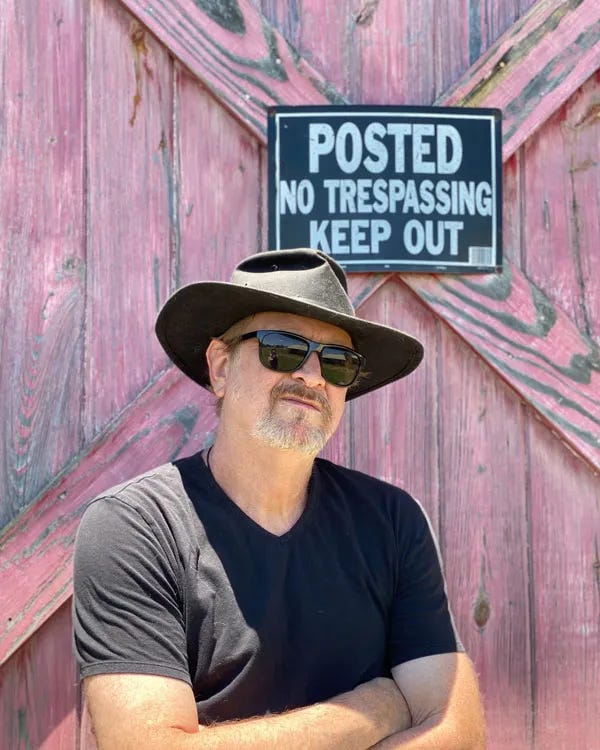
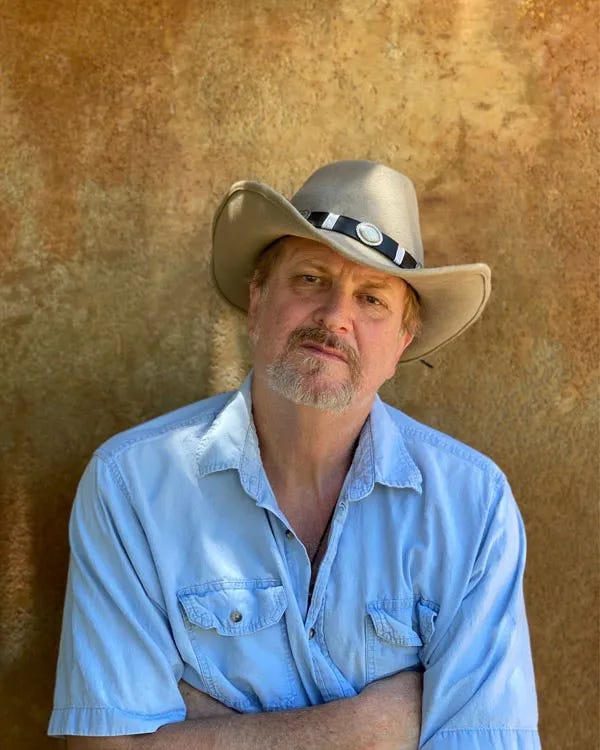
Robert and I have been close friends since, as we share the classic if all-too-rare complex of the occult, conspiracy theories, politics, music, and pro sports. He can handicap Sunday football, talk NBA and the Oakland A’s, read tarot for the San Francisco Giants’ announcers (and at big computer company Christmas parties, flown to and from California for such gigs), single-handedly move a gigantic desk into our house (around 1998), and tell you every Kennedy Assassination theory (later intricately interwoven with 9/11 synchronicities) and chemtrail/alien-brain-on-the-Moon conspiracies. Since we met, he has brought numerous quirky authors to North Atlantic, the main one being international channeling star and sea-mammal familiar Patricia Cori, an American living in Italy.
At the pool I asked him about the company at whose annual Christmas bash he reads tarot for individuals, and he said, “Your computer falls in the bathtub or get burned in a fire; you have anything left on the hard drive, these folks will get it for you. It’s not cheap, but then they can afford tarot readers at their parties.”
After Mondo folded, Robert went to work for a music website, met a woman at a staff party in San Diego, got married in Vegas maybe not that very night but not a whole lot later, had a son Griffin (who is now ten), and was coaching him in Berkeley Little League when his by-then ex-spouse and her new partner decided to move to Austin so she could take a job with Lance Armstrong’s Livestrong Foundation, at exactly the wrong moment (for Lance anyway). “I was finished with Berkeley,” Robert confessed. “I was waking up there with no interest, no will to do anything. Like every fucking day. I was fried. I had to get out before I passed on in my room.”
Later, he riffed off an earlier blog segment, saying “This is about the transmigration of souls from Berkeley, Richard. You and I aren’t the only ones in motion, my friend.”
Robert remains inimitable, of course. Such folks stay in one groove or another. His present partner, Katey is Celtic, from England, raised in Italy, has a PhD in physics, and is a professional energy healer and psychic. She lives and practices in San Diego but visits him in Austin regularly.
All afternoon Robert kept up a steady banter regarding cats, chemtrails, the For Lease and For Sale signs on Highway 35 between Austin and San Antonio (“You won’t recognize it in five years, the two cities are coming together”), sparrows with a nest of six babies on the spigot for the emergency sprinkler system on his deck (Lindy ironically worried about them getting enough water, so he cut up a plastic gallon jug on the spot, filled it with water, and set it outside, christening it “Lindy Springs.” I mean, Will, did really want me to evict this guy?)
Outside by the pool, Robert continued with an analysis of Jason Kidd as a super-Aries, how lucky the Nets were to get rid of him now before he destroyed the team. “He’s an over-the-top Aries, so he can’t control his actions. He’s power hungry and a genius, but he doesn’t understand it, which makes him really dangerous. I’ve done the guy’s chart.”
He might have discussed this matter anyway, but it was put in mind by my wearing my Scottsdale-mall Brooklyn Nets cap to the pool, the Arizona (now Texas) sun being too hot and unforgiving not to put something on my skull—I was getting lightheaded from the burn. Robert looked at it and, without prologue, read its tarot aloud.
He also brought up the outrageous notion that Richard Hoagland got his information about Mars and the Moon by being Arthur Clarke’s secret lover (not Robert’s idea—he was passing on a rumor that someone else had started). I told him that Hoagland was an old-time vintage “lady’s man.” Katey offered that that might be a cover, but I said, no, in Hoagland’s case, it definitely wasn’t a cover. But Robert’s net is wide, and he gets the full complement from nutty to brilliant
We next touched on El Paso, which Robert called a model for the future American city: lots of people in one another’s vicinities operating under the radar or any government interference, no boundaries either internal or external as the megapolis spread legally and illegally across the desert: Indian casino money mixing with Mexican drug-cartel money (“check out the McMansions in the hills built by people with downtown shops lacking any real products”), all that nouveau riche mixing with old gringo ranch wealth. “The entire country’s going to be a version of El Paso someday. It’s the future, in fact the most radical urban scene going.”
“I guess that New York and LA haven’t noticed.”
“They will. In fact, they don’t know it, but they have.” In fact, it was the already the basis for the FX crime drama The Bridge. We had just walked across that bridge.
Our largest amount of time was spent on an analysis of Griffin’s current baseball coach, a sociopath Robert attested. I won’t go into all the details of the coach’s lies and misdemeanors, but for instance, Griffin had gotten stitches for a ball smashed at him so hard during a practice that it melded his lip to his teeth and he had been denied his rightful shot at being game captain time and time again, likely because he plays the same position (third base) as the coach’s son.
Robert explained all this in terms of Carlos Castaneda, a fable he was also tailoring for Griffin. “The guy lacks an assemblage point. He’s closed. There’s no way to get to him. I told Griffin to tough it out. He’d be stronger for it. But where there’s no assemblage point, a person is not educable or changeable. Plus there’s lots of politics in Texas kid baseball as it is. Some teams recruit ringers from Waco or Laredo, and a kid who’s better comes along, the other kid is gone; that’s what we’re competing against. Some of these teams from Laredo and the border, the ten-year-olds are shaving.”
We headed to our place at 6:00 PM to meet our hosts. I should explain that in May I had suspended our homeexchange.com listing because I was tired of telling wannabe exchange partners that we had sold our Berkeley house and were leaving town (we almost never got inquiries for our Maine house). However when our house sale got pushed later into June (as the first potential buyer bailed after reading seismic and inspection reports), our Austin connection for a place to stay also fell through. The window for David Lauterstein at either his massage school or house passed with the month of June, and any bed-and-breakfast or inn was going to cost about $1500 for the week.
For the last few years, I had almost always come up with great options, meaning great people and great places, on either craigslist or homeexchange, which was what I needed then for Austin. So I spent several hours one morning in a timeout from packing, renewing our membership and extracting the Berkeley house and its photos from our listing.
Once I was back in and able to operate, I cut and pasted a request for a Maine exchange, simultaneous or nonsimultaneous, on twenty Austin listings (out of ninety on the site). I got a surprising seven positive responses but only one that lined up with the right dates and also had a respondent who followed up the initial back-and-forth. Furthermore, she and her family didn’t need a place to stay in Maine—they had relatives on Mount Desert—but they were willing to let us stay in their extra room. I still sought the ritual of a trade, and that turned out to be the informal “potlatch” of books and peaches.
They are a couple in the general age range of our kids with a daughter exactly the age of our oldest grandson, Leo. I won’t use their names in this blog in order to keep bystanders and civilians anonymous. The connection may have been completely random but, once we got there and began talking, we discovered that we had met the guy’s father and stepmother at a brunch the previous fall on Mount Desert, at the house of Bob Gallon, a forensic psychologist that North Atlantic is publishing. Gallon and our host’s father teach together at the senior college.
Later we discovered another connection—that, as a graduate-student architect, our host had gone to see a close associate of ours, alternative technologist and biochemist John Todd, in Burlington, Vermont, where John now teaches. Though he hadn’t hooked up with John directly, he did see one of his living machines on the roof of a local building.
I had taught with John at Goddard in the mid-seventies, and then we packaged one of his and his wife Nancy’s books for Sierra Club; we later republished it under North Atlantic. John was on the North Atlantic nonprofit board for many years, and he employed our son Robin on Cape Cod for two summers building alternative sewer systems (Robin is now a forty-five-year-old historical geographer and environmental biologist at the San Francisco Estuary Institute). So we and our new friends logged in at well under six degrees of separation.
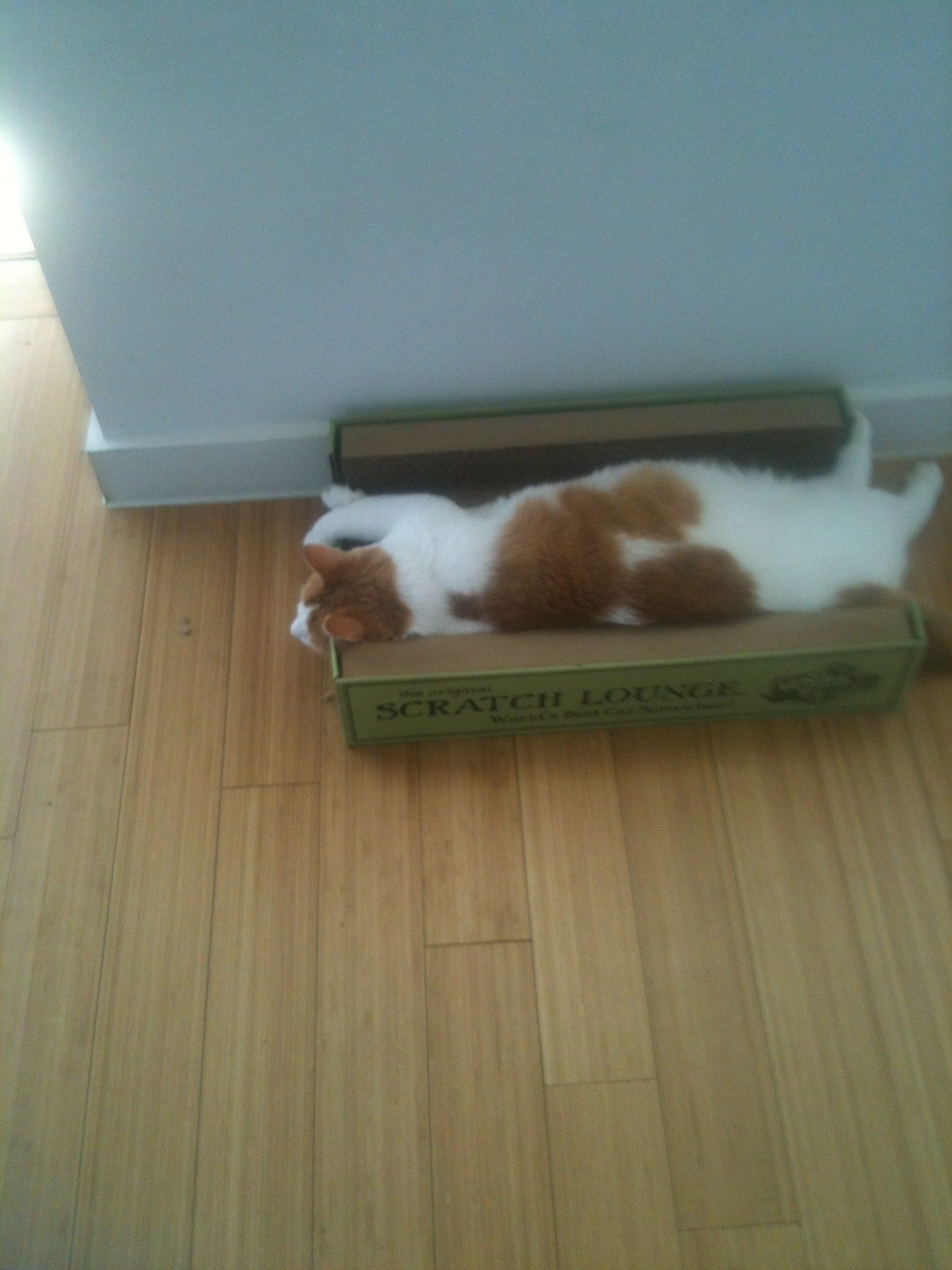
The eight-year-old was ready for us; she handed out gift necklaces she had made and insisted on helping carry in our things, though most were on the heavy side for her. Then she showed us around the house while introducing us to the three resident cats, the oldest of which, Dante, spends most of his time sauntering between the Scratch Lounge and a mostly collapsed cloth dollhouse. On our last day in Austin, Robert, Katey, and Griffin came to visit.
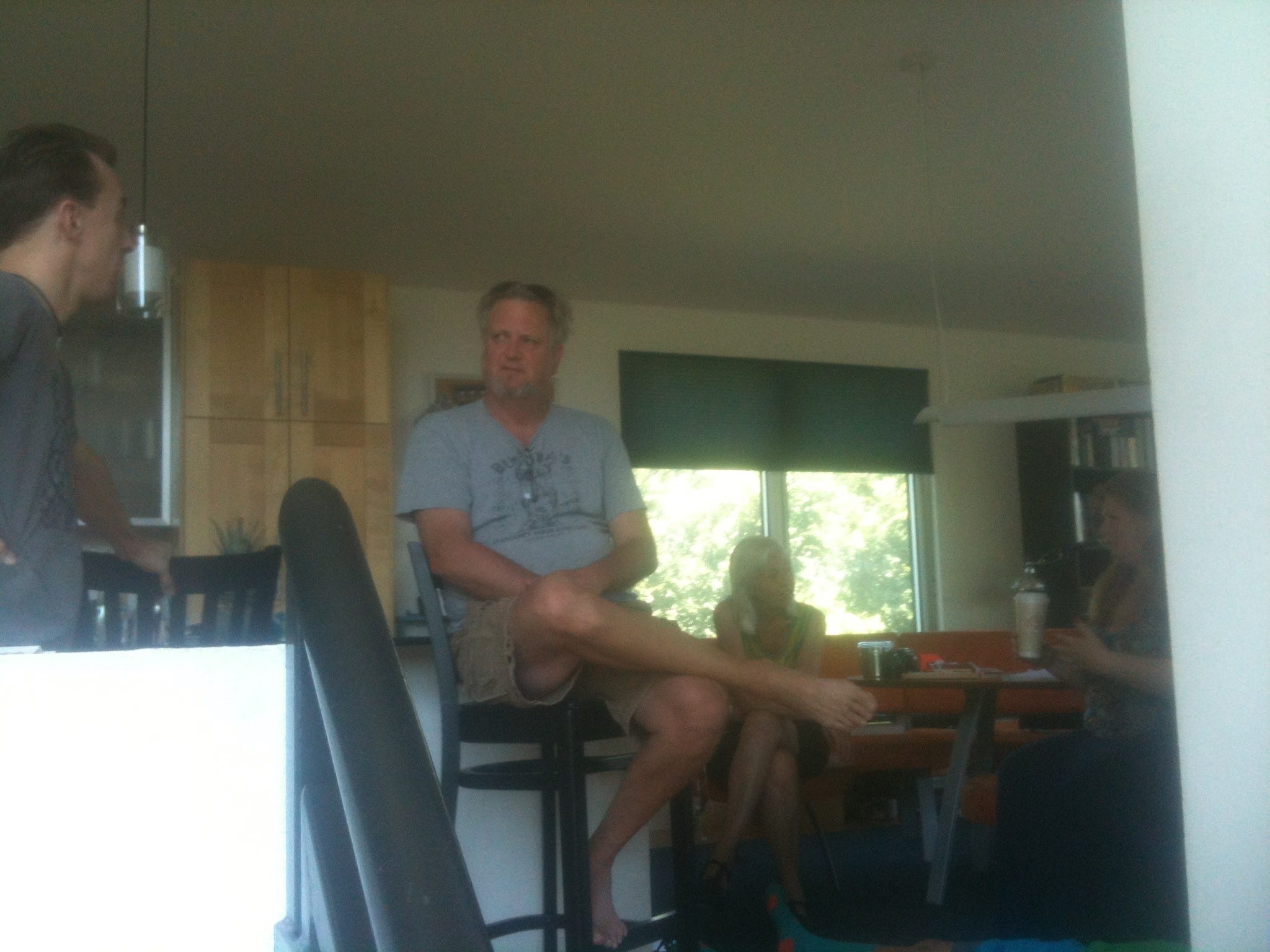
Robert observed the situation and said, “So he’s got two properties and occupies both.”
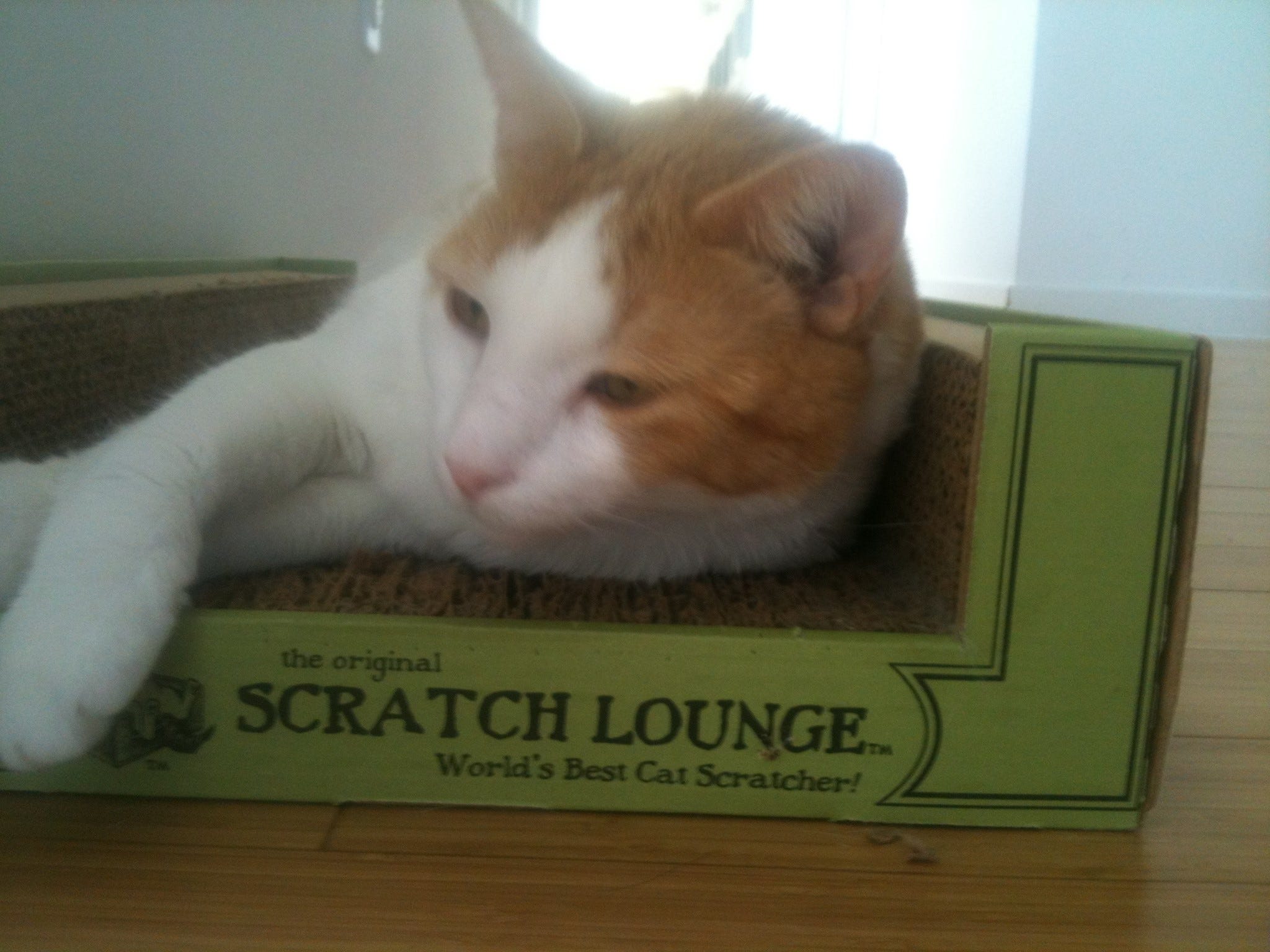
Our hosts were not only home-exchange partners; they were wonderful company, as we enjoyed their graciousness, hospitality, wry humor, reggae music, lightness, live chickens, vegetable garden, beneath-the-surface guide to Austin, and daily ceremony as a family.
Another offshoot BTW of re-listing on homeexchange.com was that, within an hour, I got a billion-in-one request for a trade with Toronto for our Maine house on exactly the days we are planning to pass through Toronto.
It is very very hot in Austin in July, at least on 2014’s passage—mid to high nineties. It feels like a blast of sauna whenever you leave the air-conditioned indoors; it can be dizzying. The second day our car thermometer, when we left the vehicle parked in the sun, hit 111, and a lot of food inside melted. To me it still feels like New York City many long summers long ago.
The house is located in a creative development east of town called Agave. Most of the homes are uniquely designed and then crafted for a modern, modular Santa Fe look, plenty of rare adobe colors (purples, mauves, browns, lavenders), creative placement of glass, stacked box-like sections, and unusual angles, also with houses and lots not at right angles to each other. The whole scenario overlooks the city from the eastern hills. Planes from the airport cross here low at night.
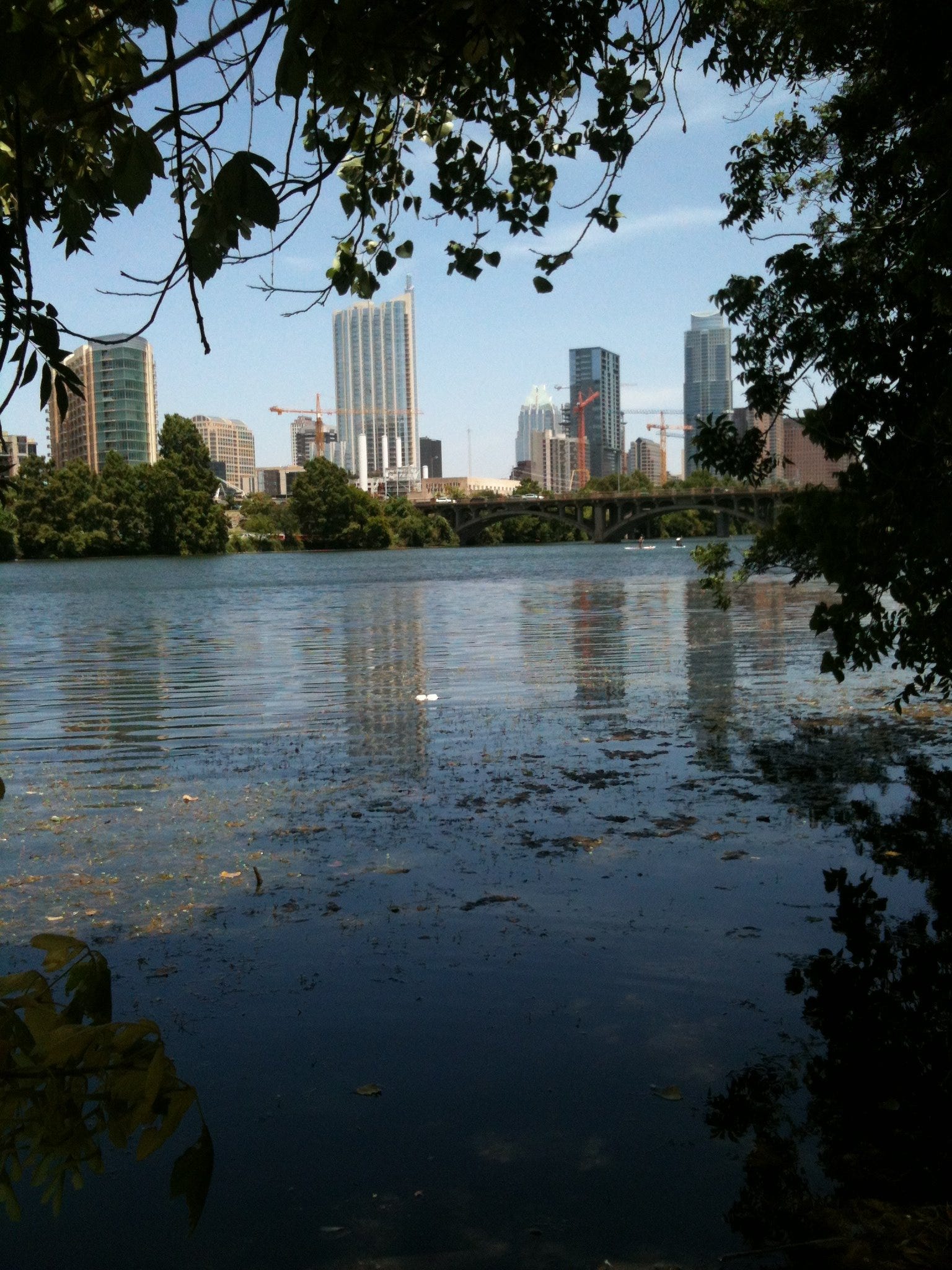
The first day we followed directions to downtown, which is four to five miles and twenty-five minutes by car. We took MLK (formerly 19th Street and Highway 969) into the city itself. Then we turned left where MLK dead-ends at Lamar. In thirteen blocks we ended up at Lamar and 6th, which is the location of both Bookpeople of Austin and Whole Foods (the flagship store and its corporate offices here). Bookpeople is like the late Cody’s Books of Berkeley, and its survival in situ is symptomatic of the transmigration of souls: Austin can support readers that Berkeley can’t anymore. And its customers are willing to abjure Amazon. Berkeley meanwhile is part of the techie empire, one of many Texas-California paradoxes, given the politics otherwise. Cody’s and Shambhala are long gone. Moe’s barely hangs on.
After lunch at Bookpeople and a food run at Whole Foods, we continued to the Colorado River, found a dubiously legal parking place, and walked on the trail alongside the water. The landscape and air had a Mark Twain tang, as though we had truly left the southwest and were approaching the lush Mississippi.
After our walk, we got lost trying to find the Lauterstein-Conway Massage School on Burnet (a major thoroughfare that our GPS wouldn’t admit was even a street in Austin). We had to ask directions three times, and after trying to apply each explanation of how to go, we seemed somehow only to get farther away. It took three employees at a Holiday Inn, willingly sucked into our plight and debating with each other the best and most understandable route, to finally get us there. Even they changed their advised map twice before setting us on a consensus course. We had left ninety minutes early for a fifteen-minute drive and barely got there in time.
I had never met David. He is a Facebook friend. Plus years, perhaps decades ago, he had submitted a somatics manuscript to North Atlantic that I regretted not accepting. It was eventually published as Deep Tissue Massage by Complementary Medicine Press. We succeeded in meeting him at the school, as agreed, at four, and our connection soon opened to a delightfully improvised afternoon and evening. David is a kindred spirit, sharing many crosscurrents with us, someone we had (in a sense) known all along without knowing. His school is also one of the premier bodywork training centers in the country, and it was an honor to be his guests there. As we sat in his office chatting for a while, my favorite moment was when he described moving to Austin from his native Chicago and first realizing that he could actually live there, “just the way,” he added, “I thought about my wife-to-be after I met her: Can I love this woman? I think I can.”
We would see why later when we left our car at its 111 degrees in the school lot and went with him to his nearby house to meet Julie for dinner. She is both elegant and wickedly wry. I don’t think that Laura Dern is quite the actress to play her, but it’s in the right direction. Like us, she and David are a mildly mixed marriage, mild at least by today’s standards. He is Jewish; she is Protestant (Methodist), while Lindy is Episcopalian, but her mother was raised Methodist. Taller than her spouse, Julie Harper Lauterstein is as Texas as Lindy is Colorado.
Before heading to the house, we had arranged to pay David for a split zero-balancing session at the end of his workday, so we each got a half-hour treatment. Good palpation is as profound and “other” as a dream-state, and this was no exception. David’s art found a dream body wound within the accumulated tension of so much driving and life transformation. Half the time I was in a trance rooted in the skeletal system and obseriving some of my lost alter egos; half the time I was tracking his work and trying to discern skilled techniques.
Much of what we try to do in dreams, likewise in sex, art, prayer, and shamanic journeying, is to seek our unconscious bodies and give them a conscious body too.
After we joined Julie at their house, they took us to dinner at a fancy Mexican restaurant called Fonda San Miguel. It had fountains, spaciousness, high ceilings, and its walls were filled with art like a museum.
Not knowing the source of the meat (as the waiter didn’t either, even after inquiring of the chef), I took Julie’s lead and ordered squash stuffed with goat-cheese/corn gruel. Quite worth it, though she made the point with the waiter that they should know things like where their meat comes from, and that led to our exchanging stories about the topic, e.g., how much of the unit at Abu Ghraib had formerly worked together at the same chicken factory in West Virginia where they spiced their recreational breaks by throwing birds against the walls, mutilating them alive.
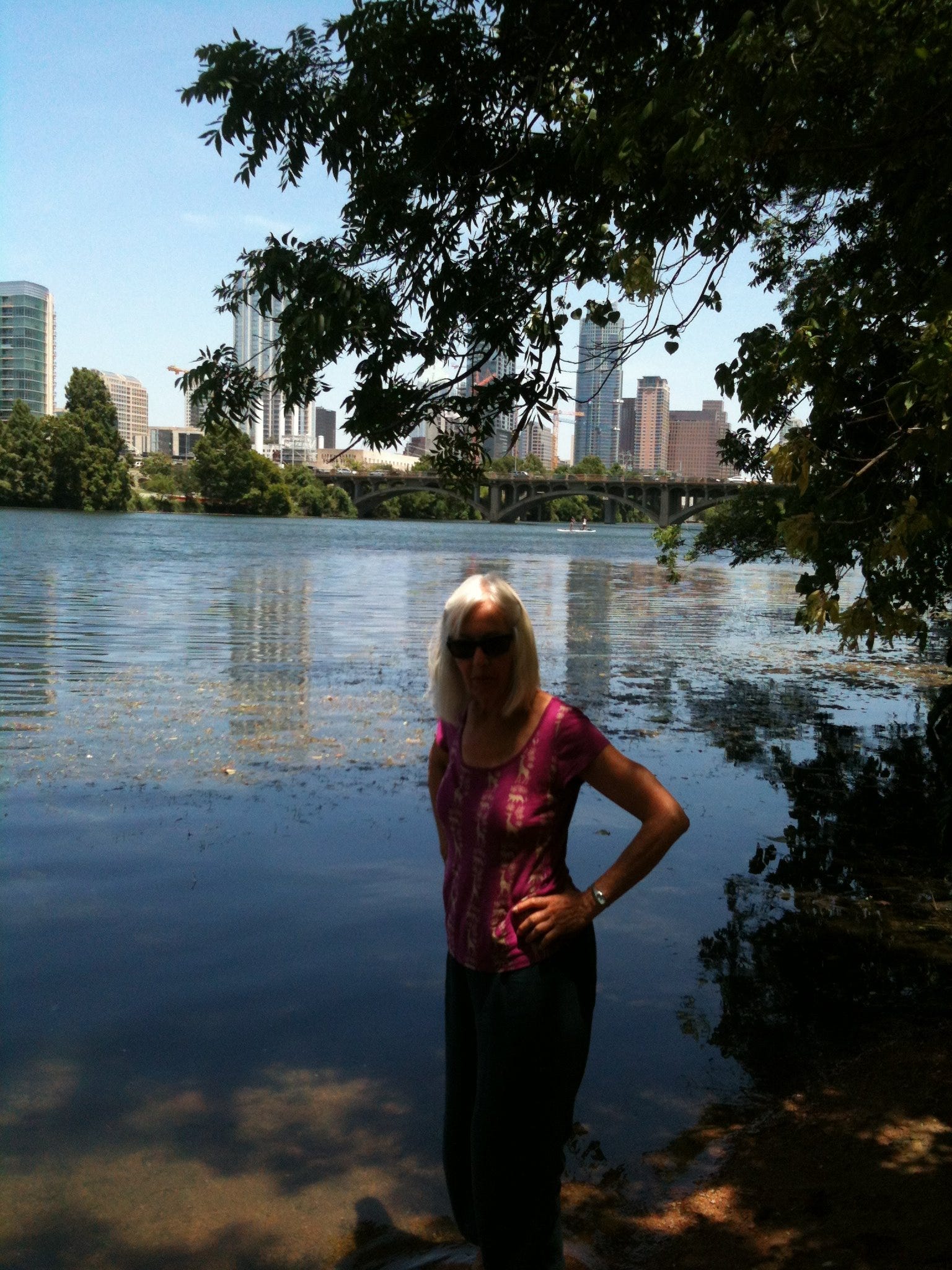
Swimming is not in the journal, but we obviously went swimming in Austin
The next morning we made plans to meet Neil and Elizabeth Carman for lunch. North Atlantic authors (Cosmic Cradle: Spiritual Dimensions of Life Before Birth), they had rented the downstairs of our Berkeley house two summers ago when we were in Maine to get out of the Austin heat. We reconnected at a typical (for them) choice, Casa de Luz, the dining area of a spiritual school for all ages near where we had walked along the Colorado the day before. Macrobiotic with a fixed menu, it was not very good (the corncobs were dry and the soup tasteless); it made Potala, the Tibetan macrobiotic fixed-menu place in Berkeley, seem like Chez Panisse by comparison, but it was healthy, and we were there for the company not the food.
Neil and Elizabeth are a little younger than Lindy and me and they have one main topic which they handle at post-graduate level: the communications of souls who have just passed as they talk about the change of worlds as well as the very different communications of souls who are waiting to be born and establishing connections with their desired parents (or trying psychically to find the right family and close the deal). The couple has researched thousands of the latter such incidents, hence their book with us.
On souls maintaining a link after death, they were particularly excited that day by a new book, The Afterlife of Billy Fingers, written by Billy’s sister Annie Kagan (Billy Fingers is her nickname for her so-called bad-boy brother). According to the Carmans, this is the most paradigm-shattering account of a passage beyond death ever, though I wonder if they know the full available oeuvre of nineteenth-century pioneer researcher Frederick Myers.
The main thing about Neil and Elizabeth is that they so firmly and unshakingly (and good-humoredly) believe in a karmic, reincarnational universe that they bring contact recognition with them. In their presence, everything about one’s own life falls into cosmic perspective: this whole Earth journey (with its mini-odysseys, road trips, and labyrinths) becomes part of the greater overall pilgrimage of souls through the universe’s many realities, aspects, frequencies, states of awakening and going back to sleep, and sub-cosmoses across an unknown, profound, and emergent realm that could only be dubbed All That Is.
Neil’s day job is quite a contrast. A chemical botanist by training, he has worked for years for Clean Air Texas and the Texas Sierra Club, mainly to help close down coal plants (nationally but mostly in Texas). He helps fight permits and file lawsuits and prepares testimony for court appearances. In general, he opposes rate increases that would give the plants more operating capital as well as buy off their inefficiencies. “The plants are old technology, dinosaurs,” he told us with the same wide-eyed, ingenuous good humor when discussing the incarnation of souls, as if they and the improvement of the energy grid were calibers of the same sanguine outcome. He noted that just a few years ago it seemed impossible that anti-coal forces would make a dent or close a single plant, plus the Bush administration was proposing 200 new units in a rush to achieve U.S. energy independence. But both the economics and technology had changed breathtakingly fast. Only a few of those 200 were ever built (including one or two in Texas), while 165 plants, thirty-five percent of the entire US coal fleet, had been shut down in that same time. “Coal plants only turn about thirty percent of their output into useable energy,” Neil said; “the rest, seventy percent, is just lost. $85 million worth of coal burned a year now produces less electricity than the same amount of money invested in solar and wind. San Antonio needs about a billion dollars to clean the scrubbers of their Deely coal plant built in the eighties, but they can generate the same amount of electricity from solar for a fraction of that cost.”
When I told Robert Phoenix about this discussion, he asked me if Neil had provided information what happened to the coal-plant workers. “No, he didn’t. I imagine that there are a lot of individual stories and outcomes.”
Robert rejoined, “I’m betting that, for every coal plant shut down, three of four meth labs spring up.”
When I presented this exchange to our Austin host, he said, “More likely they’re fracking or working natural gas.”
When I passed all this cumulative banter on to Neil, he differed, “No, that’s part of the negotiation. Some get retirement with severance pay; some get re-trained; it’s not perfect, but it’s not like they suddenly close the plant and kick the employees out on the street. They can’t do that.”
Robert (BTW) told some good fracking stories—I mean there are no good fracking stories, but they’re ghoulishly engaging, like companies convincing families to have water carted in for their drinking pleasure so that their engineers can turn the local supply into industrial use only. Then there was the friendly guy at a Jim’s who told Bob he’s had a wife with Alzheimers at home and an oil well in West Texas that earns him just as much by selling the water around it for fracking. “I admired the guy until I realized he was an oilman. ‘I guess I am,’ he said when I put the question to him.”

Barton Springs, mythologized in a Slaid Cleaves song (“New Year’s Day”), was close to our lunch site, so Lindy and I planned to go swimming there afterwards. Neil was quick with not just directions but a lot of information: “Sixty-eight degrees year-round, the length of two football fields, huge aquifers under Austin of which Barton is a major vent, a million gallons of fresh water per minute….” However, what he didn’t know was that the pool is closed on Thursdays for cleaning, so we joined a host of other disappointed folks, many of them tourists, staring in from outside the gates. A good number of locals, however, were swimming beyond the legal boundaries in the outflow. I still find a million gallons per minute hard to fathom. Lindy and I wavered on whether to join the illegal swimmers but finally decided to leave Barton for the next day.
One thing I have mused about all along and that also drew us to allot six days to Austin: how so many people who have never been here speak of it as an oasis in Texas. Now I don’t think that that’s quite accurate except that the area is literally an underground sea. Texas itself is both awakening and alive and Austin is hopefully the harbinger and external manifestation of something much larger.
In the evening we and our hosts went out to dinner at Hillside Farmacy and then together to hear Slaid Cleaves perform at the Cactus Café on the University of Texas campus. Lindy and I have been listening to Slaid since he did a homecoming concert at the Grand in Ellsworth, Maine, in 2002. A songwriter/folksinger on the Portland and southern Maine circuit in his earlier youth, he had moved to Austin to apprentice at the roots of his sound a few years before the homecoming. Even then (at the Grand) he was as much Texas as Maine: blended landscapes, politics, and chords, plus all-out Texas yodeling. By now he had become an Austin mainstay, packing a sold-out lounge space of about 100 on his farewell night before departing on three months of U.S. and international touring.
Slaid is good enough to have not only a loyal local following but pretty much fill venues across the U.S. and Europe every year. He is either playing in Austin or touring most of the time. He is also good enough that he ought to have become more famous than he is. In our winner-take-all society I think of him as perhaps the best unknown songwriter/country-and-western singer going, if you take into account both the quality of his work and its relative degree of obscurity.
Slaid’s language is fresh and politically astute at subtle levels; he mixes words and melodies effortlessly, and he has a natural feeling for the depth of human longing, loss, and pain. He also has an authentic warble or twang that descends into the soul: a mysterious combination of song and voice that, each in his or her own way, marks the greats: Sinatra, Jo Stafford, Bob Dylan, Al Jolson, Sarah Vaughn, Bobby Darin, Willie Nelson. I am not saying that Slaid resembles any of them. I am saying that he does more than pen and croon country and western ballads. He puts his heart and full being into the songs, and people hear that, recognize the authenticity, and want to be around it. You can check his out lyrics online or watch him play on YouTube. For instance: “On a corner, trembling in the wind/Amazed at the mess they’re in” or “You’ll never see those blue skies/through young eyes again.” Or a recent gospel: “It ain’t the silver, It ain’t the bronze / It doesn’t matter, Whose team you’re on / No precious metal, Will save your soul
/ But if you seek glory, Go for the gold.”
With graying hair now at fifty, Slaid has reached his prime, and the audience knows it and responds accordingly, lots of repartee and encores, including unplugging the mikes for the last number and going among the audience. He played two great sets July 10th with local guitarist Scrappy Judd Newcomb. Both of them walked the crowd for the final number.
It was gratifying to get to see Slaid on his home turf, as we told him between sets when he went outside to mingle. He knew about our long road trip from my emails, and he offered to sing one—only one—of three songs I requested: Oh Roberta, which is not by him but his protégé Graham Weber. Great song: “Used to think I was something, / I’m still something I suppose” and “I’m here clear left of center on the unridable road, / Wish I knew the way / that I was ’sposed to go, / But I’m still the same old fool you used to know. / Oh Roberta, where have you gone?”
Slaid introduced the song with the following repartee with Scrappy. “This is for our friends Richard and Lindy who are stopping by tonight on their road trip from Berkeley, California, to Portland, Maine.”
Scrappy: “That’s far.”
Slaid: “Farther even than we’re going on tour, buddy.”
A back story of the evening was that I misread the email from our hosts and thought that they had reserved seats for all four of us, whereas they thought that we already had our own seats. Since the show was sold out, Lindy and I spent an anxious forty-five minutes mingling at the door, trying to get a note to Slaid. I even did a psychic exercise to help salvage things, while our new friends were offering to sell us their tickets and go elsewhere. None of that was necessary (well maybe the exercise helped). The ticket taker, when she finally appeared in front of the line, heard Lindy’s explanation and lament and waved off her note to Slaid. She sold us two tickets on the spot and then sent us in at the front of a long line made up of those who already had purchased tickets. We were the first ones in the room and saved four seats in the second row.
Once Lindy and I prioritized Barton Springs early the next afternoon, Neil and Elizabeth decided to meet us there. 95-degree air and 68-degree water were an ideal combination. The fresh-running spring, whether it actually delivers a full million gallons per minute, eliminates the necessity for chlorine and keeps its water clean. In fact Barton is really a large pond with native salamanders in its reeds and the mud below. Posted signs warn you not to disturb their habitat.
The scene was reminiscent of many a bathing site from my life (Atlantic and Pacific Oceans, hotel pools, Vermont glacial ponds, and Maine and New York State lakes). Only a dollar each for us to get in as seniors, followed by an open-air changing room, which relieved some of the funereal quality of an all-ages dressing zone. Walls alone protected privacy.
Barton’s water is quite alive and charged, homeopathic no doubt, not as cold as Maine lakes but plenty startling. I felt a transformation as well as a healing crisis from the core on out, especially swimming underwater with my eyes open: a murky underworld.
I went in three separate times and in between lay on the grass under the trees with Lindy and our friends. As Rudolf Steiner (among others) has pointed out, water brings in astral energy and fills this plane with a mystical, joyful energy, pretty much wherever it is (bar of course a ship in a storm at sea or a hurricane hitting land).
We had to hurry back to the house to get ready for watching Dave Insley play solo at the grill of the Driskill Hotel in downtown Austin—a 6-8 stint at which we were also meeting an unknown, distant relative of my generation from my mother’s father’s side of the family. Since I never met my genetic father and know nothing of his lineage, my mother’s mother’s family is the only blood genealogy I have had. But Ellen Rothkrug gave me a family tree by email, the first I ever had of my mother’s father’s line. Our shared ancestor was our great-great-grandfather Ezra. Ellen’s line was via Ezra’s son Abraham, as were the only other Rothkrugs I had met other than my mother and her brothers and their families: a cluster in Great Neck, New York. We, on the other hand, came through Ezra’s son Nathan.
Ellen’s father had moved from Brooklyn to Amarillo, decided to be no longer Jewish in response to the Holocaust, married a Catholic, then raised his kids Catholic and Texan. Ellen was so Texan in fact that she had promised to bring along her friends Willie Nelson’s granddaughter and Kinky Friedman (of the mystery novels like Elvis, Jesus, and Coca Cola and Kill Two Birds & Get Stoned, and the music group “Kinky Friedman and the Texas Jewboys”), but when she arrived at the Driskill with only an old college friend, she said that Kinky wasn’t answering his phone and Willie’s granddaughter was too busy. It’s a wonder she didn’t offer to bring her other friend, politician Wendy Davis.
I felt bad for Dave. It can’t be fun playing for people who are sitting around clinking cocktail glasses, chatting, telling jokes, ordering again from the bar, and not listening or even noticing the guy in the cowboy hat stroking a guitar at a mike. But Dave said that he likes the gig, only a few blocks walk from his house, so he plays it often. He did mostly covers in the first set: Merle Haggard, Statler Brothers, Johnny Mercer, Willie Nelson.
Before the set, he greeted Lindy and me enthusiastically. After being introduced to his songs on WERU in Maine about nine years ago, we had gone to hear him and his band The Careless Smokers at a brewery in Santa Rosa (the tour dates and venues were on his website). The following year, North Atlantic had enough of a profit to do philanthropy, and we gave $5000 to WERU to invite him and the band to the station’s Full Circle Fair in Blue Hill. That turned us and Dave into friends and got us hanging out together a bit in Maine. We hadn’t seen him since, till he came in with his big Stetson July 11th and gave us a hug.
It wasn’t entirely comfortable visiting with Ellen and her friend, too much small-talk and endless over-amped conversation. After a while it was one or the other so, without any more in common between us than 1/32nd DNA, I separated for the second set and went to the bar to focus on Dave. Lindy soon joined me, promising Ellen we’d reconnect afterward.
Mr. Insley is a good songwriter himself, funny and soulful and, after we got into the vicinity, he played a lot of his own stuff for us, including his masterpiece Other Trails to Ride. “I don’t do this for just anyone, you know,” he whispered.
Here’s what I wrote about it a few years ago:
Consider these lines from "Other Trails to Ride"; it starts: "Put me on my favorite pony / Point us toward the settin' sun. / Please make sure my hat's tipped right / And there's bullets in my gun....” Then: "Give my weary mind a rest and let my spirit sleep.” This death song only gets more awesome: "When this ol' paint comes back alone / Give him oats and give him hay./ Brush him down and turn him out/and put my tack away."
Step aside; the man is on a song-writing roll: "Know how much I loved the road that I’ve been down with you / and all them pretty sunflowers and all the hard miles too... and "I loved you in your waking hours, / Now I'll love you in your dreams."
Then he tosses out the magic invocation, the hope and wish, the terror and haunting too, for life on Earth since the Ice Age shaman found the planetary mind inside himself and peered into the darkness, from where he heard an answer coming back that we still hear, listen or not: “Even though you can’t see me, / I’m still here by your side.”
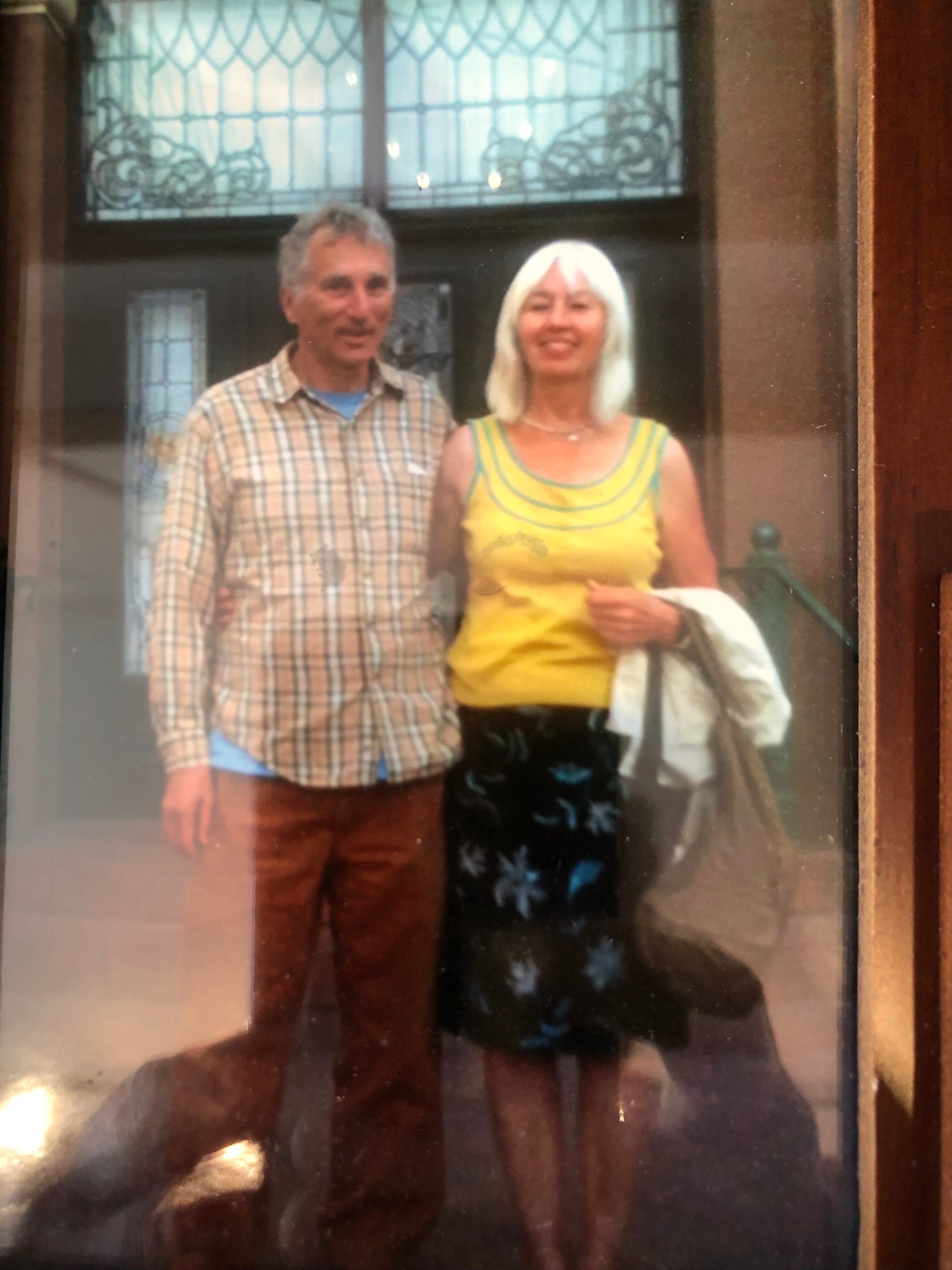
After the show, Ellen took pictures of Lindy and me on the steps of the Driskill.
It is a fancy piece of the old West, and the gauntlet from there there to where we parked our car a few block away was like a honkytonk version of North Beach: girls in bikinis and hot pants alongside aggressively confrontative and bored, goofy barkers trying to lure in tourists, even getting in your face with their antics if you try to slip by (Lindy played along because she’s good at that, but I’m not and didn’t, so she teased me too, making for a double whammy), loud bands overlapping in the night air, a new one coming in from a rooftop stage as a prior one begins to fade from ground level, then repeats of the sequence. “That’s why it’s called ‘Dirty Sixth,’” our host explained later “the part of Sixth Street you were on.”
Lots of great ideas but limited energy to enact them all, so the next day, Saturday, we focused on the Blanton Art Museum at the University of Texas. It is hard to say much about a random part of collection viewed in a museum in this type of narrative. Either you say a whole lot about the specific works, singling out key pieces or you check the “art museum, generic” box and move on. I’ll describe a few pieces that deepened my perspective.
First of all, what stood out as special was the border art by, no surprise, El Paso artists: a statue of a “coyote” carrying a woman across the Rio Grande, the figures coated in automobile-chrome colors; likewise a sculpture of a rodeo event, the bull and cowboy both with demonic lamp-lit eyes, other smaller figures below (like an owl and captive rabbit) extending the rodeo theme into a general statement about predator and prey in nation and border and relations.
What mostly struck me about the museum was context—how much you are always looking at that more than content—more than individual works. First of all, there is the context that puts an image or object in an aesthetic setting of one sort or another, which applies to every object in a museum in some way or other. Then (nowadays) conceptual art is mixed with old-fashioned representational art at almost every major venue, and the two open sets overlap without any sort of disclaimer about their miscegenation. That is the second context, the way in which every piece of art puts the art around it into a different context. In that regard, I took a picture from inside a room of Greek sculptures of Lindy looking at modern expressionist art in an adjacent room. Elsewhere Peruvian whistling jugs morphed into Renaissance representations of Mary and Jesus and the Crucifixion and Beatification, the other way into North American Indian artifacts, sculptures built out of Nigerian beer-can metal, and a continuously running loop of a Korean woman listening to and then mimicking, I think it was Lightning Hopkins, as what he was singing about, lady-lover ghosts, got turned into some sort of occult Korean dirge. Since all of this stuff gets integrated in one’s brain and imagination at the same time, the various pieces form a collective background for each other and frame their meanings.
Then there is the context of their all being in a University of Texas art museum and what that says about the flow of meanings in modernity.
Three other things: it struck me, while looking at Italian representations of God, Jesus, and Mary, that the fundamentalist, holy-roller notion of God as a wise or stern old man is deeply imbedded culturally. The projection of other wise or stern old men onto the space that God supposedly occupies outside of ordinary time and space drives authoritarian and punitive belief systems and religious self-righteousness. It is not as though God for them is ever a swirling alphabet or genderless beam of light. They behave as though he was always a gringo judge on a Divine Supreme Court, and that’s how the mainstream Renaissance saw him too.
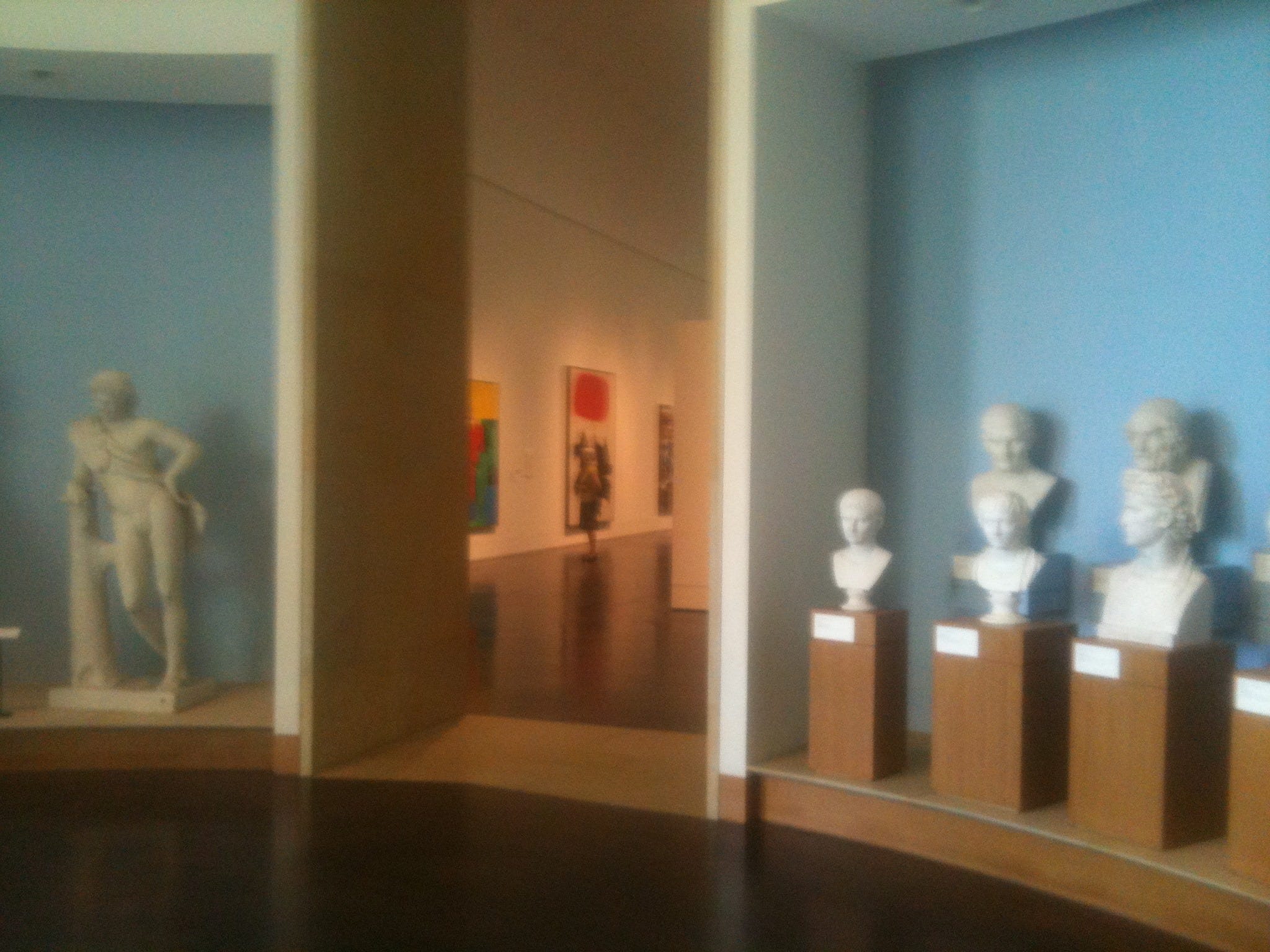
Caesar Augustus in his rendering by an anonymous Roman sculptor is modern and empathic enough to be a Western Buddha or Thomas Jefferson, and he underlies images invoked by Charles Olson in his poem “The Distances,” a mystery trope I memorized and iconicized back in college. Now I saw “old Caesar” and “young Augustus” in another medium and thought about my passage through life from the age of Augustus back when I first read the poem in high school to the age of Caesar now. I am ten years older than Olson himself, our patriarch, when he died.
A lot of modern art, even going back into the mid-twentieth century, is made up of parts of hyperobjects in the sense that Timothy Morton (whom we will meet in a few days) uses the term. That is, the artist presents only the portion of a much greater reality that he can grasp or access, but the portion is constructed in such a way as to cue its meaning contained in an unseen reality which in itself is more massively distributed in time and space, yet also viscous enough to stick to every onlooker, especially in ways that it doesn’t exist materially, ways that are primarily unconscious. In the Blanton, two works of a Persian woman’s op-art-like paintings were especially hyperobjective, having no meaning except to jar one’s visual optics, optical cortex, and brain into a state of axiomatic uncertainty.
Hard to believe, but we missed Dave Insley and the Careless Smokers at the White Horse. It came from trying to get dinner at the Thai Fresh restaurant before his concert, which was 7:30 to 9:00. We started too late, got lost looking for the restaurant, then had to double-back on the I35 access road, plus we had to wait a very long time for the food.
However while headed toward Thai Fresh, crossing over the Colorado River on the Congress Street Bridge, Lindy remembered that the bats come out there at sunset, a much-celebrated nightly event. Pretty certain by then that we would not finish eating in time for the concert, we calculated that we might well be re-crossing the bridge at the bat’s hour. In fact, we were approaching it at 8:20—July 12th sunset in Austin (according to the cell phone) was 8:35:09. As we reached the bridge, Lindy caught on faster than me that this was no incidental deal and the milling crowds were for something big. People were gathering in droves for the event, and they were parking in the Austin American Statesman lot right before the bridge. You see, I misread a sign and thought that they were gathering and parking for a high-school performance of Oklahoma! By the time I understood, I had passed the entrance and was headed over the bridge. I had to turn around on a dead-end side-street at the river and then double-back, a time-consuming event that took us almost to sunset.
A security guard was waving cars in to the Austin American—it was all on the up and up; another was helping people park as if it were a sporting event, and there was no charge. Then we joined in a football- or baseball-like throng leaving our respective cars. The crowd divided. A cadre of people headed right for the bridge; others got themselves seated on a small grass knoll facing the bridge foundation on the southeast side under an Austin American Statesman Bats banner, probably about 150 there, many with cell phone lenses raised expectantly or movie cameras on tripods.
The river itself was filled with waiting boats, kayaks, and even a large ferry. Up above, the pedestrian walkway of the near side of the bridge was packed too and, just as we were trying to decide whether to go for the meadow or the bridge, a spot opened up in the upper crowd and we went for it: the bridge.
You had to wonder if the bats would perform on schedule or if they were even perhaps intimidated by the mob. If this happened every night, perhaps they were inured by now.
Time passed, and nothing happened; yet the crowd seemed undeterred and anticipatory, as though the appearance was inevitable. Those bats were going to come out, no matter.
It was about fifteen minutes past sunset when the first creatures appeared—the unmistakably erratic flying-mammal dance in twilight. After that, it was batmania. They came from under the bridge in such great numbers and moving so rapidly that it was like looking at a moiré pattern rather than individual animals. The exodus was hard to see, let alone photograph in dusk, though flash bulbs were going off everywhere. The wave became a swarm, angling over the river and then traveling in the fading light behind buildings on the horizon, looking like successive swarms of mosquitos. Every time I looked under the bridge, the wave of emerging bats was still undulating, which meant hundreds more per second were emerging. Every time I turned to the far-off buildings, I saw ebbing and waning phases of a heliacal swarm diffusing into the city, ostensibly to hunt the by-ways by night. No, they were hardly intimidated. They might have even enjoyed the audience in their way, a sort of fellow-mammal confirmation of their way of life and nocturnal motif.
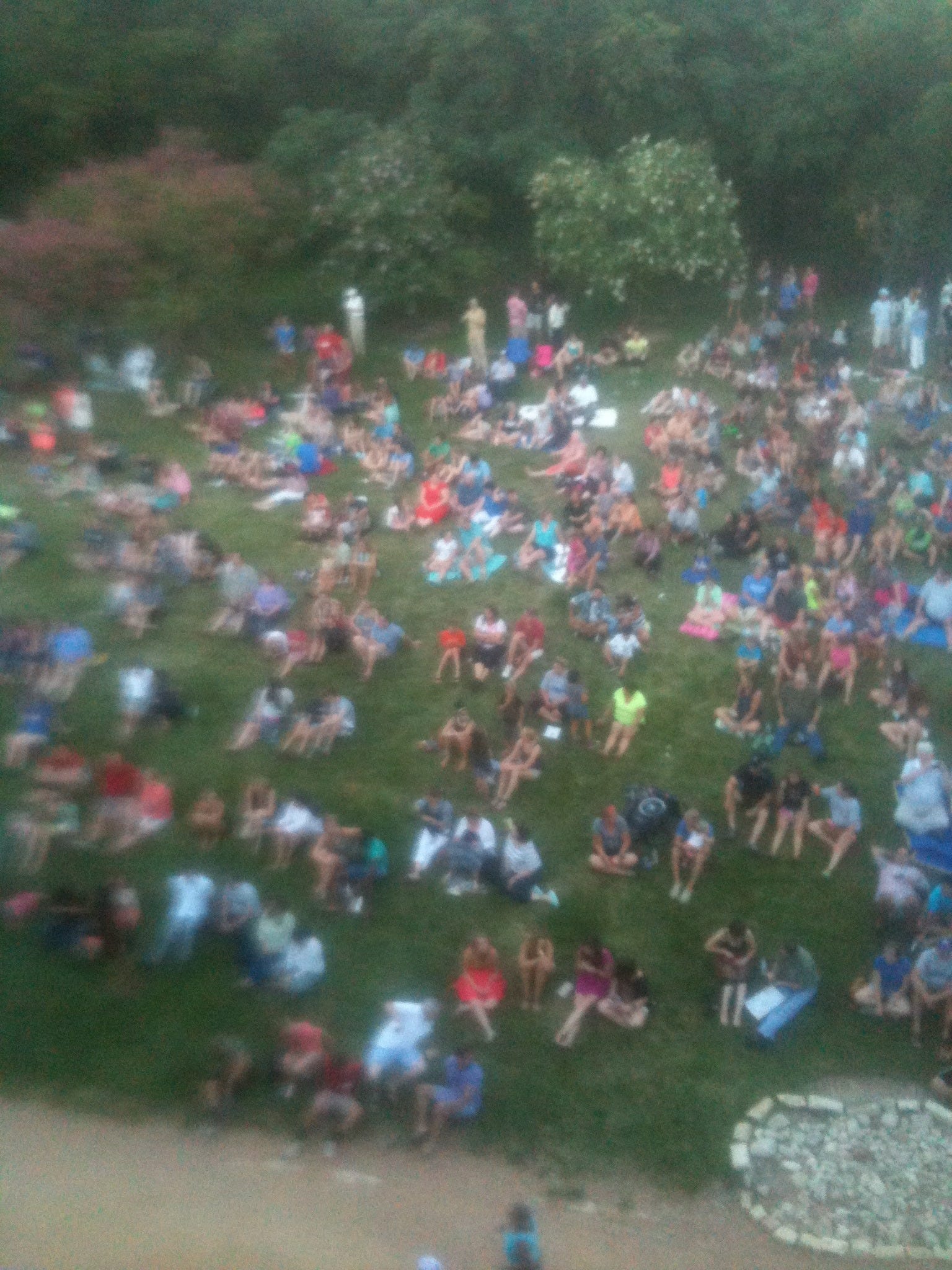
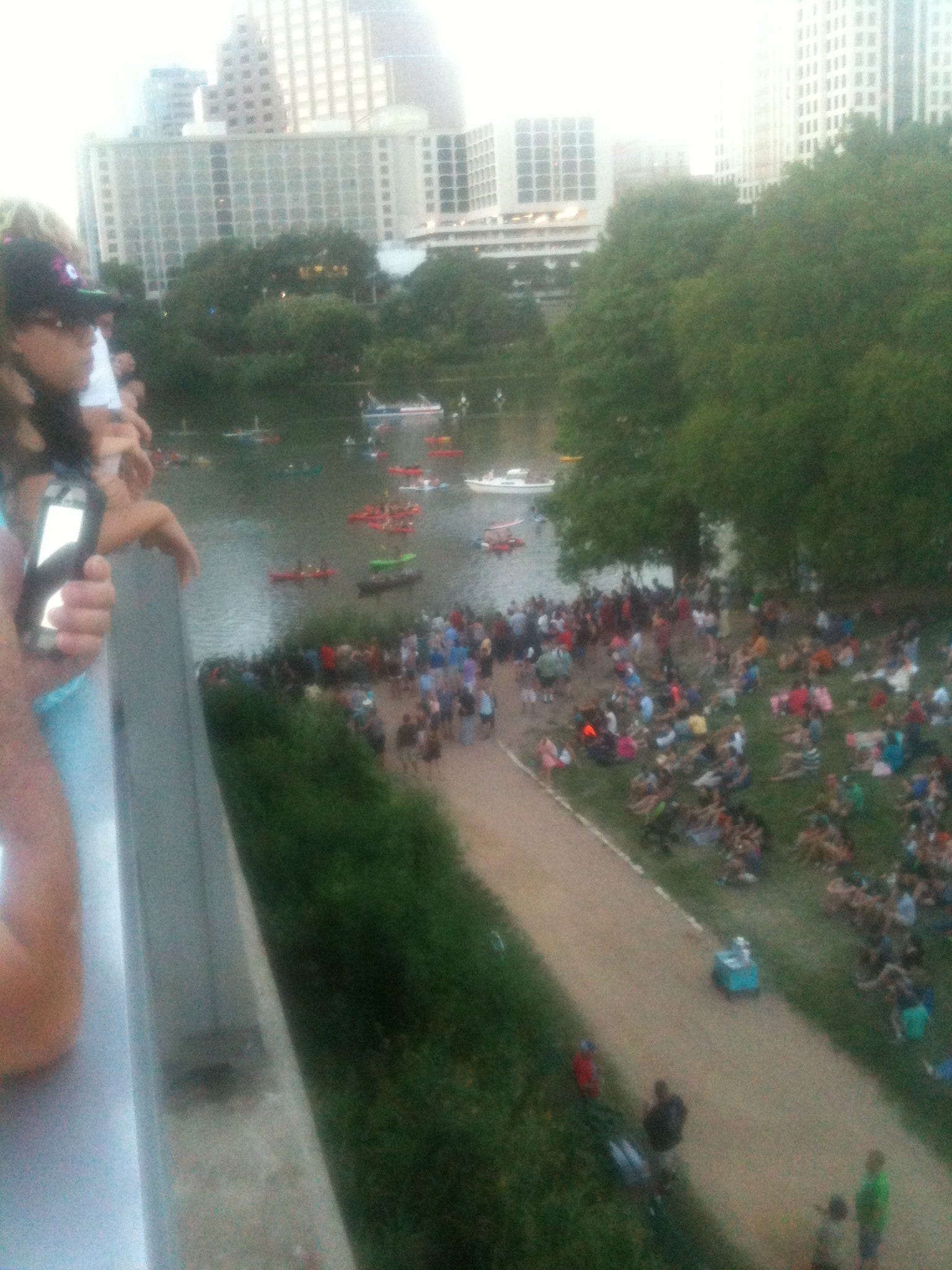
I can’t tell you how many bats emerged overall: certainly thousands, probably tens or hundreds of thousands; it hardly matters. It was the human mirroring of the event that stands out.
I think that it says something, not unrelated to the art museum but much more powerful, that this many people wanted to see bats emerge at dusk—a natural event masking an alien intelligence behind it. After all, it wasn’t Batman they were gathered for or looking at; it was bats themselves, though maybe the two have a prior interreferentiality, as if to say, “I know that we won’t see Batman, but maybe bats are his original force-field and closer to my heart anyway.”
The need to have the natural world mean something, to speak to us, to have the unseen real make itself visible in its proximal aspects, to display as the dark goddess and the pagan veil, is profound and unquenchable enough. For all the superheroes and video games and sporting events and guns, here was something spiritually and nakedly inspirational: a cross-section of the secular populace acknowledging the indelible meaning and essential beauty and mystery of another mind. Coming out of a cultural artifact adapted for their prehuman ritual, the bats redefined space itself with their bodies and hard-wired skills, redefined life and what it means to be here on this planet and express their body-minds. Meanwhile the gathering said that humans are not too far gone during this phase of their video-game, virtual-reality, cash-and-carry commodity obsessions and accompanying mega-extinction of the Earth’s biology to appreciate the planet and the gods of nature, at a vestigial level. It doesn’t help much, but it doesn’t hurt either. It’s a bit of payback for civilization’s worth of betrayal but at least that.
The transmigration of souls in Texas indeed!
Houston
The Houston freeways and toll roads are fast-moving and more complex, challenging, and terrifying than the LA freeways. People seem to believe in their bubbles more fervidly. One keeps getting confronted with having to move over a lane to the left so to not be in an exit lane, while other drivers, pedaling at 70+ will not let you in, on principle. It’s routinely a lane shift and a prayer. Drivers pass on the right at startlingly high speed, everywhere and without warning or concern, even where there isn’t a lane. Markers to tell you what lane to be in for what road and shift are painted on the pavement in front rather than on long-view signage above. And there are many local lane-permission euphemisms about fast-trak, HOV only (High Occupancy Vehicles) not immediately obvious to us). It adds up deficits in the nervous system until you are exhausted and want to scream, “Let me out of this road-rage nightmare?”
What is notable about Texas in general is new construction everywhere. No depression or recession or stagnation here, no sulking while blaming Obama. They can’t build stuff fast enough. Cranes, cranes, cranes, like landers from War of the Worlds. And Houston’s vast medical complex with its idiosyncratically and exotically architected skyscrapers, some circular and webbed, is really a city within a city; it looks like the skyline from a planet circling Alpha Centauri.
Rick Perry may be a lackey for the bosses, but when he sells Texas abroad, say in JBrown’s California, he’s got a legitimate tailwind and serious financial backup. Even rads like Robert Phoenix admit that California is a hopeless tangle of maddening regulations and red tape for them. Can you imagine what it’s like for a big-footprint corporation?
In El Paso, people either locked their doors or (more often) didn’t when leaving their houses for a spell. No big deal either way. As Bobby pointed out, each block is a small community and much of its life takes place on the street, so neighborhood watch is implicit and fundamental, like who is that dude wandering through the barbecue?
In Houston it’s the opposite. Everyone is locking their door and sometimes a double-door as if it were Baghdad and the Sunni invaders could be here any second. You don’t go in the backyard without making sure that at least one of the front doors even has a bolt in place. And I am speaking about autopilot rather than actual concern. No one really expects trouble; it’s a habit and a mood. It was explained to me that this precaution has a lot, but not everything, to do with the 250,000 refugees from New Orleans and Katrina (with Louisiana morals and chutzpah) that this city had to absorb in about a week: school system, social services, hospitals, jails. Home invasion robberies are common. It has been both hinted at and confided to me that the rogues are all black people who have no manners, ethics, or scruples, pure L’siana. This may or may not be the case, I mean the prevalence of the myth; I am just sharing hearsay. If these dudes want the contents of an ATM, say, they steal a pickup, park a block away, tie a chain to the machine, pull it out of the wall with their stolen vehicle, leaving behind debris and collateral damage to the structure (and, later, the stolen pickup). They put the ATM and accompanying chain and cement in their own car for later deconstruction, and leave the scene. Louisiana kids are two to four grades behind their age level and consistently turn down their school lunches with lines like, “We don’t eat this shit.” When told that his Katrina benefits might be cut off, one half-smiling, unabashed chap told a reporter, “If they cut my benefits, I’m gonna have to get my hustle back on.”
I won’t cite my sources, but this was fairly common scuttlebutt.
Of course I experienced none of it directly, only the apocalyptic travel corridor, generating fender benders, stalled trucks, and ambulances. Not an epidemic by any means but a steady enough algorithm to let you know people are driving too fast in their abstracted air-conditioned bubbles.
It was a 162.2 miles from our Austin hosts’ front door to the front door of our friends in Charlestown Colony, Bear Creek, suburban Houston, and that includes a spell of getting lost after Interstate 10. We detoured farther south to Houston (instead heading through Dallas, the more direct route to Maine); we did so for very different reasons because it was really out of our way and we faced a huge haul north.
First, we wanted to meet two authors, who are professors at Rice University, Jeffrey Kripal and Timothy Morton. Second, we wanted to visit Bill and Paula Blakeslee.
These have disparate back stories. Bill worked in the convention department of Grossinger’s, my father’s hotel, in the late seventies when we visited regularly from Vermont and (once) from California. He is thirteen years younger than us and back then was a man in his early twenties at his first gig (out of Elmira-Corning, New York, by way of a job fair at his college, SUNY at Delhi, hired before he even graduated, initially to do kitchen preparation, but he later persuaded them that he was management material). That was when Lindy met him while she was using my stepmother’s office in which to write during our visits there. Their conjunction created a bit of an anima-animus thing; she wrote a short story about it and him, gave it to him, and also signed and gifted a book of her poems. Approximately thirty years passed since then. We moved to California, and Grossinger’s went out of business. It was a big surprise when, in the mid aughts, Bill tracked Lindy down online and told her how he had reread and valued those poems of hers over the years. In 2008 he came to the Bay Area with his wife Paula and visited with us in Berkeley.
We don’t share a large intellectual realm, but we had enough of an overlapping sector of American pop culture for conversation, plus Lindy intuitively connects to people. Bill is, to work an overworked cliché, the nicest guy in the world—gracious, generous, receptive, open-minded, thoughtful not just at random moments but as a general practice. If anyone is inconvenienced or he gets in their way, he apologizes with credible sincerity even if the misstep it’s not his doing. He treats his employees royally like family. He will even drive a worker lacking a vehicle to his or her home at the end of the day. He still plays pick-up basketball with much younger guys. One of his favorite comments is “There you go!” That’s a nice guy’s signature phrase; the kindness is in the blood.
He told us that his father once said to him, “‘You bring me gifts, fill my car with gas, wash it, vacuum it, leave me beer, mow my lawn, do the edging with the clippers. You are a decent kid. Your brothers drink my beer, eat my food, use up the gas in my car, leave a mess, and then ask for money to get them home.’ And I didn’t solicit that from Dad. He just said it.”
Bill runs Del Vecchio Foods, which is—there is no other way to put it—a sausage factory. It is located in the Chinatown/Japantown district of Houston, when street signs are, I think, both Japanese and Chinese as well as English.
You might wonder (but probably not) how, in this bizarre samsara, one goes from the Tree of Life to a sausage factory in the same pilgrimage within the a labyrinth, but really, when you come right down to it, aren’t they both part of the same connected reality along with Juarez, Slaid Cleaves at the Cactus Café, the Scratch Lounge, and bats at twilight? I don’t think that the slaughtering and grinding up of pigs, decidedly non-range-fed pigs from Oklahoma, to fashion a variety of “all-natural” sausages is a wonderful thing in itself, but it is on the same vibration as all the rest of what is happening: the roads that got us here, the petrol products that make Texas Texas and the West the West, the vast infrastructure beneath “Messages from the Afterlife,” Tree of Life, Billy Fingers, the El Paso zendo. There’s no good and bad, right and wrong, as such at our level. We don’t suddenly leave the sacred for the secular or vice versa. This is all one phase, one big bell ringing in a one big spacious sky, generating one reality, for the Dalai Lama and al Qaeda both. All this stuff we are encountering, from Tree of Life to Del Vecchio Sausage, are somewhere in the vast American upper-middle-class middle ground and Planet Earth’s physical-plane vibration.
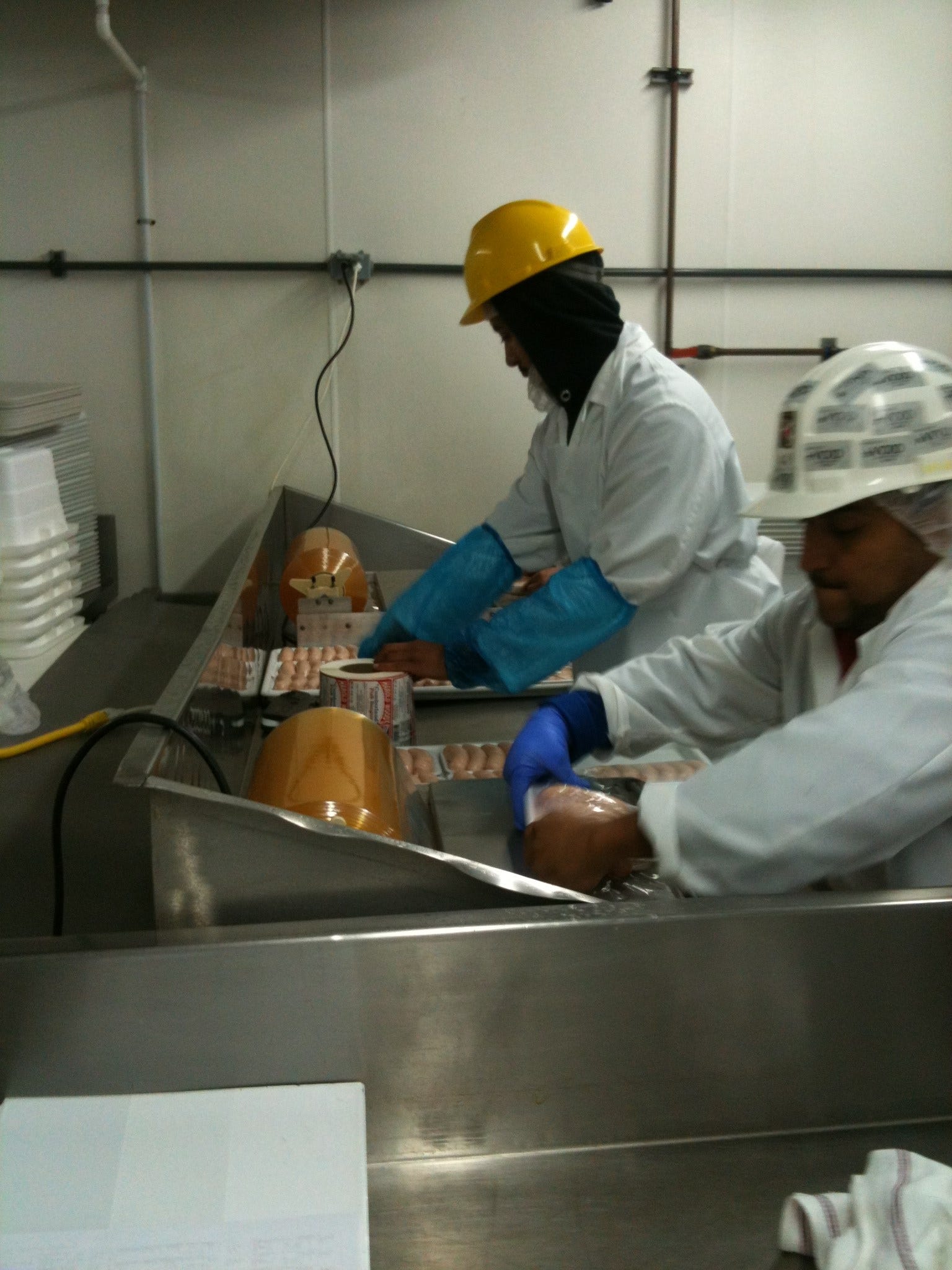
When we got our tour of Del Vecchio’s Foods, what I saw were men in honest well-paid employment, supporting families, collaborating in a very cold room with good spirit and camaraderie, a bounce and spring in their step and repartee. That doesn’t help the pigs much, but you can’t cover every base, let alone all of them at the same time. There are plenty of other victims on the road from to civilization and prosperity, from the birth of the symbol through the migration of sentient beings into modernity.
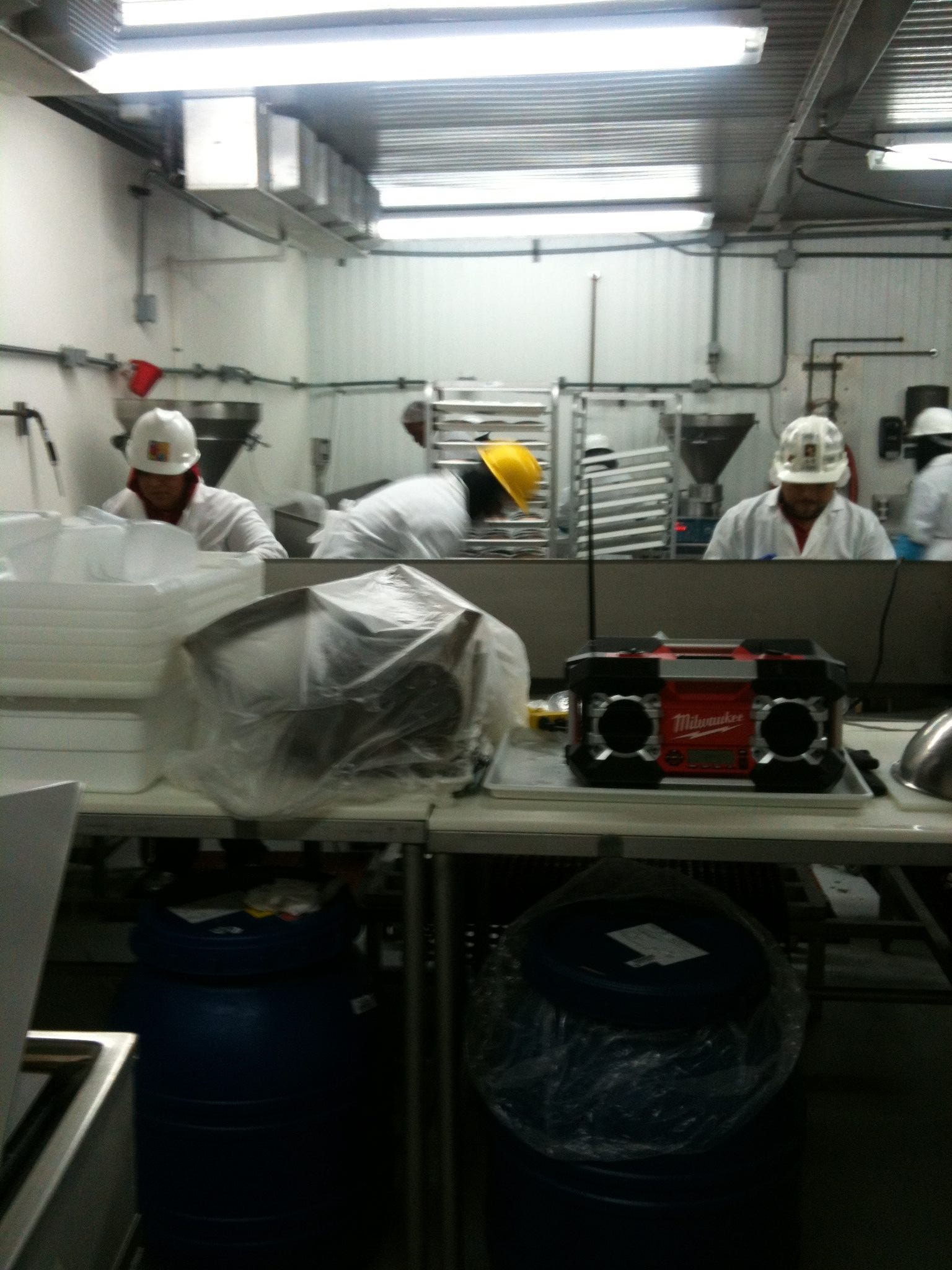
Who was Del Vecchio to Blakeslee? Well, after Bill left Grossinger’s in 1979, he and his Elmira-Corning buddies discovered that there was no suitable work in New York State, so they migrated en masse to Houston (for mutual support and to keep their community intact). Bill met Paula while working food management for Exxon Chemical where she was an executive secretary to a vice-president.
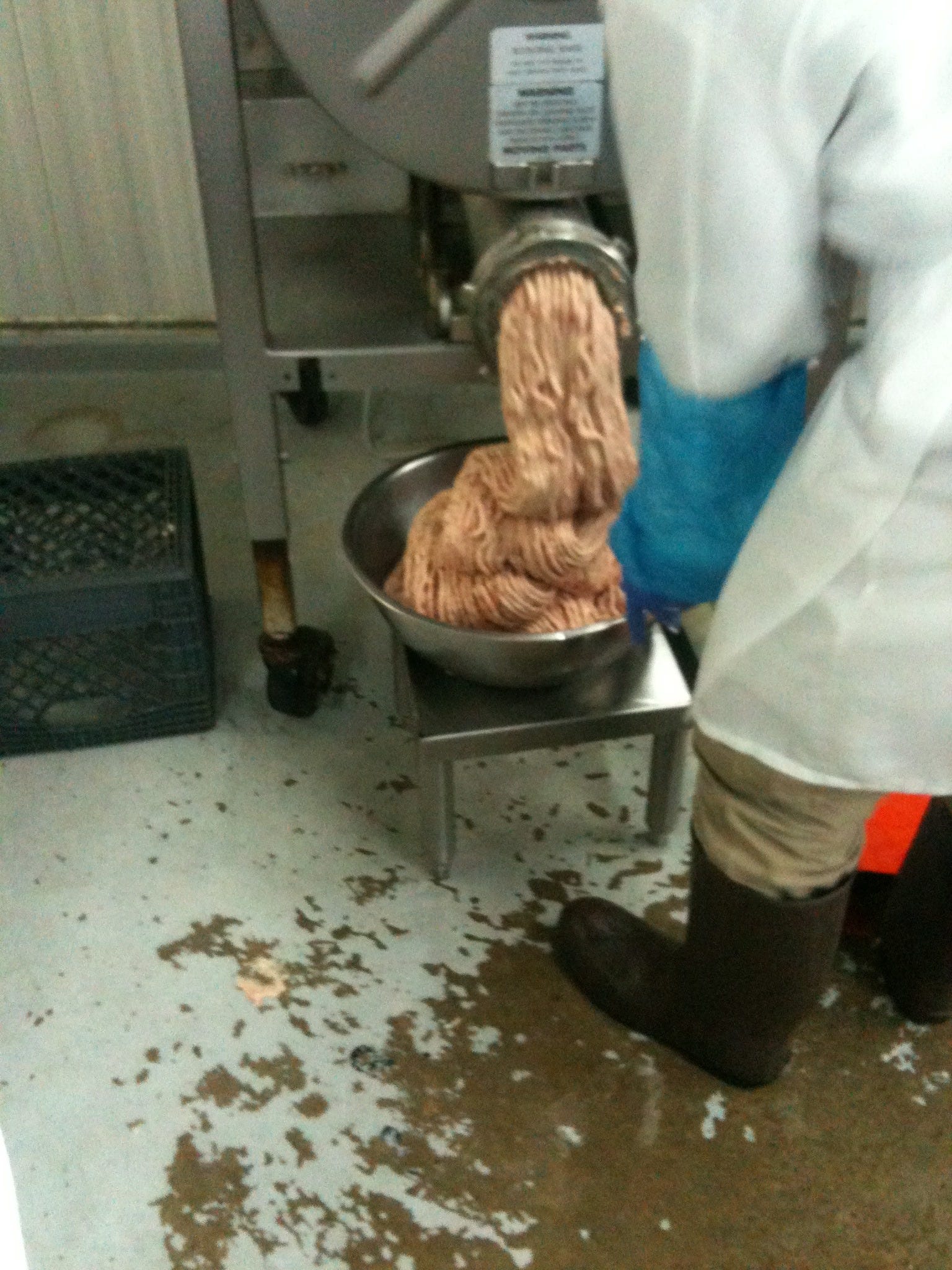
Frank Vecchio (Del an ornamental preposition—“of” in Italian and Spanish) was Bill’s neighbor in Elmira (actually Big Flats, between Corning and Elmira); he followed the crew to Houston a few years later. First, he tried industrial food service but didn’t like the bureaucracy and unforgiving in-step regimentation, so he proposed to the boys tackling something risky and entrepreneurial: “I can’t pay you much, but at least it will be ours.” He started the sausage factory in partnership with Bill but died of a heart attack two years later. Bill was heart-broken—he loved the guy, had known him since he was a teenager—so he bought out his widow and has been running the factory since.
Frank’s ashes rest in a case in the main office, though there aren’t many of them left despite that he was a full-sized man because thieves broke in and stole, among other things, the urn, spilling what didn’t leave with it. What’s on the shelf had to be salvaged from the desk and floor.
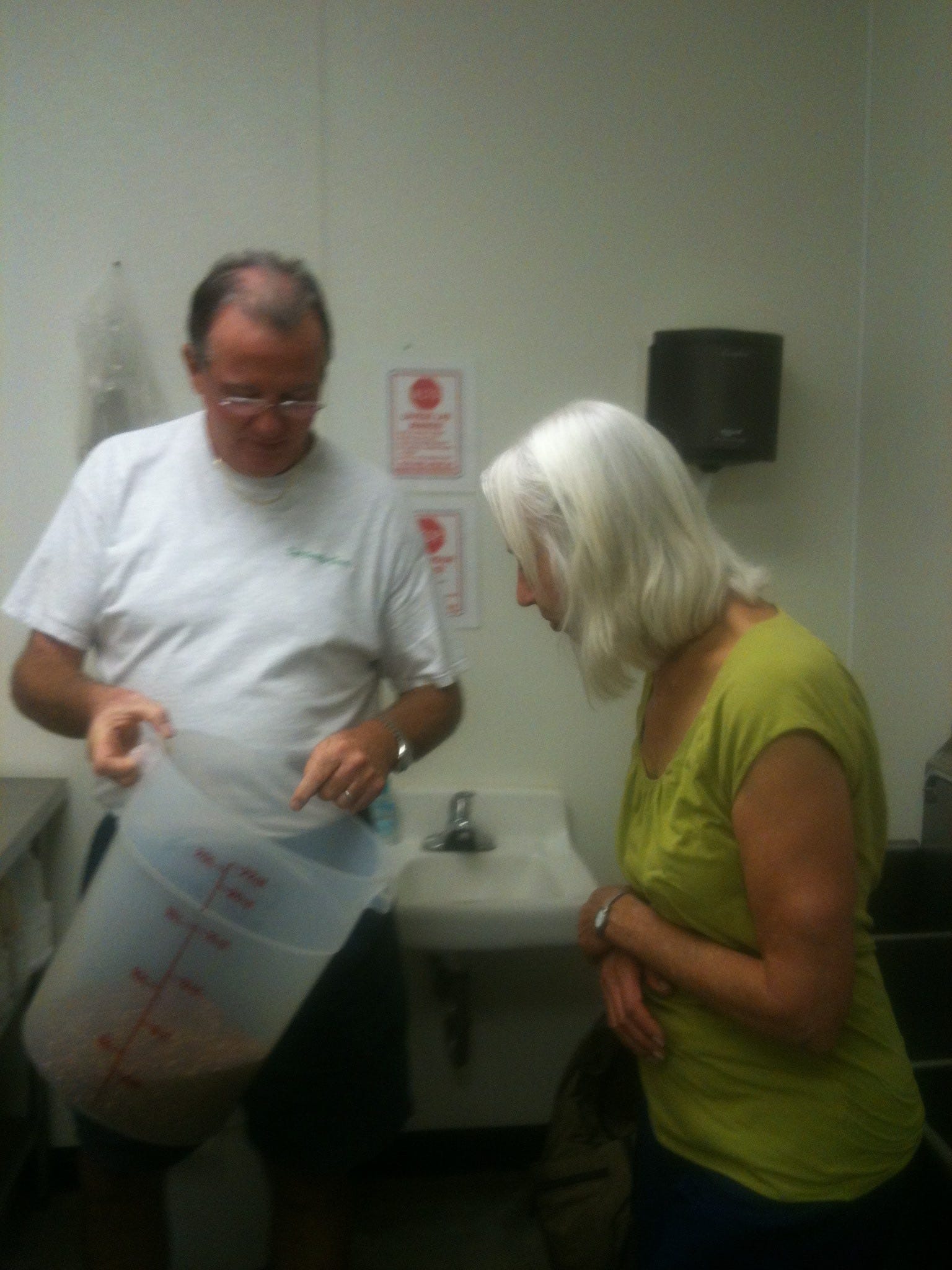
In my sharing photos of Del Vecchio’s, you can see Bill, Lindy, and me dressed to enter the action zone, Lindy sniffing the oregano as Bill holds it out (very sweet in that quantity), then the men shaping raw materials into products on order.
The place is mainly about maintaining absolute coldness, keeping scrupulous records, and providing the little things that Government inspectors look for. The USDA even has its own desk and small office because someone from the agency is there all the time. Every movement of every batch of meat, whether sausaged yet or still raw ingredients, has to be tracked and catalogued. In fact, there are computer chips that retain the high and low experienced by every shipment of sausage and in every storage batch. In that context, there is a large -4 degrees storage chamber, a temperature that has become the industry standard in a very competitive business. You are selling negative degrees; it’s a big “extra,” a valuable commodity, Bill explains. Zero-degree trucks make up the company fleet.
Del Vecchio’s varieties of sausages are used in restaurants locally but travel as far as Boston and Washington State and are about to debut in Mexico City once the NAFTA-related paperwork is completed. This fare includes English bangers, classic Italian sausage, Argentinian style sausage (Bill’s bestseller, using the herb Aji Molito imported from Argentina), Cajun sausage, bratwurst, and pork ducken dressing.
The gist of the factory (again) is paperwork, as if a continuous scientific experiment were being conducted, except the experiment is life: a lot of ground-up pig (and some chicken, turkey, and duck). This fact has to be overlooked in order to maintain sanity, for employees too I think, but which of course registers karmically in the overall picture, meaning not on Bill’s conscience per se but all of ours, all of us who are in the game and surviving by consuming the metabolic and etheric energy of other life forms. As an Eskimo sage puts it:
“The greatest peril in life lies in the fact that human food consists entirely of souls. All the creatures that we have to kill and eat, all those that we have to strike down and destroy to make clothes for ourselves, have souls like we do, souls that do not perish with the body, and which therefore must be propitiated lest they should revenge themselves on us for taking away their bodies.”
On our first full day in Houston, Paula ferried us to Del Vecchio’s for the full tour, then into the museum district. This was air-conditioned bubble-driving at its best, 70 mph, lots of sudden braking, with the car in front of almost bumper to bumper. When Paula changed lanes, she just did, letting the pieces fall. She liked to say to no one in particular (and without looking), “Thank you for being a gentleman,” or “Thank you, ma’am,” when the reality was usually the opposite.
We were ostensibly getting a taste of downtown, but we never saw anything like a New-York-style or even San Francisco urban cluster. Houston is a very spread-out place. In our three days there, Lindy and I took three ordinary downtown trips, and it amounted to more than 150 miles. It’s usual to go thirty miles to shop or see friends on a combination of 10, 610, 59, and other roads.
That day we ultimately opted for the Asia Society Museum and Restaurant as our best option. That reminds me of another Texas thing: fairly fancy restaurants without waiters or waitresses (Thai Fresh in Austin, for instance, or Swad, the Hari Krishna Indian place where we went with Neil and Elizabeth our last night). You order at the cash register; they stick a number on your table, and then the food arrives. Add the Austin Art Museum, the Asia Society, and, later, Rice University to the list. Yeah, I know it’s common otherwise too, but it’s more startling at upscale places.
It was not easy finding the Asia Society, and we saw a lot of that part of downtown Houston in the process, also got in some high-heat-and-humidity walking. (There was however a brief torrential thunderstorm just after we arrived the day before, even continuing after the sun came back out brightly shining, a quickly disappearing stream in the street.) I was particularly taken with the trolley—I tend like idiosyncratic public transports like the gondola linking upper and lower Quebec City. Houston has a major trolley line, so I took a picture of it and almost got run over. Lindy and I also had a bad moment when we mindlessly followed Paula into a street against a red light and encountered a stampede of cars. We had stopped thinking for ourselves; we went when she did.
The Asia Society featured a large, carefully curated exhibit entitled “Gods of India.” As we entered, a bunch of exuberant Indian school children and their chaperones were exiting in much disarray and bickering among them, especially across age gaps, grandmothers with their saris and jeweled faces shooing along veering tots.
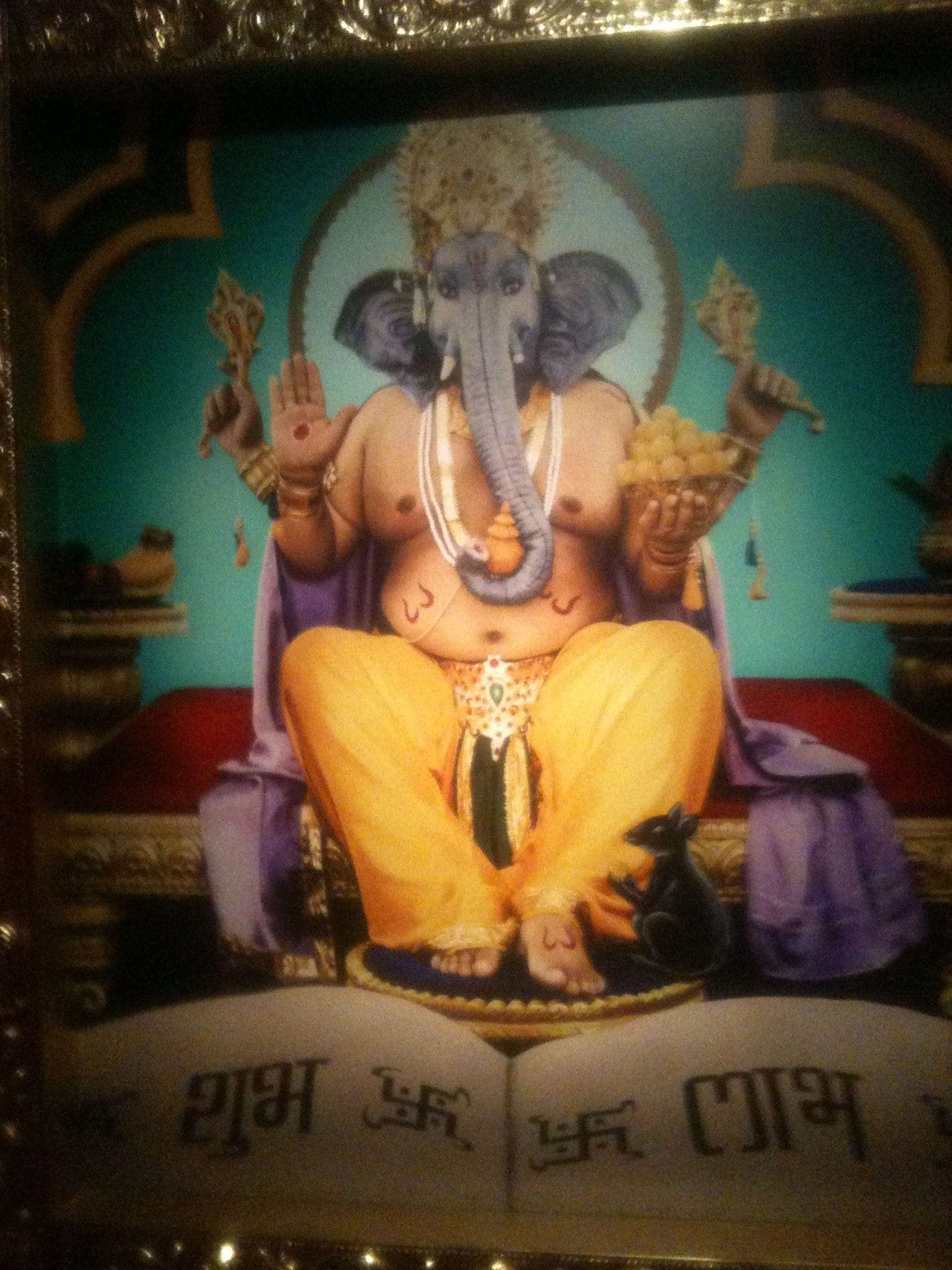
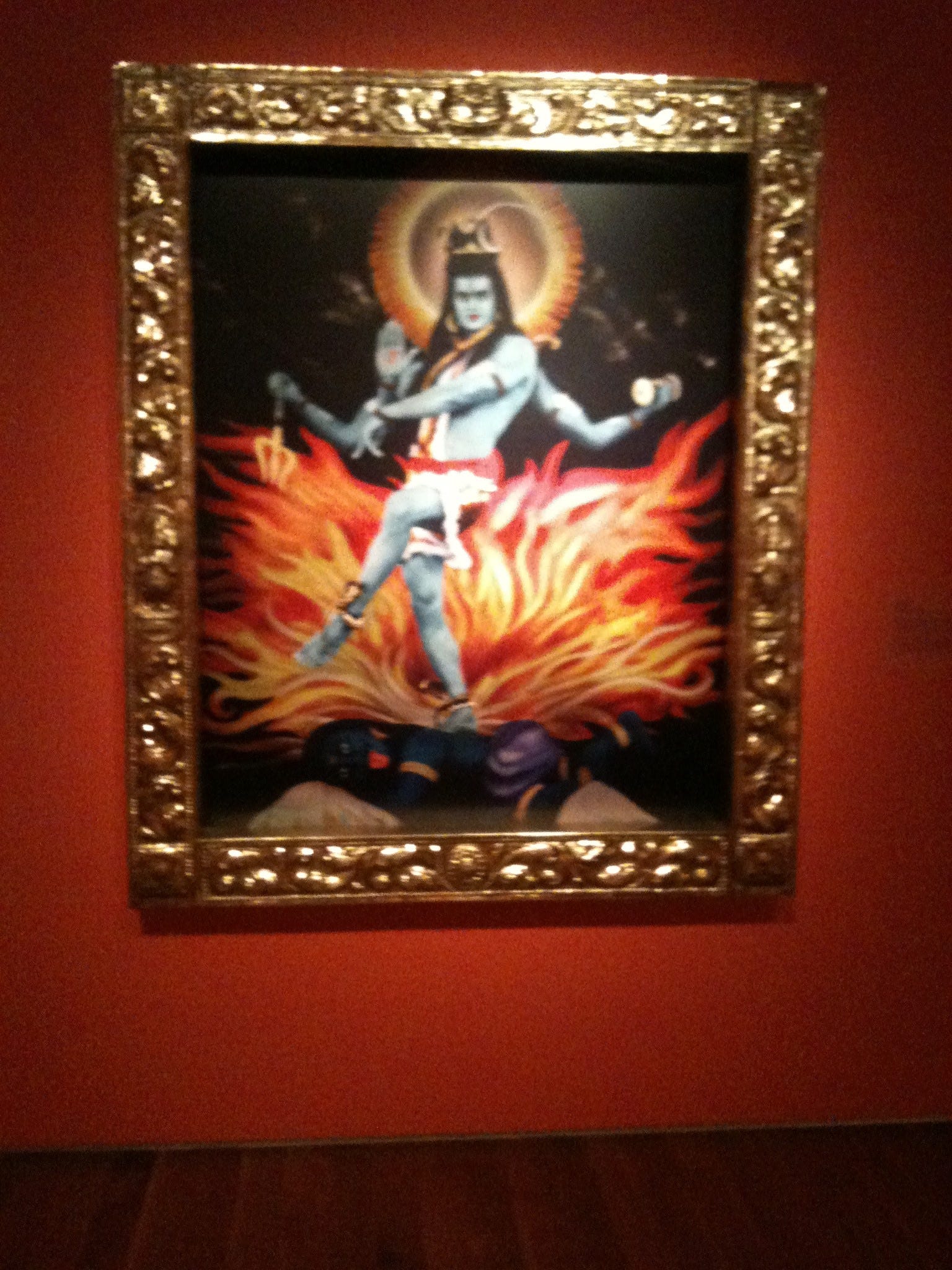
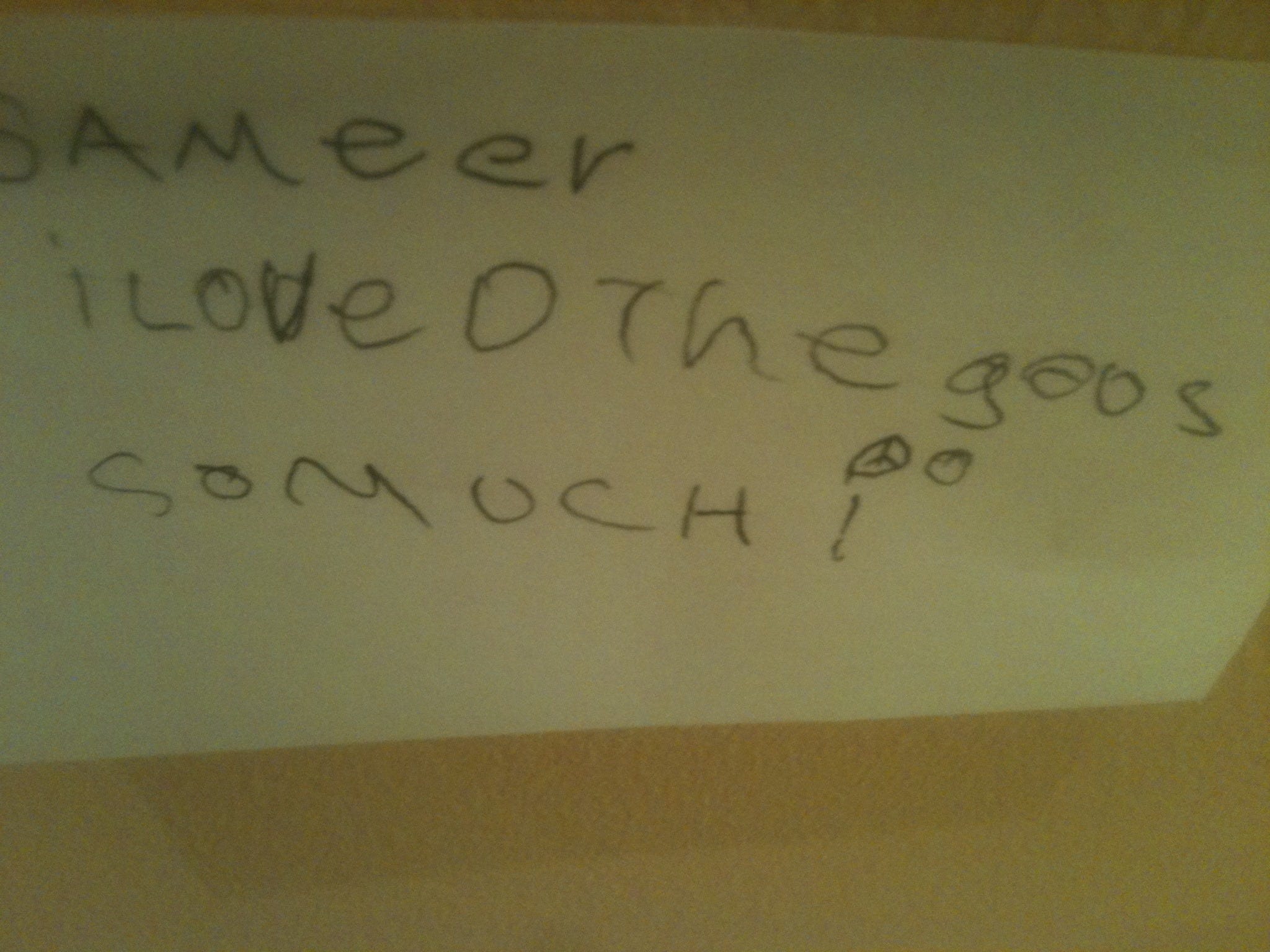
The exhibit consisted of three versions of gods like Ganesh, Kali, Shiva, Brahma, Lakshmi, and crew. The first was classic old paintings. The second was chromolithography on heavy paper with glitter. The third was giant modern photographs of Indian media stars (but also a stewardess and a CNBC anchor who became famous for appearing in these very photographs) posing amid much paraphernalia and costuming as each of the gods. A bulletin board and post-its were provided for comments, and the kids we had just seen had participated. My favorite was Sameer’s: “I love the gods so much.” Many of the others proposed about the same, just not as superbly.
We hung out with Jeff and Tim for dinner that night and then on the Rice campus the next morning through lunch. Our dinner group included Jeff, Tim, their wives (both of which Lindy and I remember vividly but, unfortunately, namelessly), and Tim’s children, Claire (12, I think) and Simon (5). This girl and boy were more than patient; they were beatific, charming, articulate, elegant (they do brief daily meditation practice, a gentle training that no doubt helps). When we got together on the Rice Campus, they came along because it was, as Tim said, it was “Camp Daddy” day. The wives weren’t present for that (except Lindy).
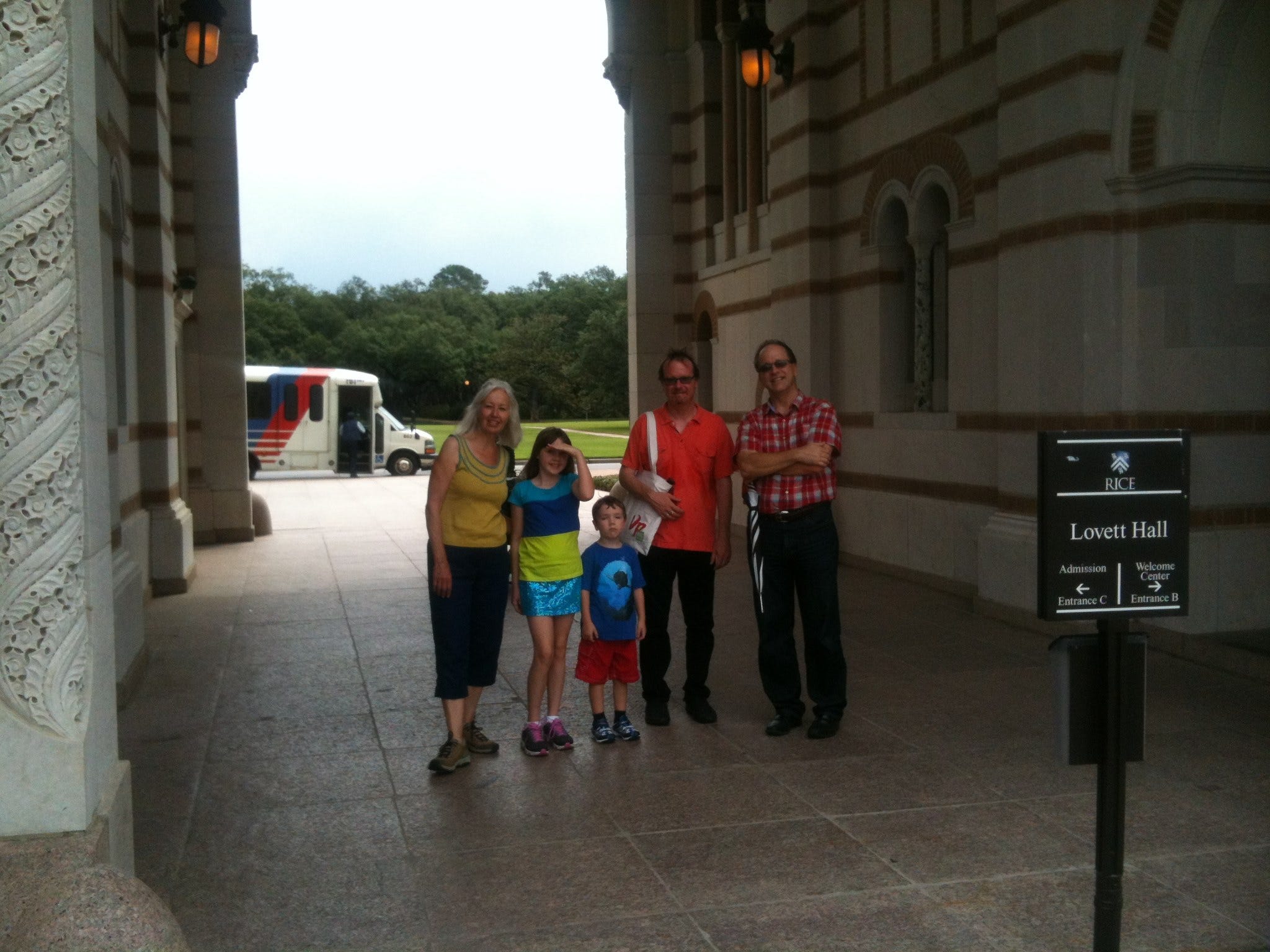
During the two events we had a riveting, hilarious, also gritty running conversation that would be impossible to reproduce without notes. I would mainly like to herald and recommend both these guys’ works. Different from each other as they are, they are at the vanguard of an unnamed, post-deconstructionist new wave of academic (really anti-academic) intellectuals of a sort that Rice turns out to support without holding them gratuitously hostage to the professional academic rules.
I met Jeff at a distance when a mutual friend, Bill Stranger, recommended him as an intro writer for the first volume of my book, Dark Pool of Light: Reality and Consciousness. Jeff came through big-time. I didn’t know his work at all, just knew that he was chairman of the Department of Religion at Rice and had written a history of Esalen Institute in Big Sur: The Religion of No Religion.
Then earlier this year while I was fine-tuning a revised edition of The Night Sky, Frederick Ware, an American architect working in France and a long-time reader of my books going back to the seventies and Spaces Wild and Tame, told me that I just had to check out this guy Timothy Morton on topic of hyperobjects on YouTube. Though discovered as I was refining a final draft, Tim’s work quickly became integrated into a few key sections of my book; for instance, the chapter on “Quasars, Pulsars, and Black Holes” turned into “Quasars, Pulsars, Black Holes, and Hyperobjects.”
I sent an email to Jeff soon afterward and asked if he knew Timothy Morton, and he wrote back, “Like Tim’s just about my best friend here.”
Tim is relatively new at Rice (two years in Houston after UCDavis; before that, Oxford, Princeton, and Boulder). He was practicing not in the Religion or Philosophy but the English Department, teaching the Romantics and Victorians and How to Read a Poem among other things. Jeff by contrast had been at Rice twelve years, chairman of his department for eight (a stint just concluded).
It was in that series of email communications with Jeff and then our subsequent exchanges about re-routing our road trip through Houston that an evening got put together and assigned a firm date several months in advance. It was on the docket for so long that it became referred to “our epic dinner,” as Jeff refined details like time and directions, changing the former as our own timing changed. We both enjoyed the fact that it was absurd on the face of it: couple drives from Berkeley to Houston for a July 15th dinner with two albeit radical dudes. Yet it was an immovable bellwether, and other travel agendas and trajectories were set up in relation to it, as it was about a hundred miles closer to the Gulf of Mexico than we needed to go. Here is a synopsized favorite quote from Jeff’s Authors of the Impossible: The Paranormal and the Sacred, which I was reading on the road trip:
“It is almost as though the real needs the fake to appear at all, as if the fact relies on the fiction to manifest itself. . . . It is not as if the appearance of the sacred can be reduced to a simple trick, as if the shaman is just a sham. It is as if the sacred is itself tricky. Even the well-documented medical placebo, after all, is a fake that has real effects…. [P]sychical researcher Russell Targ…first became aware of the reality of telepathy when, as a young stage magician in New York, he realized that he was receiving genuine telepathic information from within the mentalist trick he was performing on stage. The trick was a trick, but it was also, somehow, catalyzing the real deal.”
Now on Tim. Hyperobjects are vast events made up evolutionarily, thermodynamically, semantically, and iconographically of natural and cultural objects colliding and forming mega-octopus-like realities of more than three dimensions, so large that they overwhelm human capacity to cognize or understand them. They are outside of ordinary time and space but profoundly influence them (and us). Check out his University of Minnesota book Hyperobjects: Philosophy and Ecology After the End of the World, which I didn’t read until just before the road trip. Before that, I ran together a bunch of Tim’s YouTube sound bites and online quotes from his books in describing hyperobjects in his words for The Night Sky. He depicts five key properties:
One, Viscosity: The more we know about hyperobjects, the more we find that we are glued to them. Hyperobjects adhere to any other object they touch, no matter how hard an object tries to resist. In this way, hyperobjects overrule ironic distance, meaning that the more an object tries to resist a hyperobject, the more glued to the hyperobject it becomes. We find ourselves unable to achieve epistemological escape velocity from their ontological density, just as we were beginning to enjoy our ironic free play. No fair!
Two, Molten Temporality, e.g., Salvador Dali’s paintings of melting clocks: Any massive object distorts space-time. Many hyperobjects really are massive enough to do this for real with visible effects as in the case of Planet Earth itself. . . . Hyperobjects are so massive that they refute the idea that space-time is fixed, concrete, and consistent. There is no such thing as a rigid body extended in time and space for this reason. And for every object, there is a radically unknowable space and time because the speed of light sets limits on what objects can apprehend. Hyperobjects end the idea of absolute infinite time and space as neutral containers.
Three, Nonlocality: Hyperobjects are massively distributed in time and space to the extent that their totality cannot be realized in any particular local manifestation…. Phenomena such as rain . . . become a local manifestation of nonlocal objects. Thus hyperobjects play a mean trick; they invert what is real and what is only appearance. . . . The wet stuff falling on my head is less real than the global warming of which it’s a manifestation…. Likewise, objects don't feel global warming, but instead experience tornadoes as they cause damage in specific places.
Four, Phasing: Hyperobjects occupy a higher dimensional phase-space than other entities can normally perceive. . . , which is why they are partly invisible to us three-D humans. They seem to come and go like seasons; yet really they continue to unfold elsewhere than where we look.
Five, Inter-Objectivity: Hyperobjects are shared by numerous entities in a . . . vast nonlocal configuration space … of entangling ecological interconnectedness . . . that I call the “mesh. . . .” Hyperobjects are formed by relations between more than one object; consequently, objects are only able to perceive to the imprint, or "footprint," of a hyperobject upon other objects, revealed as information.
Tim is a mixture of—well, this is a bit of hyperbole—Mick Jagger, Tom Pickard (of Guttersnipe), C. S. Lewis, Namkhai Norbu, and Ken Loach. You can read most of Hyperobjects without even realizing that he has logged serious Dzogchen Buddhist practice. I said to him on the 15th at dinner, “The Buddhism is subtle, but it’s there.”
“I’m a crypto-Buddhist,” he replied. “That way people don’t have objections they might otherwise have.”
He is both modest, polite to a fault, and outrageous. He has a way of making two sides of an issue (what we would usually called the “good guys” and “bad guys,” like the climate-change-is-real, do-something-about-it adherents and their climate deniers, into facets of a single, greater, elusive, rearranging-everyone’s-thoughts-and-deeds-in-inexplicable-ways hyperobject.
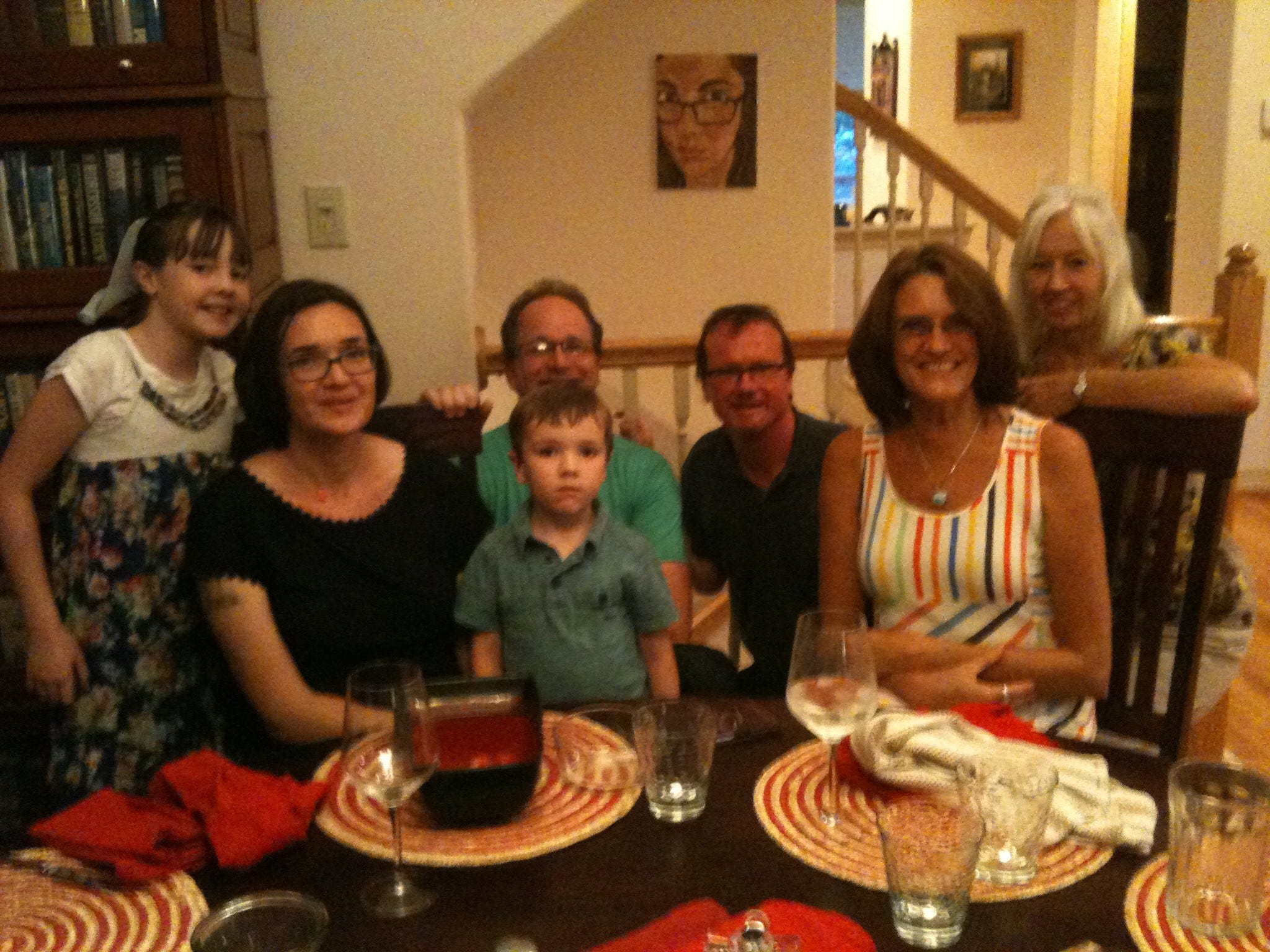
In the course of the evening, some interesting less-than-six-degrees-of-separation details popped out: Tim knew the poet Ed Dorn and his wife Jennie (in the last years of Ed’s life) in the late nineties in Boulder where he also worked in the English Department with my Amherst sophomore-year room-mate Marty Bickman. Then he replaced Io mentor Gary Snyder at Davis.
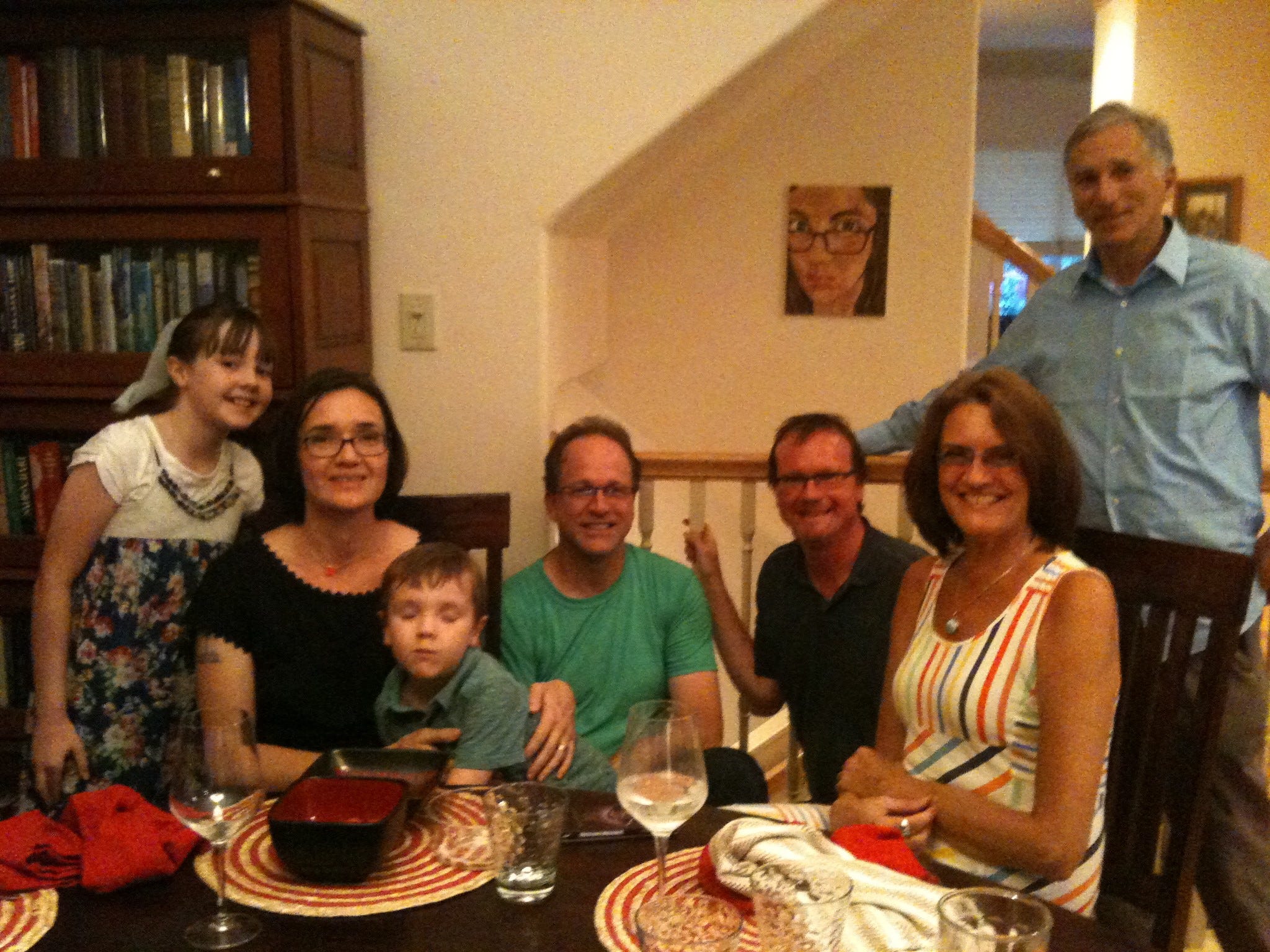
In the ways in which they are both similar and different, Jeff and Tim sweep across somewhat-congruent, fantastic landscapes of the Anthropocene. Jeff tracks the convergence of the paranormal, UFOs, pop culture, superheroes, traditional religion, and cultural symbolism. This is an active intersection not very thoroughly logged. I can’t begin to do justice to the depth at which he analyzes the confluences, but one major feature encompasses the tracking of enigmatic, shape-shifting modalities across centuries: Clearly at earlier times in human history, paranormal events—as blatant as praying to God or, earlier, the gods, or receiving supernatural powers from—were taken for granted as what they were ascensions into a higher dimension and phase of intelligence. Then in the context of emergent science, while they were refuted on one level, they were being re-assimilated on another. Ancient, fathomless human potential could still flourish in a world of burgeoning metaphysical materialism without either one undermining or able to evict the other. Human potential could be reassigned to parapsychology and superheroes without any need for a resolution of its actual position in a puritanical Darwinian regime.
Jeff points out that culture not only determines social and behavioral realities in the usual anthropological sense but also actually creates reality in an explicit shamanic sense. In fact such perennial magical acts as remote viewing, telepathy, telekinesis, future sight, and the like took place quite often and convincingly in the nineteenth century in a scientific environment when many people still believed in them and in the integrity of the human soul. Jeff points out that this was not a consequence of sloppy, naïve, or insufficient documentation; nineteenth-century researchers thoroughly vetted and double-blinded their experiments, documenting them over hundreds of pages, far more thoroughly than even much twenty-first-century research. Something else was happening that it is not happening now—perhaps because we won’t let it happen, so it takes other forms (like comic books). The underlying form retains a fluidity in the underlying human psyche and meta-body.
Superheroes in their current prevalence reflect, in part, the denial and suppression of the human capacity for psychic transubstantiation and other materialism-defying feats; they are their metaphorical representation, camouflage, superegoic sublimation as well as their artistic expression. The next book of Jeff’s I am going to read speaks to this directly: Mutants and Mystics: Science Fiction, Superhero Comics, and the Paranormal. He gave Lindy and me a copy (along with four others) in his office on our day at Rice.
I had no inkling of how intellectually liberal and pantheistic Rice University was, let alone that it had such a beautiful campus or sympathetic administration. On the ground it looks more like Princeton or a very large Amherst or Williams than the University of Texas or the University of California at Berkeley. Tim pointed out, as we walked, how the whole place exudes a mellow spiritual energy communicated by patterns in building design and layout of paths and by the fact that the university is implicitly devotional but nonsectarian. Thus, gargoyles and other stonework on its buildings show secular endeavors or embody careers and education in one form or another. The engineering building could pass in most venues as a chapel with its cathedral-like ceiling painted with what could only be called, with Tim present, cubist hyperobjects. The official chapel itself exhibited no Christian references at all, though its stained-glass windows let in a timeless sacred energy. Certainly God could appear on occasion as neutral multicolored etheric light. So could a superhero.
Another kiva-like open pyramidal building—and I wasn’t paying enough attention to get this quite right—is set up to transform the sunset into pure rainbow colors at a designated frequency of chromotherapeutic purity.
Toward the end of our tour, we saw a formal ritual space through which students walk once as freshmen and agree not to walk again, though it is right in the middle of the action, until the day of their graduation.
Who would have thought: Rice University is a forerunner of the renegade collegium of our possible future—a utopian flame-bearer in a dark time. I am sure there are flaws. How could there not be? But a university in the city limits of corporate Houston is a placeholder for an academy of ecologists, lamas, and sorcerers, right in the heart of a hidden pagan Texas, while Rick Perry blusters about his Chamber of Commerce biblically tinged business in blissful ignorance.
Again, my attention and recall are not wholly reliable but Jeff and Tim explained to me (in tandem during our walk and tour), that Rice was founded on a murder mystery. At the turn of the nineteenth century into the twentieth, William Marsh Rice was apparently poisoned fatally by his attorney after he left the bulk of his money to start the institution. A second will then appeared, deeding everything to the attorney. This document was later dismissed in court, so the university got to be built. Rice’s lawyer turned out to be the grandfather of James Baker, Chief of Staff for Ronald Reagan (late in his presidency) and George H. W. Bush (early). There is a James Baker Center on campus dedicated to something like “Democracy: Ideas and Action,” perhaps a concession left over from the second will, also a bit of Orwellian misdirect.
Tim described the Baker building, as it emerged in our view, more properly as the “Center for World Domination.” Of course it didn’t actually say that on the outside. When we got to the front, Tim added that he taught a class in that building, so he knew that the elevator is this amazing vehicle with a ceiling that glows phosphorescently like the cosmos, filled with light sources and a fathomless, celestial blue light. He characterized the impression as: “Someone needs to take charge of the universe and keep matters in order, and we do it here. Not because we’re evil or power mongers or obsessed with Manifest Destiny and protection of corporate entitlement, but because someone has to do it, and we’re the ones.”
By the way I wrote almost this entire blog lying around Bill and Paula’s living room while Bill showed off his speaker system by blasting the Eagles (“Hotel California,” “Desperado,” et al.) and Ziggy-Stardust-vintage David Bowie, and he, Paula, and Lindy alternately jived and acted like teeny-boppers, reminiscing about their youths and rock concerts and dances while razzing me for working so seriously on my blog and wondering how I could even begin concentrate.
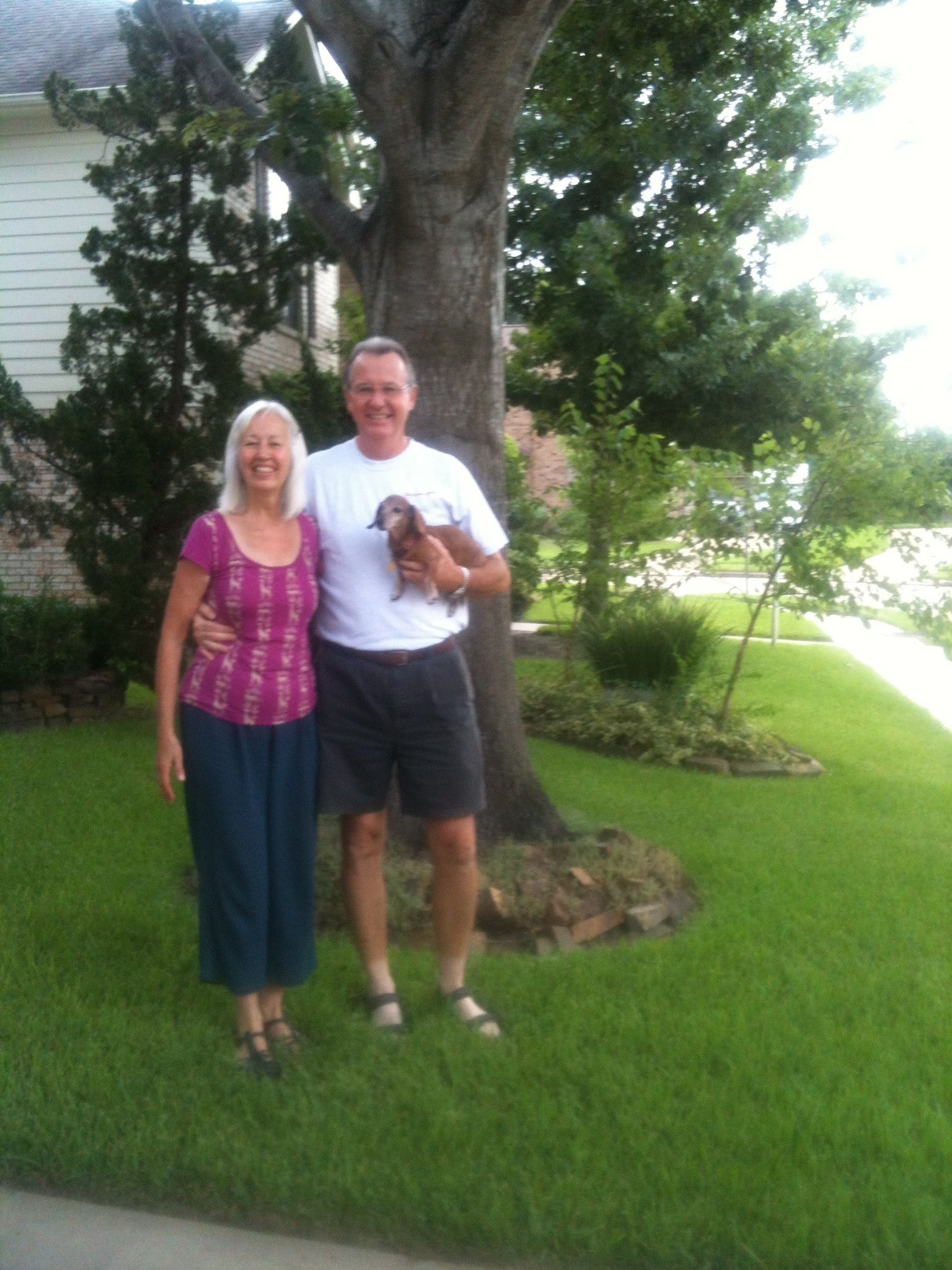
Lindy and Bill as we are leaving. The one of Bill and me in Obama shirt is missing
I could chalk up my lapses to the decibel level and maddening though sweet small talk. What is more maddening as a drain on attention than small talk? But riding through is what I do. I remember my first meditation teacher Paul Pitchford always saying a blessing for the guy repairing his motorcycle next door and giving us the perfect atmosphere for deepening meditation. Resistance is in fact the catalyst, the negative capability, of the creative act.
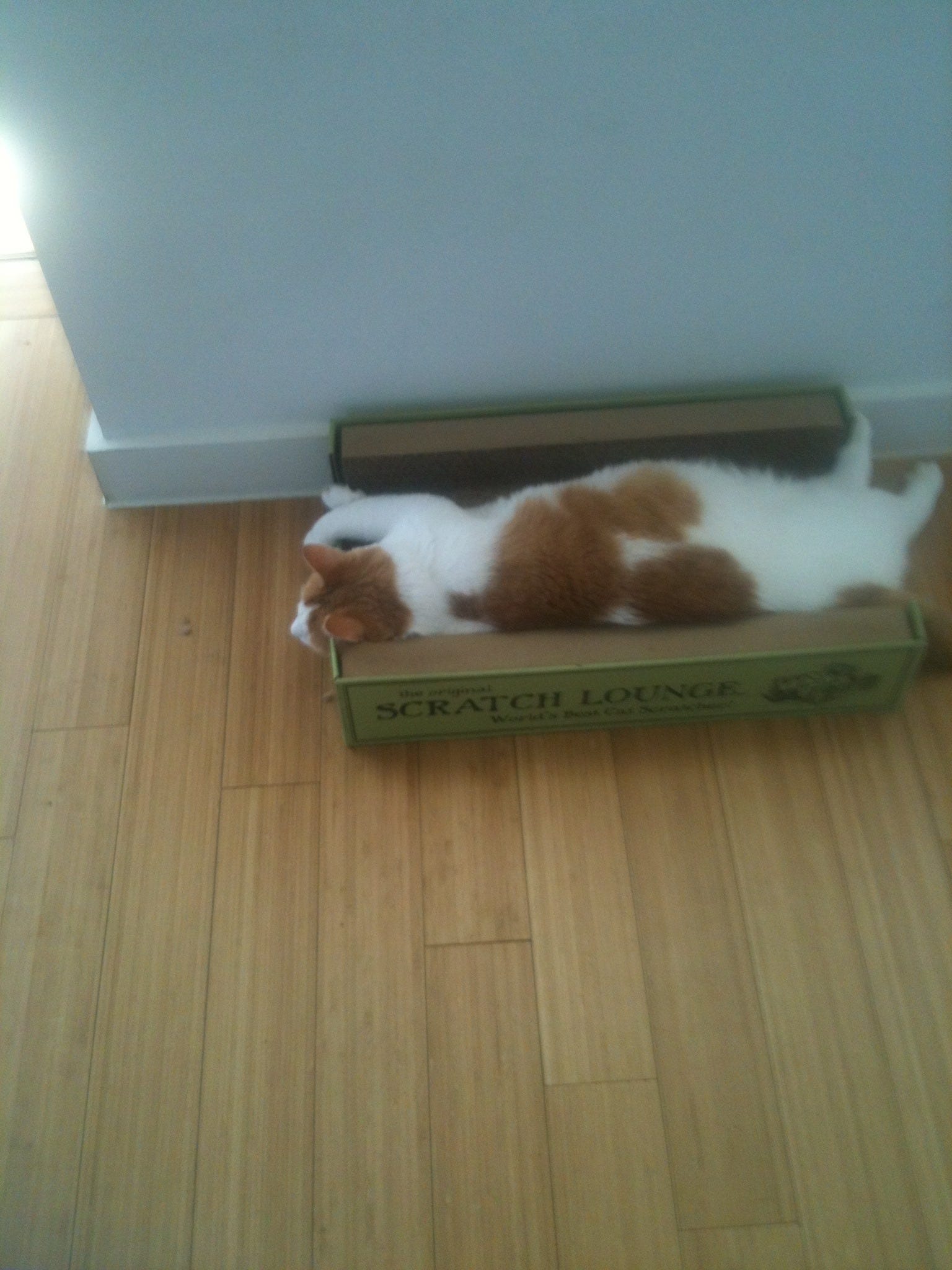
While I was keying these words, our Austin hosts sent an email entitled “thought you might be missing your buddy.” They meant Dante, a beast with no dignity at all, for he was lying on his back in one of his properties, the Scratch Lounge as well as on the floor.
Houston, Texas, to Avant, Oklahoma
I have a certain amount of ambivalence about this blog every time I continue to write it. I worry about imposing it on people, clogging their in-boxes, slowing their computers (especially with the photos), and, on the other end—the people and landscapes I am passing through—invading privacies, intruding on the sacredness of personal sovereignty and inferred confidentiality—e.g., being a paparazzo (the lowest form of wage slave and treasure hunter), i.e., being a pesty anthropology graduate student again—a status I held briefly and naïvely among the Hopi in 1967, badgering folks trying to go about their lives as if being educated in our technologically and politically dominant culture meant holding an ontologically dominant position too, or maybe like a news reporter commoditizing the “story” from the entitlement that it trumps people’s other meanings and realities. All those implicit critiques and uncomfortable truths give me pause.
On the other hand, I get encouragement that people are enjoying the blog, and its creative and imaginal aspects help me track deeper and feel connected to events and, at the same time, connect me to folks out there, both ones I know and ones I don’t. There have been many great comments too. Here are a few of my favorites:
“...reading and absorbing and thinking very carefully about your observations. It's brilliant, Richard; it really is. There's nothing else like it. The seamlessness with which you can breathe in the place, while at the same time standing outside yourself, is so revealing, so honest.
“The person you were "not proud of" on that day in Juarez is a person I could only aspire to be, and would probably fail at being. That's why writers exist: to take us to places—geographical, spiritual, intrapsychic—that we cannot access ourselves.”
“... and you're meeting JK and TM in the same week I'm re-reading JK's foreword to Adi Da's Knee of Listening along with TM's Hyperobjects. love it. as you road-rub the USA, don't forget HST's advice: when the going gets weird, the weird turn pro.”
“The mind-set to want to install a device to make more black smoke to piss off the ‘Prius-crowd,’ was especially imprinting itself in the forefront of my mind...for some reason I keep thinking about it. . . .” (I must have written this about some part of Texas, but I can’t find it in any version.”
“Drive safe.”
“Now that was a great read...”
“oh yes, please do keep me on the list to receive your droll observations of americana on the road (its natural habitat). nice to cross the country in manageable jaunts with a delightful destination for each day’s travel. i did it in the spring of ’66 pedal to the metal in my mother’s Ford, cigarillo clamped in my teeth, in less than four days. ma was hysterical, gripping the dash and young brother and sister frantic, fighting, viciously clawing at my head, screeching like raccoons trapped in the back seat. but, i had to get outa Boston fast.”
“Loved it. Thanks. Keep 'em comin'. And always drive with both hands on the wheel.”
I’ve taken two friends so far off the list by request (and have two others have complained about slow loading and overly long posts)—so (again) let me know if you don’t want these.
As for unhappy Amherst classmates (if I have any), I have heard from about half a dozen of our fellow 66ers so far who want to keep getting the posts and no overt nays (yet), so I hope that you are able tolerate it a bit longer until we reach our destination later this month. Then I’ll return to silence. I well remember the brouhaha of Siegfried and the overload of cacti images, so I’m not going to go there.
Leaving Houston was as expected; i.e., we didn’t leave Houston after we ostensibly did, not for a long, long, long time. When I spoke to my near-ninety-year-old stepmother on the phone while still there, she mentioned having gone then many years ago and telling a friend at the time that it was suburbs in search of a city. That was my experience too. There may be more of a concentrated downtown than Lindy and I encountered but, if this is America’s fourth largest city, it earns that rank by sheer breadth and suburban clustering rather than by NYC-style urbanization and metropolitan density.
We had an aborted take-off because I unplugged my laptop as the last item and was bringing it downstairs in its case when Bill and Lindy intercepted me, wanting us to have us pose for a few more pictures. I put my computer on the couch, participated as requested, and then Lindy and I got in the car and drove off. We were about four blocks away and about to turn onto West Little York Street when my mental checklist collided with the image of the computer on the couch and I felt a thud. We made a swift U-turn, saw Bill again sooner than we planned, said fresh goodbyes, and took off for real.
That image of the case, semi-camouflaged on the couch so that Bill hadn’t noticed it either, left me with a woozy feeling of disaster barely averted for about ten miles; then it faded. Last year right before Labor Day Weekend we left Lindy’s computer and backpack on the porch of Alex and Alyson Grey’s house at the Chapel of Sacred Mirrors in Wappingers Falls, New York, and then drove into New York City. We had to spend the entire next day on the Metro North, riding out and back to retrieve it because we weren’t going to try to drive through gridlock on a holiday weekend. Even with our vigilance on the train, we missed the station because the conductor (or computer) gave us approximately ten seconds with an open door before it closed and we began moving again. Alex had to race the train to Poughkeepsie with the backpack.
As it was, those parting pictures reflect respective moods: Bill’s good-natured jocularity, grabbing the dog at the last minute (“C’mon, buddy; we’re not going to leave you out”); my pure reticence and never-far-from-the-surface autistic deer-in-the-headlights terror along with the desire to escape all objectively imaged existence--that by contrast to Lindy’s social aplomb and tacit “why can’t we all not only just get along [with Rodney King] but be delighted for these wonderful people sharing the planet with us.” She is living affirmation and though her very real shadow rests a lot deeper than mine, she can access situational jollity at the drop of a hat, whatever she might have been actually feeling right before it. It takes a lot of work for me to get that agreeable.
Eventually Houston vanished but not before a gigantic white statue of what had to be Sam Houston (and was), emerging from the trees on a curve as if he were dilating on the spot to outswell Paul Bunyan, a blatant accident-magnet.
The space between Houston and Dallas gradually became an asteroid belt: mostly wilderness and scrub. That made more sense than a continued megalopolis. After all, there are almost two hundred miles between the cities. In fact, well into the mid-afternoon, as we were finally approaching Dallas from fifteen miles out, it was hard to believe that another city could form out of so much undifferentiated, sparsely inhabited space, but that’s always the way it is with urban areas. The city that is on the map is always there in reality too, right where it is supposed to be, even if it is counter-intuitive and dramatically unexpected. I remember Halifax, Nova Scotia, a few years ago, coming out of the vast northern woods, artifact by artifact, as abandoned tractors and trashed lots turned into single streets with small houses, until we were on fast-moving cloverleafs and bridges.
The transition itself is so elusive and mysterious: nothing, then floating just outside a pregnant zone, then passing within the first signs and geometries, then in it physically, then fully and phenomenologically amid the traffic and discrete locality as if there were never anywhere else in the universe and no way out of those cars racing to urgent dockets being generated in those buildings—then the whole affair thinning out imperceptibly, then fading more substantially, then suburbs, then gone, then something else.
I have occasional dreams about entering cities from highways. Some of them about seem otherworldly as they masquerade under a terrestrial guise as “St. Louis” or “Reno,” while others have a true migrainoid quality, as if emerging from “Alice in Wonderland” states and merging with various old memories as they merge with each other. Each of those cities has a tremendous centripetal force and is sometimes entered from above. Probably they are entered etherically instead of physically, via their collective karmic steam.
It began to rain outside of Dallas, and then it began to pour quite hard, causing major adjustments in our car. The thermostat had been on “Low” the entire time through California’s Central Valley, SoCal, Arizona, and Texas, and the issue was mostly how much to run an air conditioner that had been mostly dormant since we bought the car in 2007, that is, without overheating it. Suddenly we were back in a northern California or Maine and had to work the “up” arrow to get some heat and defogging going because visibility was clouding fast—a dream too but of the nightmare kind. As the downpour became torrential, armadas of trucks on Interstate 45 were throwing up breakers of spray, temporarily blinding us at high speed.
The sky cleared a bit just as Dallas arose to the right and came into full shocking view on both sides of the car, so the city was truly dreamlike, appearing with a halo of clouds as we sped through unimpeded. I was driving, so I did not grasp the photographic opportunity fast enough for us to capture the view from full sci-fi distance, but Lindy got out my cell as fast as she could and took a sequence of pictures that capture some of the magical, dreamlike sense of whipping through an unknown planetary metropolis—its vibration, aura, and signature of life—as we joined people coming home from work and other local business (it was about 3:00 PM local time).
I now propose this as an untagged art genre: Warhol-like imaging of unvisited cities from the highway. The more like a dream landscapes it is, the better.
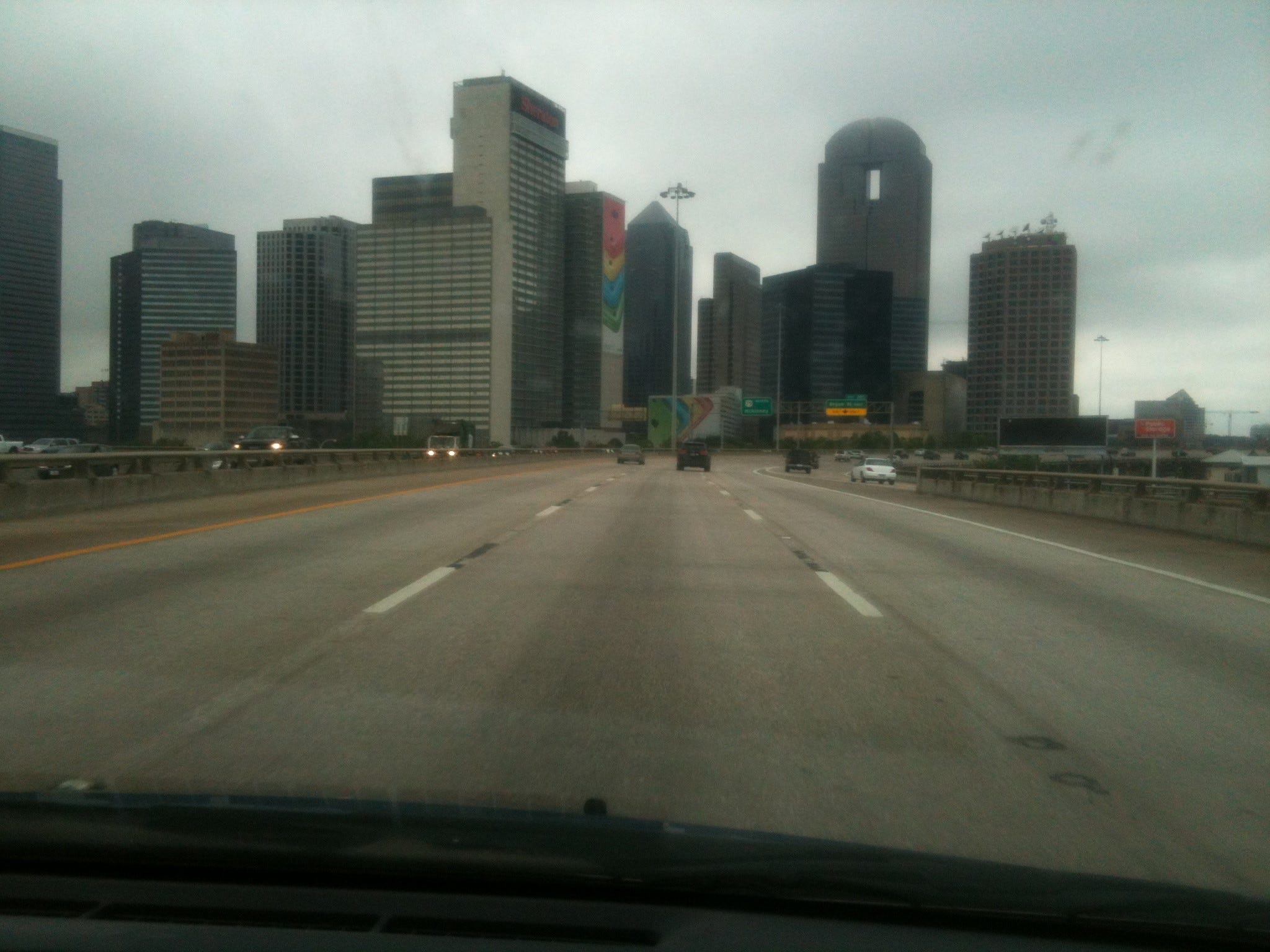
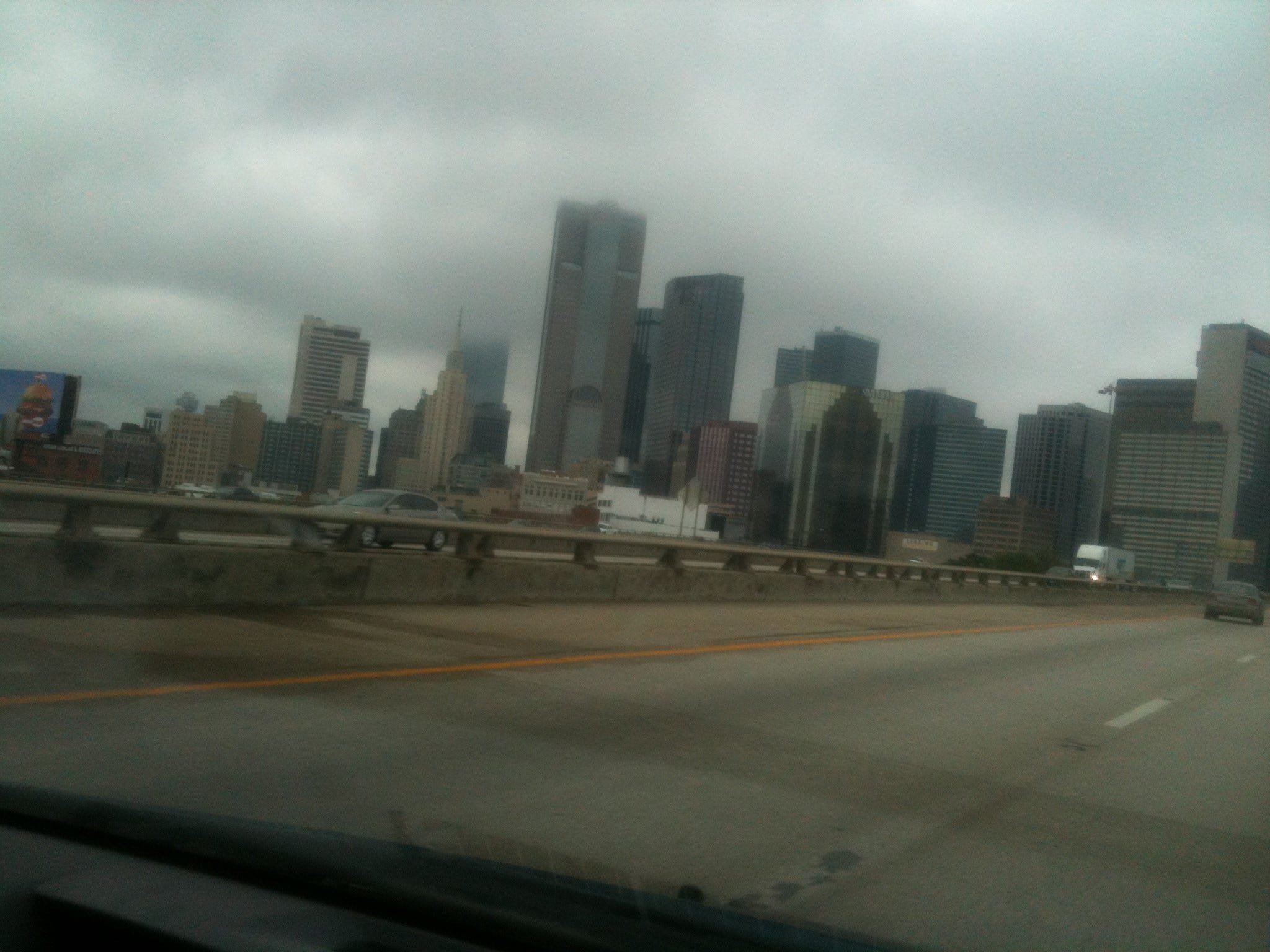
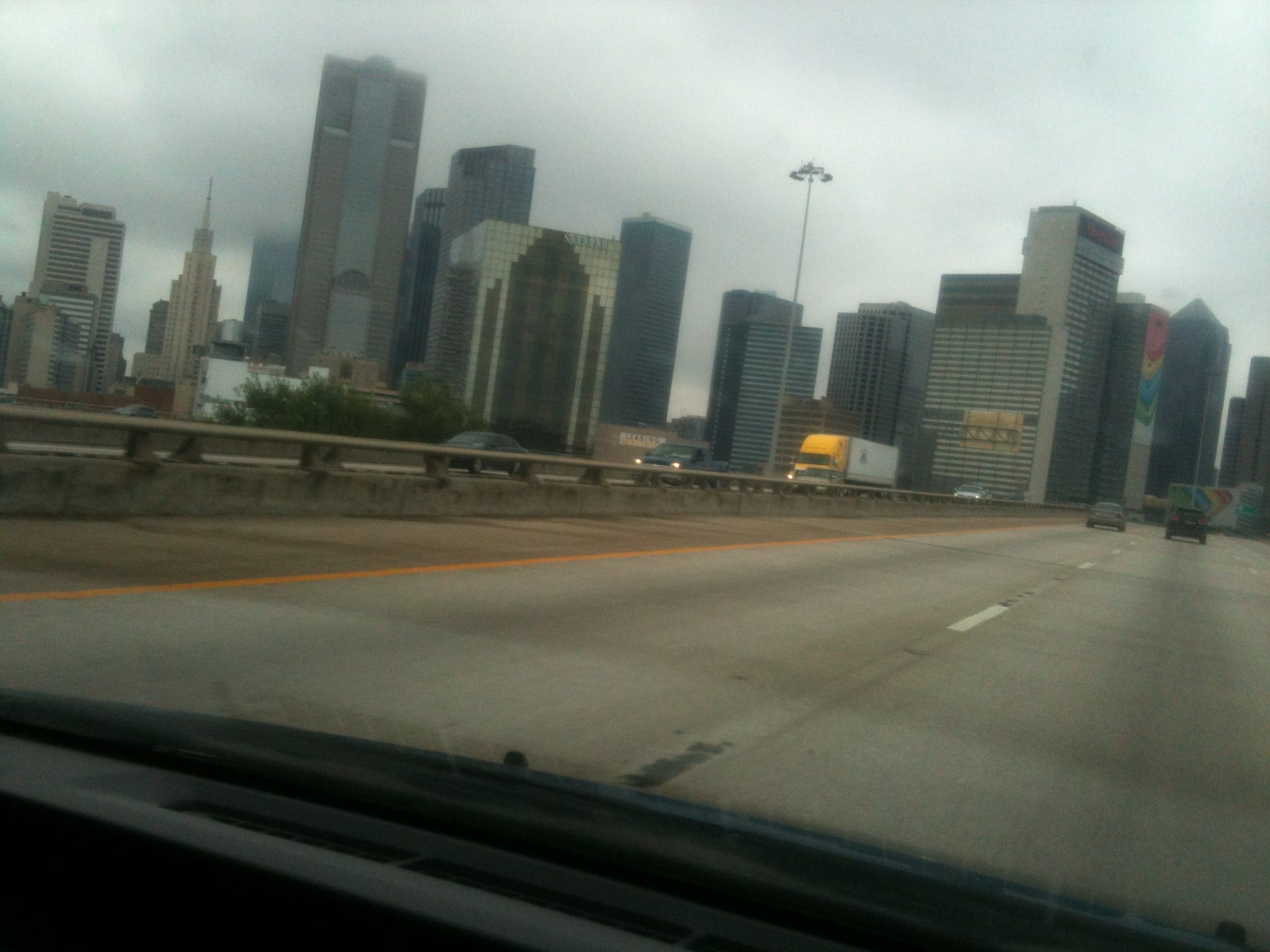
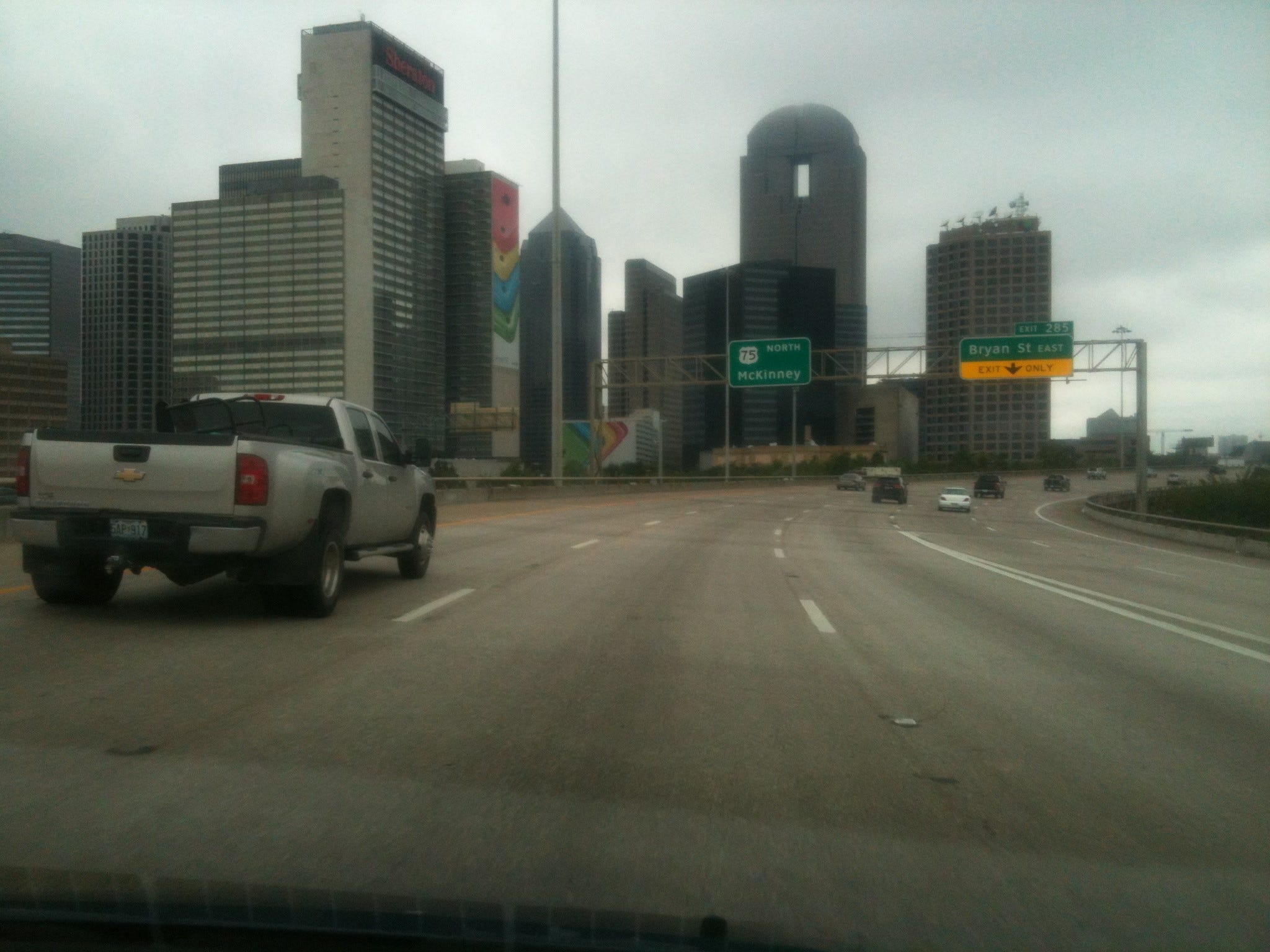
We tend to forget: no one creates cities. No person, no group. They just arise or congregate. That is, they are the collective enterprise of millions of separate individuals, decisions, and acts, discrete outputs and activations that can never be coordinated entirely from any central point. Yes, there is city planning and governance, but the beast itself is alien, a crypto-zooid, a hyperobject getting born and awakened on the spot like Frankenstein’s monster, nonetheless masquerading as ordinary architecture and scenery. No one can possibly know what is going on in its interstices, not individually by class and count and not as a collective moving through time. You cannot mount enough cameras to capture the esoteric meaning being brewed. At the scale of the universe we are no different from ants building and repairing their little hills and catacombs. Ours are more sophisticated and feature the symbol and its effects. Theirs are located perhaps more substantially in another domain of the universe
On its northern end, Dallas took longer to fade, dwindling more slowly than it arose from the south. We kept encountering substantial urbanization and suburbs for about ninety minutes, in the process (per instruction by Google maps) segueing from Highway 45 to Highway 75 (which doubled as a central freeway). The rain increased again dramatically, and we found ourselves suddenly in a narrow two-lane construction zone (two lanes going each way); vehicles of every size, vintage, destination, and IQ moving along in a conglomeration at 65-70 miles an hour without evident deference to the conditions. We were caught in this aggregate flow. It was terrifying, particularly one sharp curve alongside a gigantic leaning truck during which Lindy, the non-driver, expressed her concern that this was finally it. It was the one scary moment of a moving algorithm, that, in the imagination beforehand back in California, seemed impossible to survive intact, given Murphy’s law.
Only the narrowest margin separates us from death, the same narrow margin (and thread) that runs through all of modernity, from undisclosed crowds in stadiums, stations, and transportation systems to the mostly unenforced integrity of factories, food, and water supplies. This lesson was to be reinforced vividly later in the day for the passengers flying from Amsterdam to Kuala Lumpur, many of them en route elsewhere like Australia, encountering (by overflying at 10,000 meters) rebel separatist Ukrainian territory populated by some trigger-happy bumpkin macho militias with high-tech toys from Russia plus a video-game mentality. Those poor folks up in the sky were probably oblivious to where they really were or the complex drama below. You see them unconcernedly boarding their Malaysia jet in a video uploaded by a passenger earlier in the day. It is chilling because nothing is strange; it looks like an ordinary flight; the people are happy, being friendly to strangers in the aisle. That’s how it always is. One stair missing from a staircase, a stair that had always been there, and everything ends.
I don’t mean to compare our situation to theirs except to say that we were going much too fast for the actual situation, the tonnage and closeness of the trucks, the compression and vectoring of the road, the slick moisture on its surface. In fact, a deflected symbolic reality system seemed to intuit that, as flashing overhanging signs kept warning us not to drive into water but turn around instead (as if that could be done facilely on a one-way superhighway). The phrase “Do not drown!” kept flashing. It should have said, “Do not stray from your lane and crash!” or “Slow down, everyone!” It didn’t. In modernity, all is propaganda and requirements of legal counsel, so the warnings are never appropriate, and we are rarely warned about what we should be. Bureaucracy, lawyering, and corporate-speak are everywhere, producing a deceitful hyperobject sprawling over every highway and airport.
So while the pooling never got bad enough to justify the messaging, the general mood of danger was fairly represented by signage, signs, and symbols at multiple levels.
This BTW was the first time on the trip that either of us did his or her full two-hour shift (as we had planned at the outset); we had been switching by Rest Stops instead, anywhere from forty-five minutes to an hour twenty per. I think I persisted through my back and leg aches solely because what option was there? I was riveted in my seat (and yes, both hands on the wheel), finally in the zone, on a competitive race-track, as alert sensorily and kinesthetically as the younger people (I am figuring the odds) around me, compared to my timorousness and vague spaciness leaving California when I felt in over my head, 5000 miles staring at me like a black-hole bulls-eye. Going through Dallas, I was into it onthe Indy 500 and it wasn’t a dream. I was sure it would be okay, and of course it was.
I can’t tell you how many trucks galloped alongside of us, but at certain times during the heaviest rain, there were more trucks than cars, some of them gargantuan. Each individual passing of one was a feat, an act of bravado, heart in throat, then all too brief relief until we saw the next one looming up ahead. Yet the incentive to pass continued to be amped by how much spray they were kicking up.
I had lived there briefly in Dallas as a child when my mother left my stepfather and moved in with her own mother who, by then, had left a sick husband for Tom Golden, an oil-industry salesman. Right out of Arthur Miller.
If I wanted to dream Dallas while awake, it would have been Dallas 1951, a different sort of a waking dream. I was seven years old and never fully understood, at the time, that we were not still in “New York” or, maybe more accurately, how either place stood in relationship to the other except adjacently in my life narrative. After all we got on a train downtown in New York City, went to sleep, and woke in Texas. A month later we got on a train there and emerged in Penn Station. Dallas fell somewhere between those acts, New York City stretching in all directions on either side of it.
But I had meager curiosity about modern Dallas. I would have loved to have seen the ancient city buried in Penn Station, our house where my brother Jon and I drank out of look-and-see straws, the rodeo we attended with Grandpa Tom. In Dallas The Wizard of Oz was read to me while the younger kids Jon’s age took naps on cots (I was the only older child at the preschool). Dallas was where I befriended and, to my chagrin, got bitten by Katey the stray kitten from my Little Golden Book. Those sites lay under the sidewalks of modern Dallas.
We changed drivers as soon as we found a gas station beyond Dallas (2 hours 20 minutes my stint). Then Lindy drove into Oklahoma, the sign welcoming us a high moment since neither of us had ever been in the state. Notch a new one, first since Hawai’i, first continental one since Idaho in 1981 (if you don’t count Nova Scotia 2008).
It was green and quite lovely—lots of lakes and ponds—nothing like one’s image of the dust bowl and panhandle, indistinguishable in fact from Maine or Vermont. Lindy’s high-school friend Julie (toward whose abode we were headed) told us that the Army Corps of Engineers went crazy with projects in the fifties and sixties and now Oklahoma has more interior lacustrine shoreline (in fractal sense) than the entire East and Gulf Coast Atlantic shoreline put together. Hard to believe, but I think she is stating a well-known local homily. We passed through the modern relocated relics of great Indian nations: Chickasaw, Choctaw, Creek. It was thrilling and an honor, this late in the gringo occupation: there are something like thirty-nine ancient tribes relocated in Oklahoma, what is left of them anyway.
On the other hand, it meant passing giant casino after giant casino, lit up and shivering like pinball machines in Tourette’s-like contrast to the pastoral landscape.
By the time that we were fifteen miles into the state, Lindy announced that she was exhausted and emotionally drained and didn’t want to drive anymore; she was for stopping ASAP. But from my standpoint it was approaching a mere 5 PM, too much daylight left, and I didn’t want to spend the whole evening in a spooky Bates motel in the middle of nowhere. I was opting for Tulsa or thereabouts, some 3 hours north of us. Lindy said that if that was my goal, I could drive because she was going to sleep.

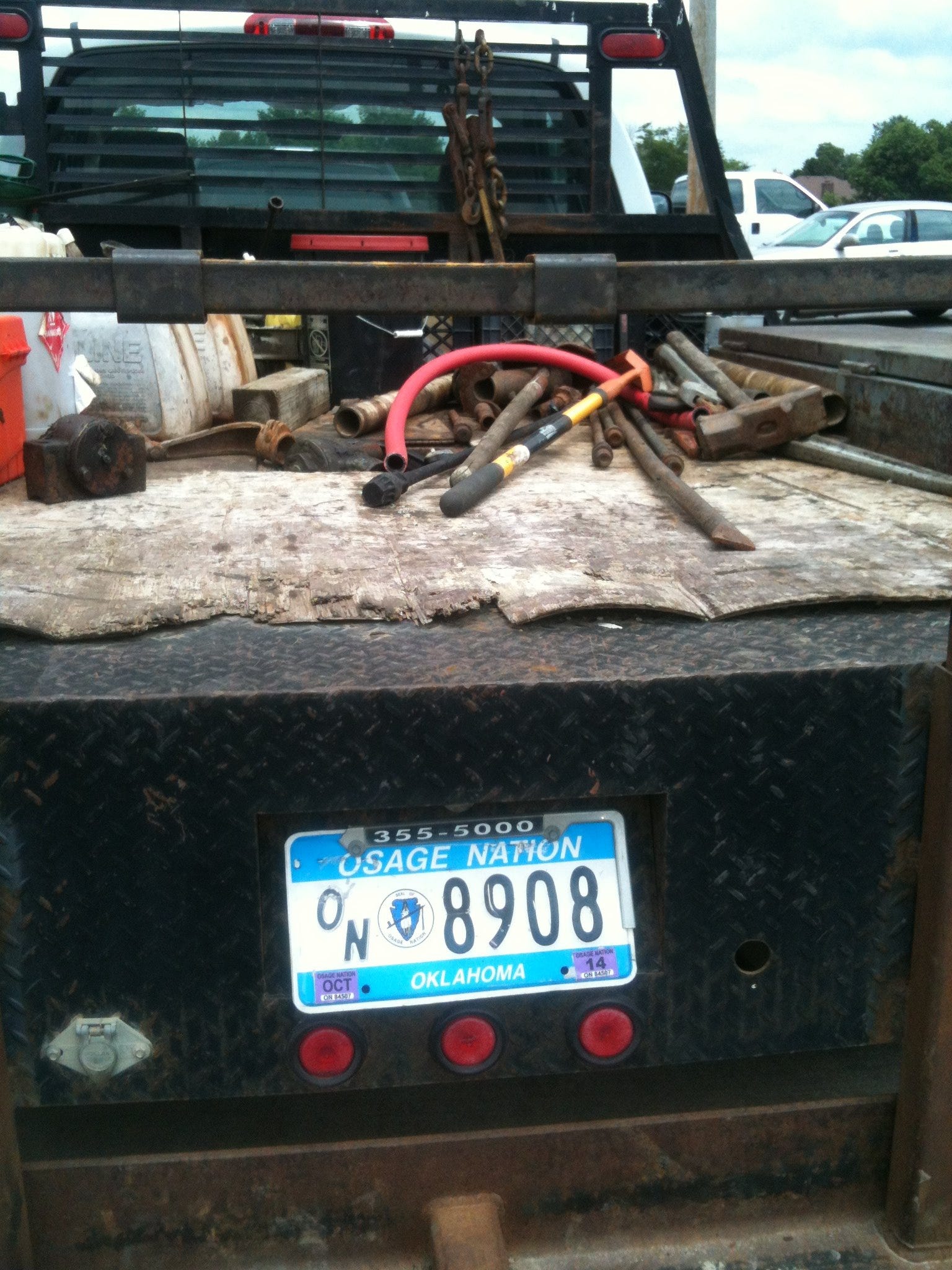
An adjunct problem was that the Google directions run for us at DelVecchio’s wanted to send us east toward Muskogee and then back west toward Tulsa, a seeming waste of miles and time. There was a perfectly good straight road to Tulsa on the map, a continuation of 75 called the “Indian Nations Turnpike.” Why exit at MacAlester and go on four different roads, doing the legs of the triangle rather than its hypotenuse?
We decided to clear up this matter as well as change drivers at a gas station in Atoka, the next largish town. I hailed a Burl-Ives lookalike trucker and showed him both the map and the Google printout. He hailed from Fort Smith to the east and knew the territory well. He said he himself would take the Turnpike. He surmised that Google was either trying to keep us off it as a toll road or overrating the Muskogee-Tulsa Turnpike. He was driving what they locally call a “see-my” (could sound like “sea mine”).
As we got back on the road with a clarified itinerary, I remained committed to Tulsa. The weather improved, the road improved and, after Lindy was awakened by a phone call from a friend hired to clean our Mount Desert house for the person eventually arriving from Toronto, we shot along the Indian Nations Turnpike straight as an arrow, listening to our book on tape, daylight holding and the miles melting away. After the rain and trucks in Dallas, this was second-wind paradise—and we could tell ourselves we were in Oklahoma, to boot. It just sounded good. And then the Indian Nations Turnpike—what an evening! It was a delight to pay the Native Americans the $2 toll. I didn’t think it was even enough.
We had started our trip with a stack of novels and short stories on CD and had listened to the first two of them thus far for spells. It took intermittent listening all the way from Berkeley to Austin to get through The Burgess Boys by Elizabeth Strout—an okay novel if embarrassingly repetitive and sloppily written (with the same stock depictions used amateurishly for the same characters again and again), but satisfying because it was emotionally valid and based in Maine and New York City as well as centered around the Somalian Community in Maine with its disjunctions from the Yankee natives. Frankly Russell Banks’s fictional Liberia in The Darling stands in comparison to Elizabeth Strout’s fictional Somalia about as William Butler Yeats’s verses compare to those of Ogden Nash.
By Oklahoma we were listening to Nathan Englander’s collection of short stories What We Talk about When We Talk About Anne Frank—brilliant, hilarious, politically astute, and as fully deconstructing and nuanced as its title suggests. It was not about Anne Frank (or Zionism or the holocaust) as such but about how people (Jews and Israelis in particular) use them to talk about other things, many many other things, and (for some people) most other things. In fact they never stop talking about Anne Frank. That becomes the sole compass and basis of their existence.
The iPod was our alternate diversion, and I was still working through vetting about 250 songs transferred (in a spontaneous download and trade) to my desktop by our Austin hosts, including many Scottish and reggae singers and groups I had never heard of. That was laborious (for each song, keep or trash—next). We kept approximately 70 of the 250, but most of those remain on trial and are dwindling at second listen. Music is trenchantly personal.
We had occasional spates of local songs that I dj-ed when we entered their territory. Slaid Cleaves’s “New Year’s Day” represented Austin, its lyrics ending at Barton Springs (for which we finally had a raod map and an image):
“We'll be putting down the brisket and tequila
Down in Kerrville with the Seekers of the Shade
'Cause a piece of you lives on
Not only in this song
But in all the lives you touched and every friendship
that you made.
We're gonna go up to Maine and eat some clams and
lobsters
Bite the worm down in sunny Cancun bay
We'll be home by Christmas Eve
Tellin' tales you won't believe
And we'll swim in Barton Springs on New Year's Day.”
For us, it was the opposite of a sauna and wake on New Year’s Day, more like a beach party in July.
For general Texas I played two different versions of Don Edwards’s “I’d Like to Be in Texas When They Roundup in the Spring”:
“I'd like to sleep my last long sleep with Mother Earth for bed
My saddle for a pillow, the bright stars overhead
Then I could hear the last stampede, the songs of rivers sing
Way back down in Texas for the roundup in the spring.”
Glen Campbell’s “Galveston” was my best offering for Houston (“…before I watch your seabirds flying in the sun….”). But how can you beat that?
All I had for Oklahoma was “Okie from Muskogee,” a pleasantly melodic anti-hippie tract (performed by arch-radical Phil Ochs of all people) and “You’re The Reason God Made Oklahoma.” In fact, that ballad is good enough to replace the renowned musical’s title song as the State national anthem. Take the first verse:
“There's a full moon over Tulsa,
I hope that it's shining on you.
The nights are getting cold,
In Cherokee County.
There's a Blue Norther passing through.
I remember green eyes and a rancher’s daughter.
But remember is all that I do.
Losing you left a pretty good cowboy,
With nothing to hold on to.
Sundown came and I drove to town,
And drank a drink or two.
You're the reason God made Oklahoma,
You're the reason God made Oklahoma.
And I'm sure missing you,
I'm sure missing you.”
What has happened since then is the hyperobject of blue states, red states, and purple states camouflaging the far more complex and fragmented reality within.
We finally gave up our trek at Okmulgee, about 15 miles short of Tulsa: 469 miles from Bill Blakeslee’s front door to the local Best Western.
When I got out of the car, something surreal happened. I found a tiny, perfectly-shaped vintage Maine lobster in the adjacent parking space, about the size of a cricket. I carefully placed it in the grass.
The young woman in charge of the front desk, standing outside the front door smoking, was none too fast to come in and register us, or agile on the credit-card machine. After she finally failed with every card we had and had to punch in the numbers, I asked her about the animal, and she said us was a “crawdad.”
Later, when I went back to the lot to fetch some items to make dinner, I saw her walking next to our Prius with a cigarette in her mouth, holding a pocket flashlight. “I’m lookin’ for the litta’ fella,” she explained.
Not quite understanding, I told her that we had moved our car to be closer to the room and I showed her where had parked originally and then where I released it. In fact, I outright found it for her. I thought she wanted to admire it. Foolish me.
Later that night when I came downstairs again, I asked her about it and she told me it was yummy—tiny for a full dinner but tasty: “Usually I eat a pile of them”: she said.
I felt as though I had betrayed a new friend. It was a “hardly knew ye” moment.
In the morning we set out for Skiatook, where Julie wanted to meet. I had the same sensation of mystery, the same intuition of distance and intimacy as we raced through Tulsa. Lindy was driving, so I did the photographing this time. Unfortunately I missed a great wall of graffiti visible from the road because, in my haste to get it, I slid my finger over the lens in the fraction of a second I had.

This was the best substitute I found when we returned to Tulsa two days later
After turning west onto Highway 20 beyond Tulsa in about an hour, we crossed into Skiatook and then into the Osage Reservation. We met Julie where she recommended, by the fertilizer section at Wal-Mart, about as findable a downtown marker as there was. Then, at her suggestion, we followed her black SUV to Mac’s Barbecue for lunch.
I went along with this unlikely cuisine choice, in part for lack of any other options (except the unsociable one of our cooler). Also Julie had said that everything was pretty much natural in that part of Oklahoma among the Osage because they didn’t trust the chemical companies either. I’m not sure I believed that, for politics makes strange bedfellows, but it was at least a smoke screen for my venturesomeness.
Once in the mix at the counter. I decided not to ask any further questions and to accept Julie’s new comment that the local meat had to be range-fed without hormones because there were no big feed-lots here and everyone raised their own small herd.
Mac’s contained a great, raucous, affable chaos in a relatively small room, as tasty roasting smells materialized at the level of visible smoke, chairs and tables akimbo, surfaces aesthetically uncleaned, aisles tight because of too many tables, burly men and women bumping into each other and apologizing graciously (or tipping hats) only if the collision was substantial, not if it was a mere graze. This was an informal contra dance and community supper. It was cinematically perfect, exactly what it should be.
Julie bought us all a $20 plate of assorted pulled meat. It was delivered out of a slot in about 45 seconds and, since I was unlikely to confront such a thing again for quite a while, I ate my full share rather than pretend it was even possible any longer to hedge bets. I think that it was pork, and it was delicious in exactly the crispy, greasy way you might think. Once a decade is probably okay for all concerned parties, medicinal and ethical.
Next we took scenic back roads to Julie’s land, a chunk of a farm in Avant she inherited from her Osage grandfather. All in all we logged 73.2 miles from the Best Western at Okmulgee to Avant, capped by following her SUV onto a sidestreet from a brief shopping stop at Wal-Mart after lunch, never returning to 75 or 20 and not hitting Google-recommended 11 until just before Julie’s spread. We saw how gentle, moist, and fertile the land was, once again easily Maine or Vermont if you woke up there and didn’t know. Well maybe the vistas were a little broader on the whole, but it could have been back roads around Hardwick or Blue Hill.
I will write about our visit in the next post but, since this is an edit of the original blog, I will say right off that it would be an understatement to say that it was a problematic encounter, leading to an even more problematic blog post as well. The consequences and ramifications are still crossing Lindy’s and my bow six months later.
Age seventeen to seventy is a long enough spell that any person can change character almost totally, become unrecognizable; also a teenager can give rise to a very different adult. Once that transpires, nostalgia and good will are not always sufficient carry the day
We did not get along, in Oklahoma or afterwards, and Julie is the unforgiving, revengeful sort, not one to forgo casting an initial stone, plus many more thereafter. For that reason, I will not enhance descriptions of her beyond what I said the first time and, while correcting a few errors, will leave the account pretty much intact so that what follows will make sense.
The back story is that Julie had asked me not to write about her personally during the visit. She said had been “enjoying” the blog but did not want to be part of it. However, when I told her, of course, that I would leave her out and work around that, she—well here is her response:
“Thanks, it's just that I'm a hermit and a very private person. Of course you want to chronicle your adventures and I want you to enjoy and remember your time here too. I can't tell you what you can and cannot write about, and I hope you will record your impressions here, I just ask that you be sensitive.”
Then, during the visit and again after we left, I understood her to not only totally rescind that ban but actually encourage me to describe the visit, hoping (for instance) that I wouldn’t censor anything and would go for “an unexpurgated version” (her words). I took her at her word, or what I thought was her word, a permission she now claims she never gave.
Writing about living people is difficult anyway. I know that I wouldn’t want to perform as a character in someone else’s blog, so I empathize with Julie’s feeling of violation and embarrassment. Even in the best of novels, every character is still somewhat of a caricature. There is no way to capture an identity in the world, let alone an individual’s own self-reflection. Plus inner life aside, people don’t want idle, passing talk about their weight, their aging, their disabilities, their habits, their peccadillos, their facial expressions and gait. The experience made me gun-shy about future journals/blogs. It’s not worth the grief and discomfort that it brings. After all, writing is not the be-all and end-all. It’s just a very distant adjunct to “being” itself. Again, you can’t get inside another person’s subjective beingness, and a scrape off his or her apparent surface is only going to aggravate the object of the intended cameo.
The next day Julie had plenty of criticisms and corrections to this post, the most piqued one being my characterization of Mac’s. Some of the other errors I have corrected in this version, but the Mac’s issues were more generic to my provincial view.
For those who want more of Mac’s, there’s still a page on Facebook: https://www.facebook.com/MacsBarbeque. Note too the correct spelling.
I meant to give the impression that I liked and admired Mac’s, but I was obviously imprecise and inattentive in my prose. In fact, Julie called it “snooty disdain,” which I didn’t feel, so If I gave that impression, my bad. I was trying to portray myself as a fish out of water rather than Mac’s as anything less than a superb oasis for visitors as well as its own clientele. I was the bumpkin in that stop-over, Mac’s regulars certainly weren’t. Julie chides me for implying the place was dirty when it was simply hopping at lunchtime and that’s why tables were not yet cleaned—it was not that the employees or diners were slobs. I meant no disrespect; I thought it was great that food was flying faster than the staff could keep up with it and cheerfully laid-back no one was being too fastidious. That was a plus, not a minus. I don’t actually require anal cleanliness in a restaurant. This was an old-fashioned pig roast, a rodeo. Let there be mud on the boots and gravy on the formica.
Likewise the bumptious atmosphere. According to Julie, I should have reported that the place was filled with cowboys plus honest laborers on lunch break with their families. It was a celebratory community meal. She thought that I was satirizing it when I was actually enjoying it and the permission to be a part.
And I didn’t mean to imply that anyone was smoking—which (she reminded me) is illegal in Oklahoma—just that the air had a rich meat aroma and a visible cooking vapor, nothing chemical, synthetic, or piped in like at a McDonalds. It was a campfire on the old range or at the old corral, so of course there was smoke.
As to what we ate, I thought I saw Julie point to an item marked “assorted pulled meat” or something like that, but that claim was obviously insulting; she said she got us “ribs.” Another bad on my part (a 2014 phrase of mine I stopped using long ago once my grandsons took it over a prerequisite conversation changer).
Then I called the window the food came through a slot; she called it a counter. This is somewhat a matter of regional terminology and cultural perception. To me the plates were handed through a very large slot, kind of like a Ticketron window, and I think you might use even use such a word for it (“slot”) in NYC (kind of like at the old Automat, a vintage and beloved establishment). But my unexamined noun use could also be interpreted as an unconscious put-down. I didn’t intend that, only to say that it wasn’t delivered to our table or transferred to us by the person who took the order; the chefs handed it through a counter opening.
In any case I didn’t arrive at the establishment with an intent to trash the occasion or dis Mac’s, as Julie highlights in her list of errata. I came in a spirit of adventure, ethnographic curiosity, and delight at breaking a longstanding taboo, also nostalgia for a child who wanted to eat with the cowboy, who, at summer camp, had only make-believe BBQs.
Another erraum was that I called Julie’s homestead a farm; she says emphatically it is not a farm but a ranch, implying that my identifying it such as was my parochialness as well as an out-and-out insult. Another instance of regional use of English leading to misunderstanding and umbrage. In my background a “farm” is anything rural that is bigger than a lawn and smaller than a state. Yet a farm isn’t a ranch unless it has pigs and cattle and E-I-E-I-O going on; horses alone don’t do it.
(To a version of this explanation she wrote: “American regional English is one thing, American regional pride is another thing. This is rural Oklahoma. I live on a RANCH. The local County Extension and the local County Treasurer also make the distinction, as I believe they do in most locales.”)
I will say for now that Julie lives with about eight horses, five dogs, a cat, a tarantula, a bunch of chickens, assorted hens and guinea hens, and one peacock (without any hens of his species, so he goes around screeching and showing off the beautiful parasol he has to drag around all day to us, to the other birds, and to the dogs). There are wild rabbits everywhere and a few partial and mutilated rabbit corpses in the yard, probably from the dogs. There is a glorious, buxom osage orange; its correlate registered in my mind almost immediately as I recognized the species’s regional appropriateness: those unmistakable holographic inedible latexy fruits like pale yellow, grapefruit-size mulberries or pool balls made of jujubes and irregular drupes.
After dinner Lindy and I dug some holes for Julie at cooler twilight and together we planted two knockout rosebushes she had just bought (they are to the right of the general homestead photo, just inside the string fence). Good exercise after so much driving, and I think, whenever possible, it an ideal way to get acquainted with the land. You know a place by its soil. This dirt was rich and umber, easy to cut with a shovel beneath the tough Bermuda grass, except for many flat sedimentary rocks that I spent most of my digging time working around and then dislodging, each a with sensation of accomplishment, like an ounce of what Atlas must have felt lifting the whole planet. Julie said the Osage picked this kind of rocky ground on purpose because it wouldn’t be as attractive to the “little house on the prairie” contingent, that unending stream of gringos from all directions.
We were now in Osage country, within the Rite of Vigil, a long-time favorite ceremony of mine, at least in Bureau of American Ethnography genre texts; it was up to me to find it on the ground.
Osage Nation
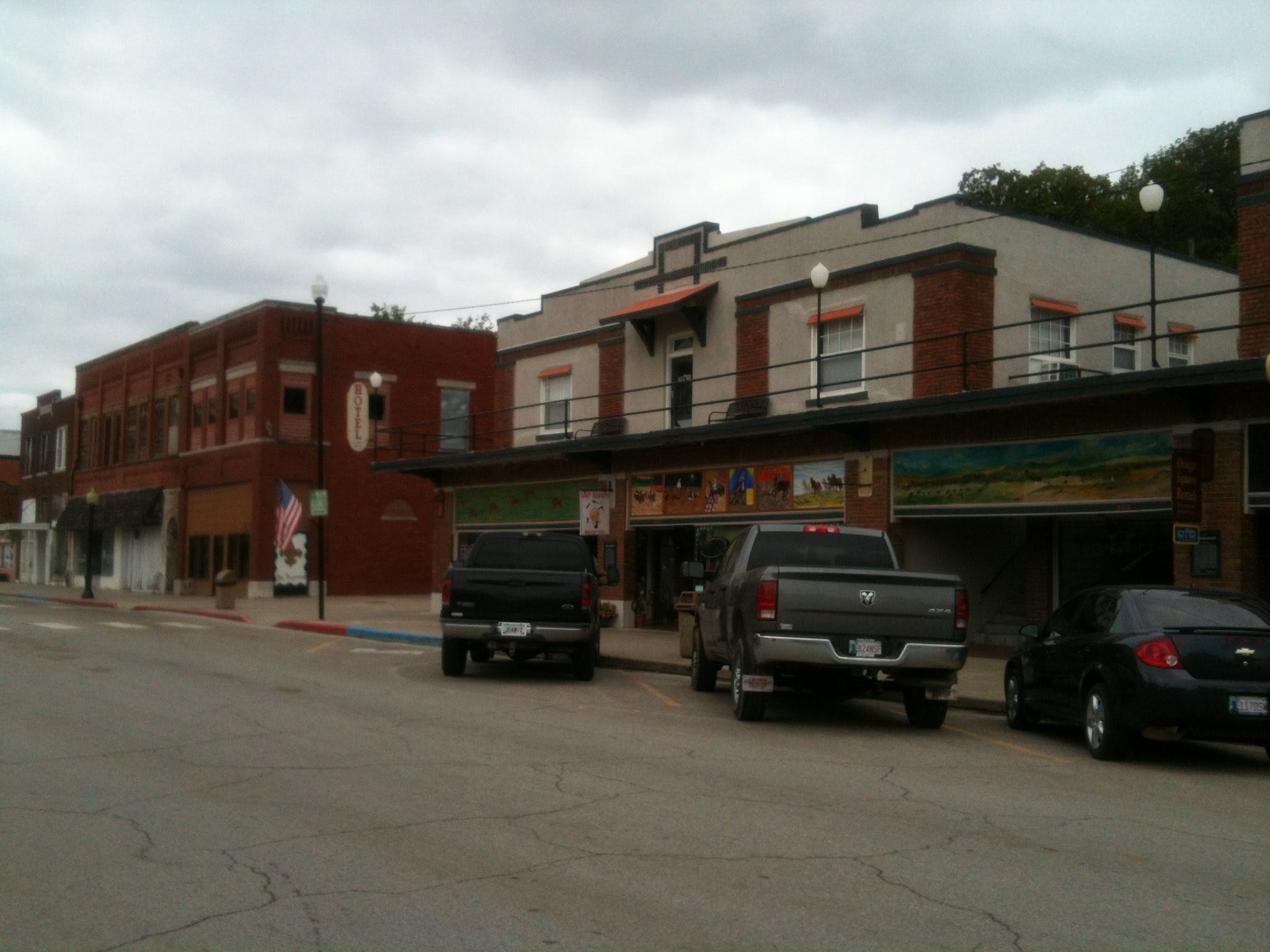
Our visit in Avant was a chance for Lindy to reconnect after 53 years with a woman who, as a teenager, was arguably her best, and most influential, friend, maybe not through all of adolescence but by the end of high school at Kent, a Denver prep school that, back then, was attended solely by girls.
In junior year, when Julie appeared at Kent, Lindy received her as a fresh breeze and revelation and threw in with her and her group of friends. From that point on, these compatriots had a huge influence on her and how she was initiated into early adult life, guiding how she styled her adolescence, how she thought about the world outside of Denver, whom she dated. It was Julie she thought to reclaim on the labyrinth fifty years later.
Late high school was the time of Lindy’s junior-year trip to Cuernavaca to help build a church, her senior-year escapade throwing her clothes out the window to escape a curfew, her unauthorized drives with boys, and various raids on parents’ liquor cabinets and experimentation with marijuana). Julie was not the only regular colleague of those awakening and stormy years, but she was the central figure, “the star” in Lindy’s memory, nostalgia, and heart. She had seemed, for decades in fact, lost: unfindable, fallen off the planet. So Lindy considered it a near miracle to have located her, to have heard back, let alone now to be in her company at her remote roosting site.
In Lindy’s descriptions of the Kent years Julie comes off as brash, cynical, daring, boundary-crashing, charismatic—outright wild. Lindy’s mother “hated” her and did not approve of their association, yet the more she expressed that disapproval, the more Lindy bonded with Julie. Julie’s parents were much more permissive, saying (in effect) “do what you want,” and that added voltage to the taboo. That is, Lindy’s mother played a big part in the friendship, enhancing it, giving it extra value and charge and also making association with Julie a form of truancy. Then, a few years later, Lindy threw in with me instead of her mother’s version of a more appropriate partner.
After Kent, Julie initially married a mainstream Denver guy in their group, settled down, and had two kids. During Vietnam, she was an ordinary army wife, but she and her husband split up soon after. She eventually moved to Mexico with her daughter. She lived there with her for a while and then alone as a painter and jeweler, in all for thirteen years. Our life was quite tame by comparison with a single woman, an artist, reinventing herself again and again.
Both before and after Mexico, Julie tried out life in Osage Nation, both on the family ranch and in Pawhuska, the “capital” city tribal headquarters north of Avant in. Then she and her brother bought kin out of 45 acres each of family land (a plot constituting 4000 acres originally, the rest of which was sold off by different beneficiaries). Eventually she settled on her share and cast her lot with her Osage roots as well the Osage community, with all the attendant benefits and drawbacks (“tribal politics at its finest,” as she put).
Of how “Osage” she was, she pointed out during one testy exchange (of many) that her Osage-ness (or Indian-ness) was not measured by percentage of blood—who would want to try to measure blood anyway?—but by her direct lineage to Osage elders and chiefs, her life-long connection to the people and the land, and her personal investment in the territory and membership and participation in the ongoing Osage community. She needn’t have any Osage blood for all that. As it was, she was genetically Osage/Omaha at, I believe, her great-grandparents’ level: one-sixteenth. But for all intent and purposes, she was more Osage than Creole or Anglo or any of those other bits and pieces of her species migration to arrive, like the rest of us, at this miscegenated state. To slaveholders and Nazis, one-sixteenth was plenty blood. And she was also a direct heir to one of the nation’s handful of founders.
I myself have effectively no cultural or familial connection to my unmet genetic father’s blood, yet very strong family ties, some of my deepest and most intimate ones, to people with whom I share no genes—that is, no lineally inherited ones (the same genes are floating around the genome in various combinations and can be co-inherited from a common ancestor as far back as the Neolithic).
In any case, Julie is as Osage as it gets, rooted in the land and the spirit, the people and the politics
Julie’s and Lindy’s reconnection, and our bumpy improvisation as three strong-minded, strong-willed people, took place on many levels. One of them I was an outsider to: two women reminiscing about shared people and past events, filling in the years since, guessing about other stuff. They drifted into many long conversations about old Denver like bugs in a rug. That talk went on for hours, outside of present time.
I wrote down one memorable, typical exchange.
Lindy: “What does she do now?”
Julie: “What does she do now? Mutual torture society, that’s what.”
Likewise as two Denver women of a certain caste and era, familiar with each other’s friends and parents, they exchanged “women are from Venus (if men are from Mars)” genre banter about contemporary clothes, shops, styles, behaviors—they shared culture, folkways.
More challenging for them was trying to establish a stable relationship in the present as two older women who, if they had met by chance, would probably not seek out or even have much to each other. Both of them flared up regularly at moments, but then both have naturally fluid, forgiving natures, so indignations dissolved and blew away almost quickly. All this fluidity made for a complicated, Pina-Bausch-like dance of words and gestures, advances and rebuffs—improv of necessity. At a few treacherous moments I thought the visit was about to blow up and I was ready to try to intercede and restore peace, but it never got that far. Each in her own way—and the ways were quite different—got it back on course. Julie retreated, took stock, careened onto a different course, drew on her dry sense of humor to allay tension. Lindy took account of her attitude, dropped her peremptoriness, realigned, apologized profusely, reaffirmed, and regained congeniality and intimacy. They had to be skillful at a high level of psychospiritual maturity because gratuitous gestures or “patting on the head” apologies had no traction with either of them.
As a third party, I sometimes stepped in to give Julie a fresh foil, sometimes participating in a collective group, sometimes causing both women to lose tolerance and/or patience and turn on me and ask me to get out of their way. Mostly I disappeared to leave space.
My best bonding with Julie was around my inclination to let things fall where they may, try to use or synergize rather than fix mis-strokes. Lindy likes to clean up messes and potential messes, make order, dot all the “i’s,” cross all the “t’s,” etc.; she is an incorrigible perfectionist and fixer. Julie is an equally incorrigible nonfixer, more of “let’s toss some paint around, let it land where it may, and be amused by what it does.” The physical messiness of her immediate environment aggravated Lindy constantly, which contributed to the stress, especially because Julie’s response to her friend’s attempts to clean up or fix anything in the house, or in her life and psychological space, was a scathing aside or contemptuous snort.
I like stuff to stay where it lands so, when Lindy “cleaned up” and Julie reacted negatively, I enjoyed watching my partner confront the fact that everyone doesn’t like being picked up after. We both felt the same thing: you can never find stuff if someone else, especially an inveterate orderer and perfectionist, is always moving it to where he or she thinks it belongs or should go. And this refers to thoughtforms as well as to objects. I can’t tell you how many hours (over 48 years) I have spent in frustration, looking for things that Lindy ostensibly put away (and then couldn’t find herself) or that got thrown out by mistake—likewise, how many times I screamed, “You are not fixing anything, you are making it worse. Mostly that was when Lindy proceeded on the illusion that all she had to do was tell another person the correct behavior and they would (or at least should) enact it.
When Lindy asked Julie to take off her sunglasses for an eventual photo op, I knew that any chance she might actually do so on her own were dashed by the very request. Those sunglasses were staying on, damn it! They probably began that dance in high school when Lindy appreciated being blasted out of Denver primness. That was some of the attraction.
Over the years, Lindy had often referred to Julie’s “cynicism.” I think that that’s a reasonable designation—she could be played by the Ava Gardner of Tennessee Williams’s Night of the Iguana. But like Williams’ (and Gardner’s) Maxine—another American woman once married and alone in Mexico—she is not actually cynical. She is more like a combination of practical, skeptical, ironic, non-indulgent, non-precious, ready to stomp on anyone’s knee-jerk ideology, unexamined sentimentality. or assumed free pass. In our visit, Julie continued to be as brash and, yes, vulgar, as Lindy remembered her, and Lindy continued to be just as engaged by it and tolerant of it, even at those moments when she was the victim or had to play straight gal. That is one reason why she could keep rebounding. And I think Julie appreciated Lindy’s natural optimism and belief in human good nature, but only because Lindy was deep-down just as cynical and pessimistic as her. Her optimism has always been her compassion and spirit, not a belief system or working faith in human decency.
Some of the roughest ground was the clash of Lindy’s automatic, unexamined liberalism, a tendency to give Obama (say) a free pass on most stuff, and Julie, as a gun-owning anti-red-tape firebrand in Oklahoma, ready to toss Barack into the same circus of as the rest of the bozos. This came up in lots of ways, as Lindy continued to play the well-meaning “straight man,” assuming the best of people and acting as though a “fixit” attitude was actually going to fix anything. That made Julie want to go around kicking proverbial Halloween pumpkins on porches, shooting up old automobiles, and intentionally embroidering as well as slyly parodying her own cynical style.
She wasn’t cynical; she was sad, and perhaps tired; cynicism was just one of the colors in her palette, grains in her art. I remember one indicative exchange in which Lindy chafed at Julie’s referring to people as yellow or red or black (in a conversation about the Chinese not the Mexicans being the real power taking over America, which itself sprang from a one-liner by Julie about “probably should have learned Chinese as well as Spanish”), then Julie saying, “I like colors. I’m an artist.” Her competitiveness told her that she won that point.
At moments like that, Lindy got irritated and nonplussed and felt implicitly “ganged up on,” as she liked to put it. I have often smiled at her notion of being ganged up on, for instance, when only she and I were present.
On the other hand, Lindy is hardly a simple thinker or liberal ideologue; she dabbles in styles, flourishes, and her own paradoxical dances too: her first book of poems is not called Changing Woman for nothing; she does it better than anyone else I know.
It’s worth noting that Lindy is the victim of her own mother’s alcoholism during her pregnancy. An innate dyslexia from fetal alcohol syndrome has led her to effect creative responses such that she lurches quickly from one mood or view to another to avoid natural pratfalls and word reversals posing as mistaken logic and is rarely where you think she is. Her creative impulse embraces the disability. She tends not to say what she actually means (or thinks she is saying) and often literally speaks the precise opposite: dyslexia but visionary, inventive dyslexia. Subliminally she poses big, irresistible targets, almost tauntingly, and then disappears as you approach them. She is a subtle trickster, one who hates pranks and jokes as such and won’t participate in them, even on April Fool’s Day, yet is very light in her ongoing dance. In that sense, she is super-sensitive, non-Euclidean, reexamining and changing dimensions, trying out shapes and attitudes, dropping them as quickly. One minute she is a naïve Democratic Party hack; the next minute she is an anarchist; the next she is a hoyden; then she is back to the first position and denying she ever left it—but her crux is the pirouette itself of creative fluidity and compassion, not any of its intermediate positions. In any case, neither of them held on too tightly or got stuck inextricably in the tar baby.
The bigger challenge may have been that we were an upper-middle-class couple (yes, “upper middle class” and “couple” both in big red letters) who just sold their appreciated Berkeley house and were headed east in their Prius with California plates (“Berkeley” and “Prius” in red letters too), while Julie was an intentionally downwardly mobile Osage-roots artist, a native American silversmith, sacred crystal-arranger, and precious-stone artisan in a house needing repair with mucho animals, some of them in need of repair too. She loved her own SUV and was amused by our transport, especially its yuppie stealth. In fact, I didn’t see a single Prius in Osage Nation, whereas there can be four of the same shade of light blue as ours in a row at a red light on Shattuck in Berkeley. She was a woman fighting the bills and, like us, the advancing shadow of old age and infirmity; yet, as she said in sincere gratefulness after we planted the rose bushes, “You two are like teenagers.”
That was only a relative and transient assessment. In other circumstances, out on the range rather than planting flowers, or in the Zen of daily solitary life management, the roles would have been reversed.
“It’s a thin margin,” I said, “and sometimes I’m on the other side too.” It was more than politeness or reassurance, but I get it that Berkeley attitudes come with a price-tag. We were headed celebratorily to Maine with a pack of resources; she was cutting back on possessions and attachments, caring for her sick dogs, wishing she could provide her horny peacock with a suitable admirer of his lush tail-spread. Yet she received regular email jokes from her wealthy ex-husband in Carbondale, Colorado, and enjoyed prorated oil revenue from the various wells on the reservation as an Osage tribe member and lineage-holder in high standing. She longed to handle actual gold and make jewelry out of that. She was so innately radical in her daily living that she was neither left-wing Occupy Movement nor right-wing Tea Party but gave simultaneous expression to each form. Such distinctions break down anyway.
The clash of lifestyles was inevitable and grating, unspoken judgments unavoidable. Though everyone tried to handle differences gracefully, you can’t make such stuff go away simply by niceties or extending grand gestures that turn into condescensions. Mac’s Barbeque aside, we were eating very different foods, microwaving (or not) at odds with each other, letting things go (or not) at conflicting degrees of irritability and resistance, and maintaining surface esprit and countercultural extravagances at our own separate paces and means. We wouldn’t go near the cellophaned produce and meat from her supermarket chain, and she wouldn’t sanction the corporate theft of Whole Foods (AKA Whole Paycheck) in Tulsa.
I honestly wanted to buy one of her paintings to stow in the car for Maine, but she evaded that intention, even when the intent, in part, was to contribute for some hens (at $100 per) for the peacock. Because condescension is only, as the song goes, a heartbeat away. Pride too.
By the second day, Julie was telling me what to photograph and what to put in my blog, so I am now trying to maintain the contradiction at razor’s edge by writing about her while not writing about her. When Lindy initially wanted to take a photograph, forgetting my promise and reverting to her ritual normality and optimism, Ms. Julie said, “Absolutely not.” In fact, her willingness and capacity to say, “No” in the most unexpected ways at the most unlikely moments was impressive. The next moment, though, she set up the pose of which I took several shots, she and Lindy beside a painting she was working on for an Osage commission, a spider-clan tattoo glyph not yet drawn on the face.

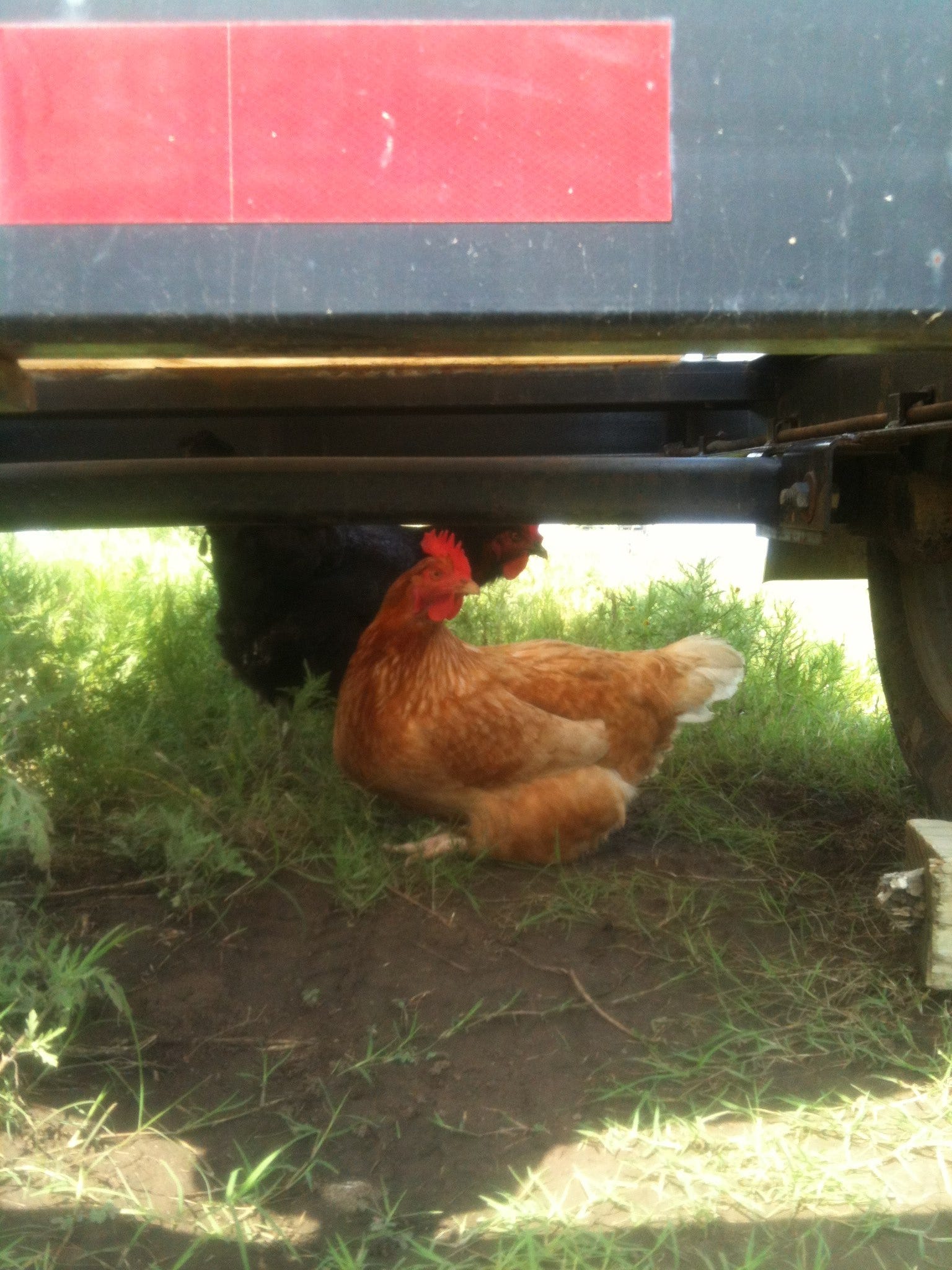
One thing Julie wanted me to be sure to include in my blog was that we had to park our Prius far enough inside the electrified wire (that was no longer electrified because of a malfunction not yet repaired. . . but the horses didn’t know that) and yet far enough from the house that the pack rats living under it did not chew our electrical wires (as they had hers). While horses might give it a few good kicks and butts and maybe remove the side-view mirrors for us, the pack rats did not feel like leaving the protection of the house very far. We had to pick the perfect in-between spot.
Night-time was especially difficult for me—for both Lindy and me— for mostly different reasons. For Lindy it was a general insomnia and the state of things around her, disorderly and unsettled, plus the headboard kept collapsing off the bed onto us.
For me it was a very ancient and deep-seated anxiety and paranoia (plus the city boy I generically am). Once darkness fell, I saw no reason why any of the characters I had viewed targeting houses on Forensic Files, or any of those nameless sociopaths and psychopaths of the Capote/ Koontz Americana landscape, couldn’t just march out of the night and conduct a home invasion or outright murder us. Those images haunted, and yes ganged up on me, even as I used meditation techniques, Buddhist logic, and a ring of psychic protection roses to fend them off.
I also had the more concrete experience also, while working on my blog and watching the inning-by-inning score of a late Met game at the dining-room table (after Lindy had gone to bed), of having four (4!) perfectly shaped (as in a cartoon in a warning poster about Lyme disease) tics land on me: two on my face, one on my arm, and one in my lap. I thought that they were dropping from the ceiling, but Julie said (in the morning), “No way. They were falling from your hair. You brought them in from outside.” Lindy wanted to pin this crime on the dogs, but Julie was having none of that (and was kind of laughing at our frantic concern about the tics anyway). I killed them each with a knife (since they didn’t squash), then felt all over my body, especially all through my scalp and hair, and took a shower. (Spiders and most other bugs I guide outside. Sorry, tics, you and I are at species war.)

Also Casper, the most irrepressible of Julie’s dogs, hence not permitted to be inside (he had just taken a good bite out of one of the smaller dogs who was now in serious pain, so that Julie had threatened to shoot him or have him put down—but she thought shooting was kinder) broke into agitated regular barking spells as if either Ted Bundy or her our host’s enemies on the Osage Council—she snarlingly described many who would like her to vanish—or the Cropsey Maniac of my childhood camp terrors was truly approaching through the murk.
Meanwhile Julie’s sickest dog, Lassie. had an intermittent cough that sounded like a death rattle (in fact, Lindy told me in the morning that when she got up to pee, she thought she saw it no longer breathing on the living-room floor).
All in all, I couldn’t sleep and wasn’t even sure, after a while, I wanted to try. I was afraid of ghosts.
At 2:30 AM, I got out of bed, went out to the porch, and sat there. Everything changed almost instantly. The air cleared, my mind cleared, and I loved the universe again. The stars put my situation in context, and the sounds of the night were magical. The best was a chk-chk-chk-chk cackle (supplying a note that Julie might have picked up in unconscious, or even intentional, shamanic mimicry), a kind of weird, delightful laughter (under the circumstances). It seemed to answer the bullfrog’s deep clang and the various surges and wanes of cricket neuro-electricity. All of these joined in symphony, Philip Glass meets John Cage, but actually more like a dijeridoo performance. There were also other bird or amphibious sounds. Julie told me (when I asked the next day) that the cackle was a salamander—“Don’t you just love it!”
Beyond all this near music, on Route 11 at the boundary of the land, an occasional car or truck passed with its own drum snare, an innocent and lonely sentinel in its natural orbit, out of darkness into darkness, single wayfarers. No one was threatening this house. The world itself was at peace. It was calm, under transdimensional angelic guardianship, going about its unaffected, non-paranoid regular business. My fugue reminded me of something my martial-arts teacher Ron Sieh said to me back in the early nineties, “Your body’s okay, it’s your mind that’s all fucked up.” I felt resonances of that old Marty Robins song (covered best by Don Edwards): “Man walks among us. / Be still. Be still. / Man walks among us. / Be still.”
After I assured myself that the maniacs, Cropsey and otherwise, were in my head, I came back to bed and fell asleep. If I had had the means, I might have preferred to camp out. That was my predilection: the sanctuary of the land and red moon.
Julie is probably laughing at all this, the city mouse on the country mouse’s property, happy to visit but longing to get back to the city ASAP. I mean, she had lived alone in Mexico; she had a gun. She wasn’t going to lose a wink of sleep on her great-great grandfather’s land in Osage Nation. Certainly not worrying about spooks, tics, or marauders. The barn door had been open far too long.
Our plan in the morning was to head north for the day, to the Osage Museum in Pawhuska and then the tall-grass prairie beyond. We presented Julie early with the decision that we would hang for the day but take off and spend the night in Tulsa so as to get an early start on the long drive toward Missouri, Illinois, and Indiana. As expected, she was not happy at that, let us know that she was insulted, and continued to scoff openly at our timidity.
At the start of the trip, a motel for the night was a fallback that I thought I wanted to avoid like the plague—antiseptic atmosphere, chemicals, a waste of $100+, etc., plus the funereal vibration of the American commerce conveyor belt—but actually I had come to crave a respite from constant contact, extraction from the complexities of the situations we were getting ourselves into. Julie initial response was: “Tulsa’s not even forty minutes. If you’re going to go to Tulsa, you might as well stay here and leave first thing in the morning.” Then when we were unpersuaded, she snapped, “Why don’t you just leave now if you’re so anxious to go.”
But we weren’t really anxious to go. We were up for our day in Osage Nation with her as our guide. After sulking in her room, she came out like the oracle at Delphi and gave her decision: let’s do a day-trip before you go.
The three of us got our ducks in congenial order and were out the door by 11. Yet misunderstandings accumulated like clockwork, right from the get-go. I thought we were going to go in her SUV, but she said, “No, we’re taking your Prius.”
It was about thirty miles of absolutely beautiful country to Pawhuska, not all Osage-populated. The oilfield barons lived here too, in mansions as per Townes Van Zandt’s “All Your Young Servants” that I couldn’t get out of my mind as we drove past:
“There once was a time when your money had meaning
You diamonds had glitter but now it's all gone
It poisoned your laughter and muffled your singing
You can't even see that it's wrong.
Your castle is dingy and dirty and dismal
Your carpets are faded, your walls are all gray
There's dust on your silver and cracks in your crystal
All your young servants have drifted away.”
The fractal Oklahoma shoreline flashed on both sides of the road through hill and dale. Again, it was Vermont, or a viable stand-in, but you don’t have Osage in Vermont, or anything like the town of Pawhuska. This time I took a couple of photographs (when we stopped in the old cowboy-and-Indian setting to look at a series of murals, one of them by Julie: of horses). Then we proceeded to the Osage museum, which was mostly civic and genealogical fare, not much ceremonial gear there. Julie jibed with the proprietesses, enjoying her role as mystery woman and rabble-rouser, which led to a long conversation in the car about her difficulties with all these folks as well as their bad will and attitudes toward each other. But when Lindy empathized too strongly, she said, “No, no, it’s tribalism; that’s all. Look at Mexico, look at the Middle East.” She affirmed how much she loved them and how committed to them she was by being here, in the live mix.
The journey through the Tall Grass Prairie, preserved at maybe as much as 100,000 acres by the Nature Conservancy—I never got the exact number—hit at the heart of our collective vulnerability, discordant life-paths, variant patiences, and assorted personal differences. We had entirely different expectations and tolerances for the outing, and we wound ourselves in a total knot and had a hell of a time getting out of it.
I, for instance, from the title of our afternoon “going to the tall-grass prairie,” thought that we were driving for ten to twenty minutes and then hiking in the fresh air in the prairie itself. I mainly hoped we wouldn’t get lost. But actually we weren’t hiking, and there was no way to get lost because there was just one road; we were driving seventeen miles of, much of that on a dirt-gravel surface, through the vast landscape, all the way to the conservation-ranch headquarters. Twelve or so of those miles were at fifteen miles per hour on mostly washboard, making the trip from Pawhuska to the headquarters about forty-five minutes.
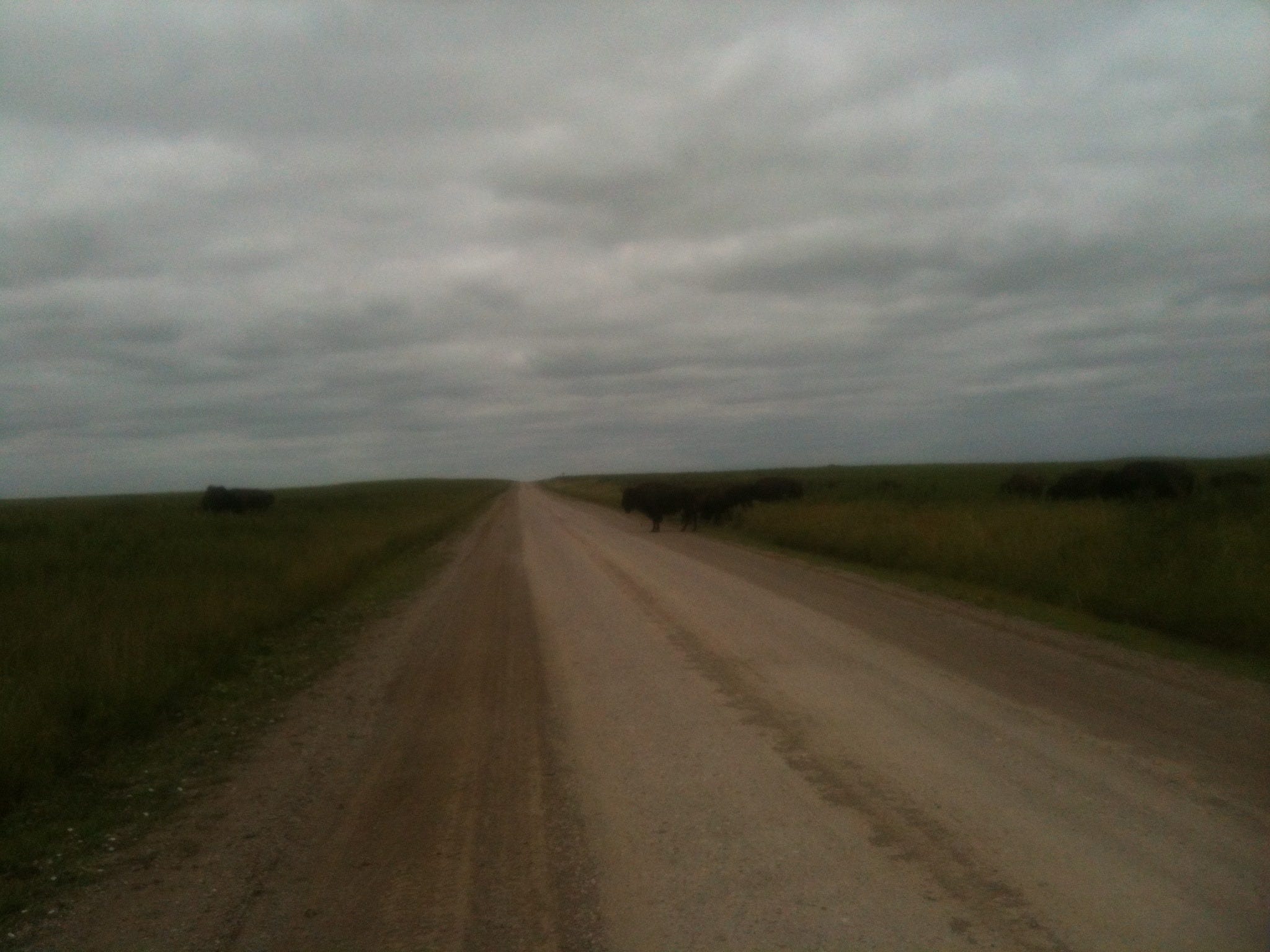
It was indisputably magnificent: the prairie as it was before the Euros came and planted their trees and houses and farms and called it land and then said land was a commodity and negotiable too, as were the things hidden underneath it, and drew up their treaties to buy it from people who didn’t know it could be sold. It was wild free grasses, not a Hollywood “cowboys and Indians” set or “little house on the prairie.” It had a tinge or smidgen of the neutral, sweetgrass, morning-dust reality that existed before legends, tropes, and post cards were placed atop it. If you could go back a hundred or two hundred years, or even to the time of your childhood, the mythology that has surged up since to surround and imbue would evaporate like a decorative mirage, and it would leave behind the raw bone-like concrete reality that gives rise to mythologies anyway but is more hardcore and basic and, finally and solely, more livable than any myth based on it.
After the fact, after the faux exchanges and transformation of the original landscape, the Nature Conservancy had bought back a chunk of it with the same currency that had stolen it and restored it to tall grass with buffalo, and that’s what we saw, in all directions, on one of the last pieces left of the original prairie. It was spacious and stunning, but I would have rather been out walking a tiny aromatic patch of it, than driving on this bumpy road as if propelled through a Disneyland concession.
This is the way it went: Lindy and I complained and kept asking how far and how long and saying things like, “You said five minutes more than fifteen minutes ago.” What Julie had actually said, “Who cares! Maybe five minutes.”
Plus it took me quite a while to grok that the 17-mile sign pertained to us; I had no idea how far we were going or how long it would take for most of the drive.
Then Lindy said, “We’re on a cross-country trip, and we don’t need this much more driving. Let’s turn around at the next chance.”
Then Julie said, “You guys, what a drag, what about ‘being in the now.’ I thought you practiced that.”
Lindy: “There are many ways of being in the now. You don’t get to decide that for me. It’s not that simple or everyone would be a Zen master.” Meaning: “You’re not a Zen master yourself, bigshot Osage wild-woman.”
Periodically Julie would say, “Just look at all that. It goes on forever. I could live out here.”
Periodically one of us would say, “If it’s not just around that next bend [meaning the headquarters], we should turn around.”
Or “this has really been long.”
And Julie: “I think this is now just about the longest trip I have ever taken. You guys sure have a way of making those minutes drag.”
Lindy: “Don’t you have any compassion or empathy?”
Julie (no doubt feeling that Lindy was quite privileged by comparison) cackled like a salamander.
Lindy: “This been a really long day and we still have to get to the East Coast.”
Julie: “Would you like me to get you some Valium?”
Ultimately we ended up at the Conservancy, a rather conventional shop with a small museum. We had driven all those miles through the grasses to a mere store. I spent a little time inside, looking at stuffed owls, tortoise shells, and the like. Then I walked outside and down a short trail near the parking lot while Lindy and Julie looked and schmoozed with the employees.
Just a few steps into the grass was transformative—a rich hay-like smell that grew subtler and sweeter; the buzzing of insects, some of them visible yet unfamiliar, like little flying origami; patches of coneflower and other wild herbs, hawks overhead, a sense of pure open space. I yearned to pull my attention down and be mesmerized at the smallest thing. I wasn’t happy driving it, so much distance, to what, what end? Any foot-by-foot square of tall grass would have done. I was reminded of how last year in Maine I led our three-year-old grandson Joey to the nearby ocean inlet. It was only a few hundred yards, but he stopped every few feet, to look at a bug, to pick up a stick, to peer under a rock. We spent more time getting there than at the shore. That’s how my attention level felt then. I’d rather zone out into it.
What Julie would have said (and in effect did) was: “Well, we can hike too. Just spend a few more hours, or days, or years. Don’t rush off. Don’t charge back into your life so fast.”
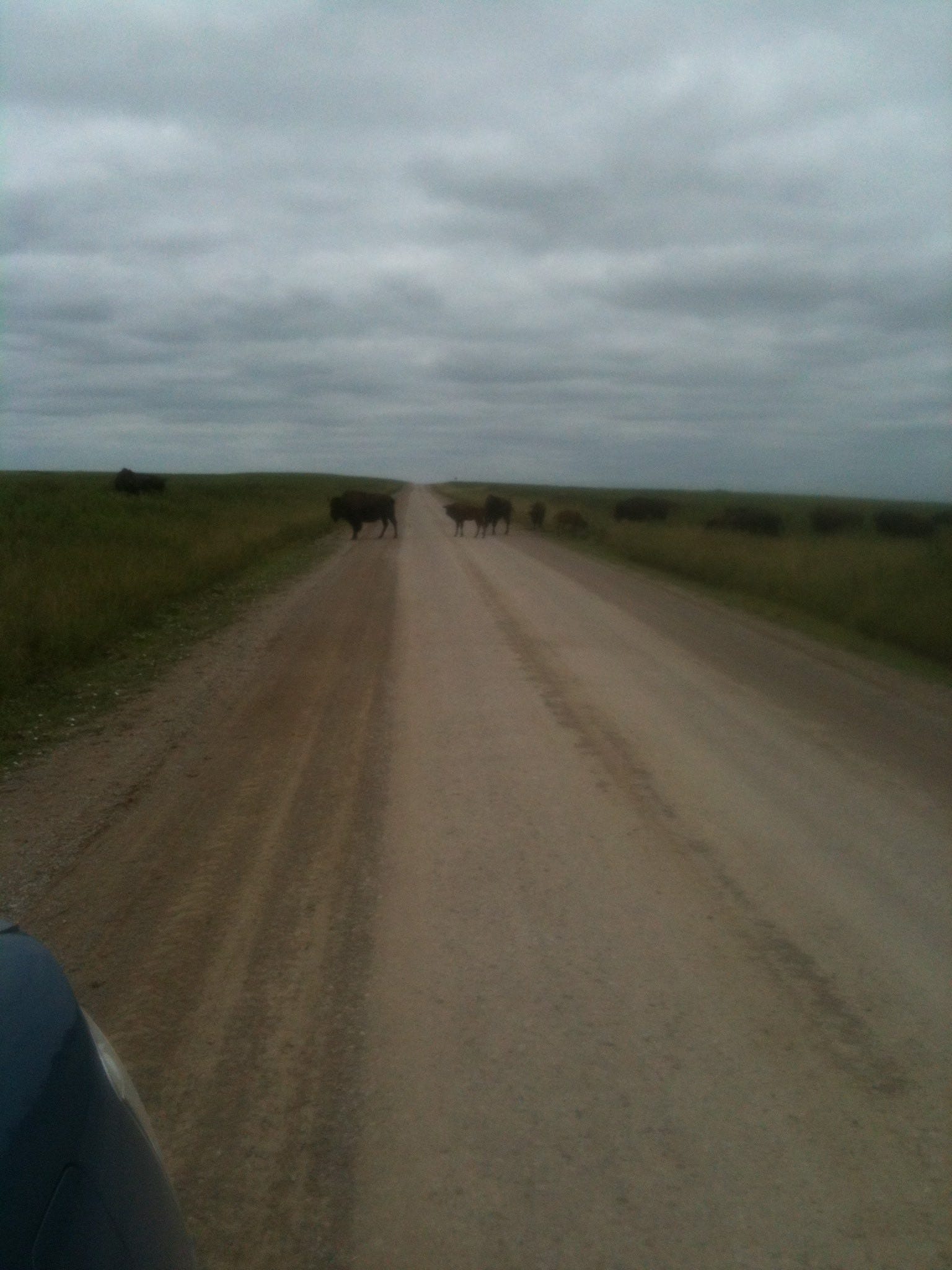
On our drive back, we stopped in the road to look at the buffalo that had come close to the traffic but quickly got back in our car when they moved menacingly toward us (there plenty of signs telling us not to be fooled, that these were dangerous beats). It’s that old “grizzly man” [per Werner Herzog] syndrome, to think that they’re not quite real, or that they actually know that they’re harmless fluffy throwbacks and nearly extinct. Buffalo don’t think anything of the kind. They’ve got calves to protect, and they don’t know that they’re on a tame preserve or that their day has passed. They have ferocity and hoofs.
Back in the car I put on Don Edwards singing “Coyotes,” then the forgotten Kalin Twins, then Dion and the Belmonts.
“Now the longhorns are gone
And the drovers are gone
And the Comanches are gone
And the outlaws have gone
And Geronimo is gone
And Sam Bass is gone
And the red wolf is gone
And the buffalo is gone.
Well, he cursed all the roads and the oil men
He even cursed the automobile
And he said, "This ain't place for an hombre like I am
In this new world of asphalt and steel."
Then, after “Teenager in Love” catalyzed Julie’s reminiscences and storytelling, both passengers asked me to turn it off so two hearing-compromised elders could make out each other’s words.
After our trek back to Avant, Lindy and I packed up the car and headed south on Highway 11, back through Skiatook to Oklahoma 75.
Tulsa
I can’t tell you why, but I was drawn to Tulsa irrationally. It wasn’t just the escape. It was like a dream city that I wanted to enter lucidly. Except it wasn’t a dream; it was “real,” so maybe it was a real city that I wanted to dream.
I wasn’t curious in this way when we grazed the outskirts of Tucson. I might have been drawn in more if the Gem and Mineral Show were happening, but Tucson seemed Phoenix lite and Phoenix was Los Angeles lite, different overtones of the same vibration.
Tulsa had a fresh mystery ring to it. What is Tulsa? It’s not Denver, Salt Lake, Houston, Dallas, Albuquerque, Cheyenne, Las Vegas; it’s urban Oklahoma, with a reputation for being among the reddest of red cities—a gun and gun-show mecca, a Bible-church capital with preacher-dominated clear-channel radio, the dominion of oil barons and fellow mega-capitalists, an anti-immigrant Tea Party watering hole where two-thirds of the voters cast their ballots for Willard Mitt Romney, where the Koch Brothers and Ted Nugent are heroes, women seeking abortions are flummoxed, and Wal-Mart headquarters are nearer and dearer than purple mountain majesties or fruited plains.
But that’s not at all what Tulsa looked like driving past. It looked more like Oz, the Emerald City. And then there was the matter of those luminous, Basquiat-quality graffiti I had seen like a sequence from a comic book along an entire block in an unrequited blink from crisscrossing highways as we headed north, trying to keep on Highway 75.
We could have put in a few hours after Avant driving east into Missouri, making up time, instead of crashing in Tulsa or going on a wild goose chase for painted walls. Yet Tulsa fit our agenda, for we were exhausted and evening was approaching. What follows makes sense only if you think of dreamers entering a dream city, not Tulsa per se but perhaps its astral counterpart flickering in and out of brick-and-mortarville. If you already know the Tulsa as an American city or are attached to its redneck Bible Belt reputation, my account will seem exaggerated, even mildly hallucinogenic.
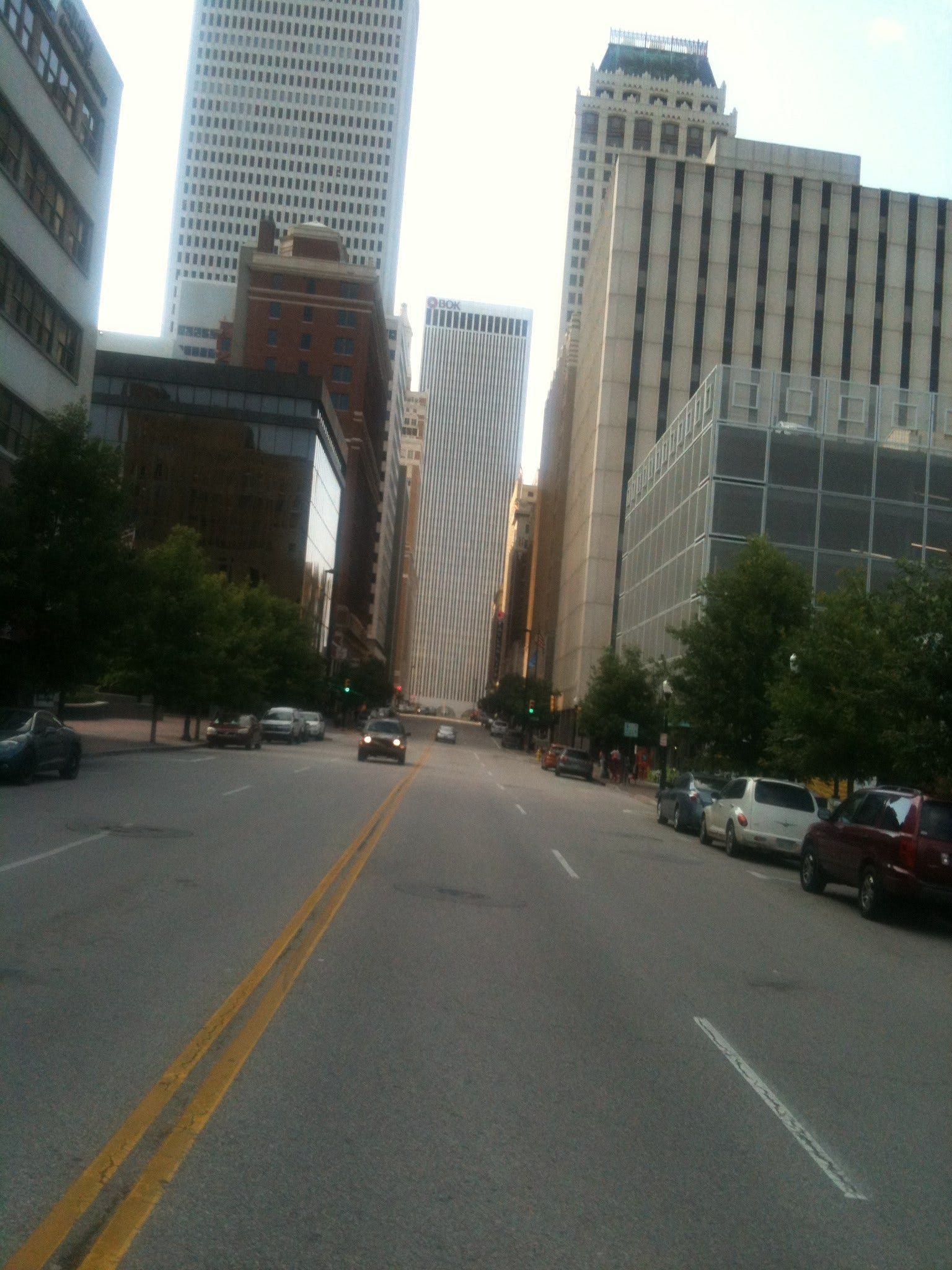
As we entered the outskirts of town on 75 South, Lindy driving, I made an impulsive decision to route us east on 244 since the University of Tulsa showed on the map in that vicinity and university areas are generally more cultural and have more promising restaurants. Also we would take 244 to 44 East the next morning.
That was a fruitless deviation. We ended up in a nondescript semi-commercial area with neither motels nor viable restaurants, only a bland mixture of residential and mercantile Anywhere: a letdown. So we got back on the highway and headed into the heart of Tulsa this time. Interstate 75 was inexplicably closed a mile or so before the city center—and I mean closed. The word “Closed” with makeshift tape were pasted informally over its southern direction on every highway sign (to our right, left, and above us), and there was no further elucidation or redirection. So we exited onto First Street, stuck to it for a while, then made an intuitive turn onto Elgin where we immediately encountered an adult superstore (of the sort that seems more endemic than even Wal-Marts in the Bible Belt, earning not just major but gargantuan signage on all the highways we would cross the next day, and I am talking about east through Missouri into Indiana—a less acknowledged clear channel).
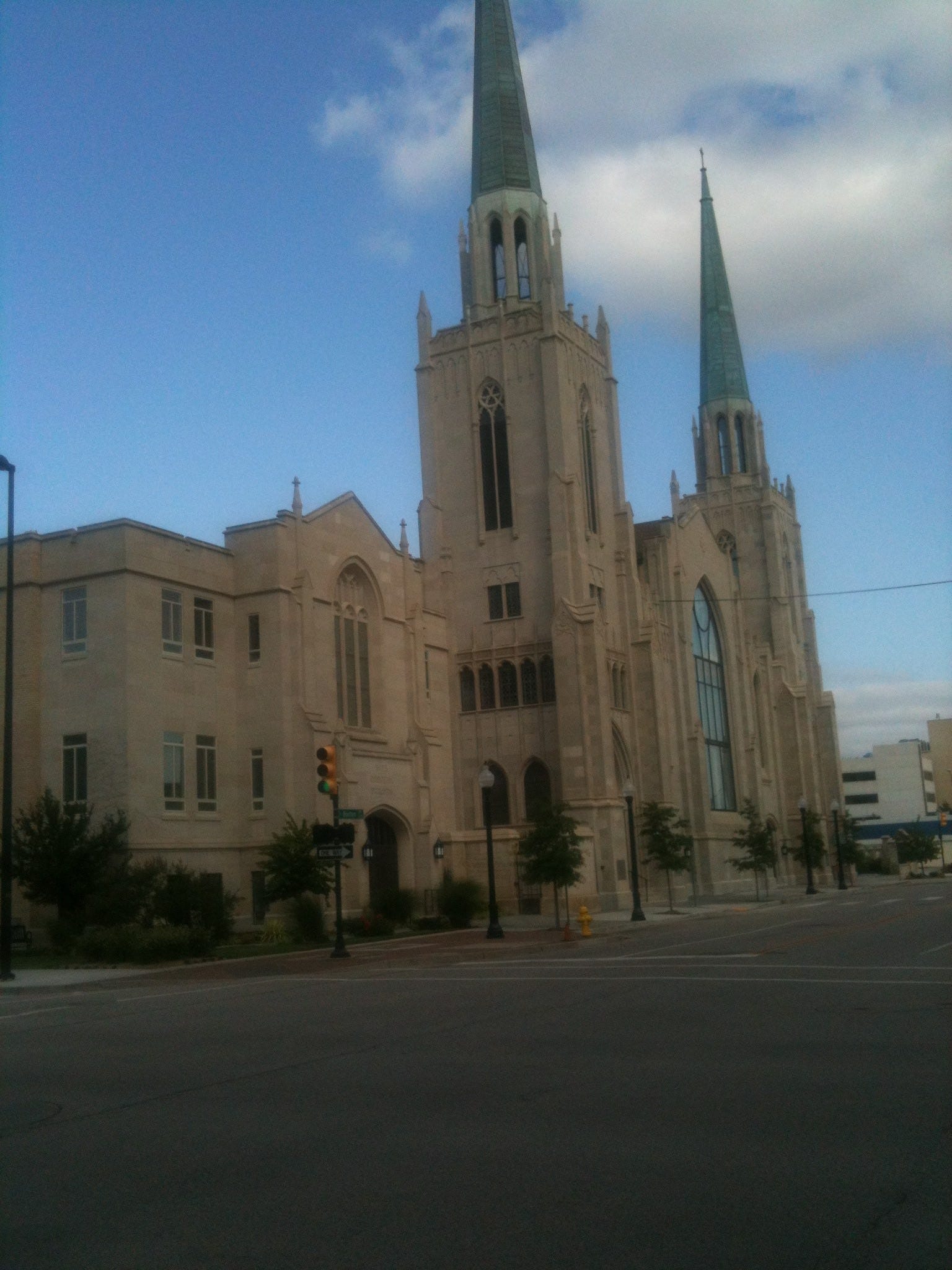
This particular X-rated effusion in Tulsa indicated that we were in the “wrong” neighborhood (as I was still looking for those elusive graffiti). We turned right on Sixth Street. Just as we did, sonorous ethereal church bells started ringing at such a volume and from so many directions that it seemed like a lucid dream. That is, they played a haunting, non-melodic canticle and made everything else seem otherworldly. In keeping with the symphony, large magnificent churches now dominated the changing urban landscape. It may have been the Bible Belt, but Tulsa’s Christian edifices stood in distinct contrast to the sorts of drive-by Baptist prayer-zones we had been encountering outside Houston and in rural Oklahoma: adapted barns, warehouses, big garages, with movie marquees of apocalyptic sound bites and drivel koans. In Texas, Church on Fire near Pawhusket was the most creative name but had no connection to the Kitchen on Fire cooking school in Berkeley; it was more like hellfire at your butt. I wish I could remember some of the other names, but they added up to Jesus in fifty-point type. By contrast these Tulsa churches were full-blown European cathedrals, and their being in Oklahoma added to the eerie UFO ambiance.
Past the churches, we saw the characteristic markings of a Holiday Inn in the distance, a worthwhile target, but we had to circle a cluster of blocks three times before we found its entrance because there were only one-way streets mixed with construction and detours. We were assigned a room on the fourteenth floor with a panoramic view of the city.
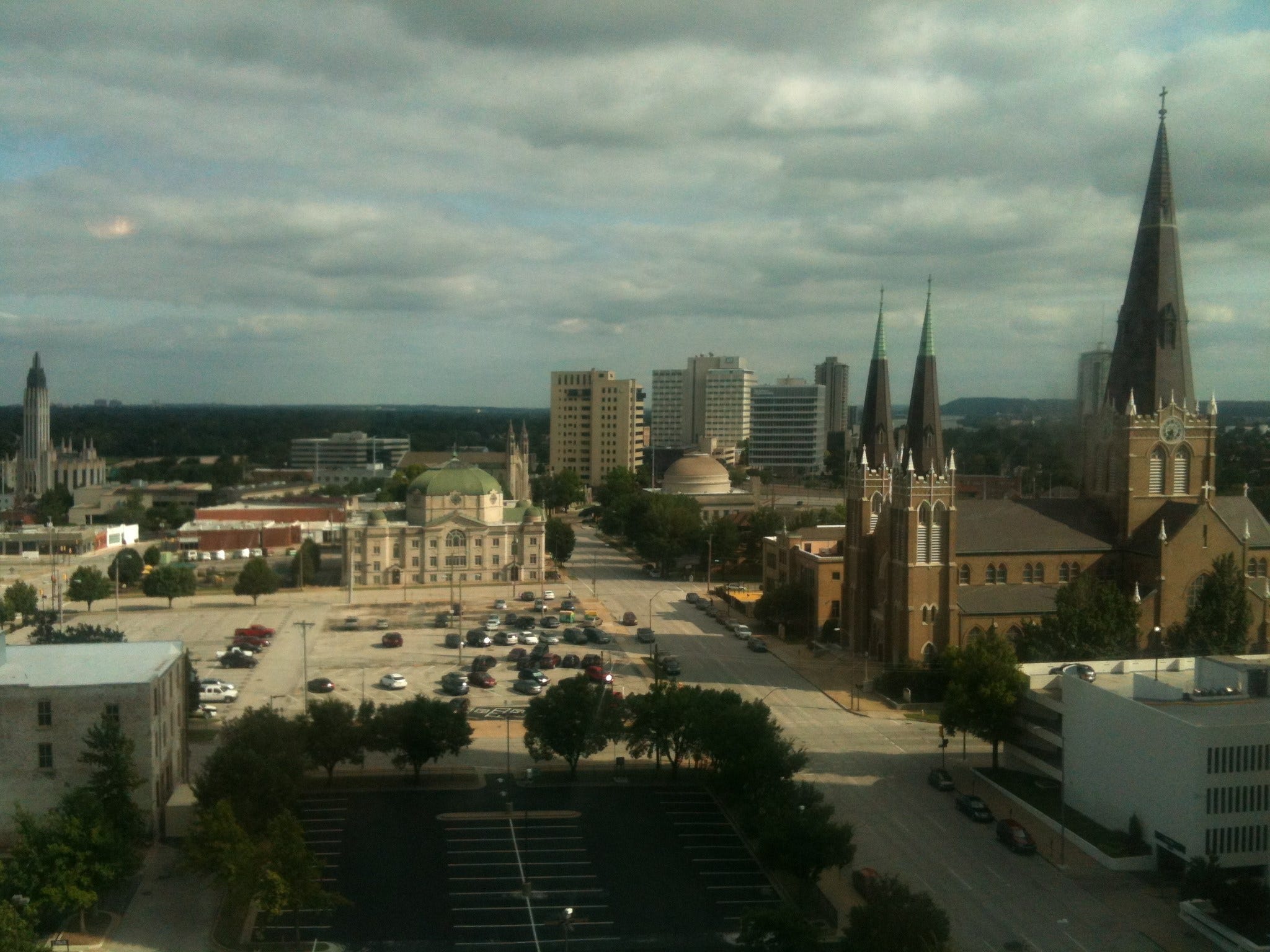
Reading the local tourist magazine and looking at the map, we discovered both an Arts District and an arts-like “Blue Dome” District. The latter was named after the dome of the converted Gulf Gas Station that we had passed on Elgin driving in. Lindy found a listing for a restaurant with both healthy and haute-cuisine possibilities and coincidental ties to our afternoon’s adventure, for it named called Tall Grass Prairie Farm to Table. After reading about it and confirming the choice, she mapped out a route. We chose to walk rather than accept a ride from the Holiday Inn shuttle. After all, it was still daylight and exploration time.
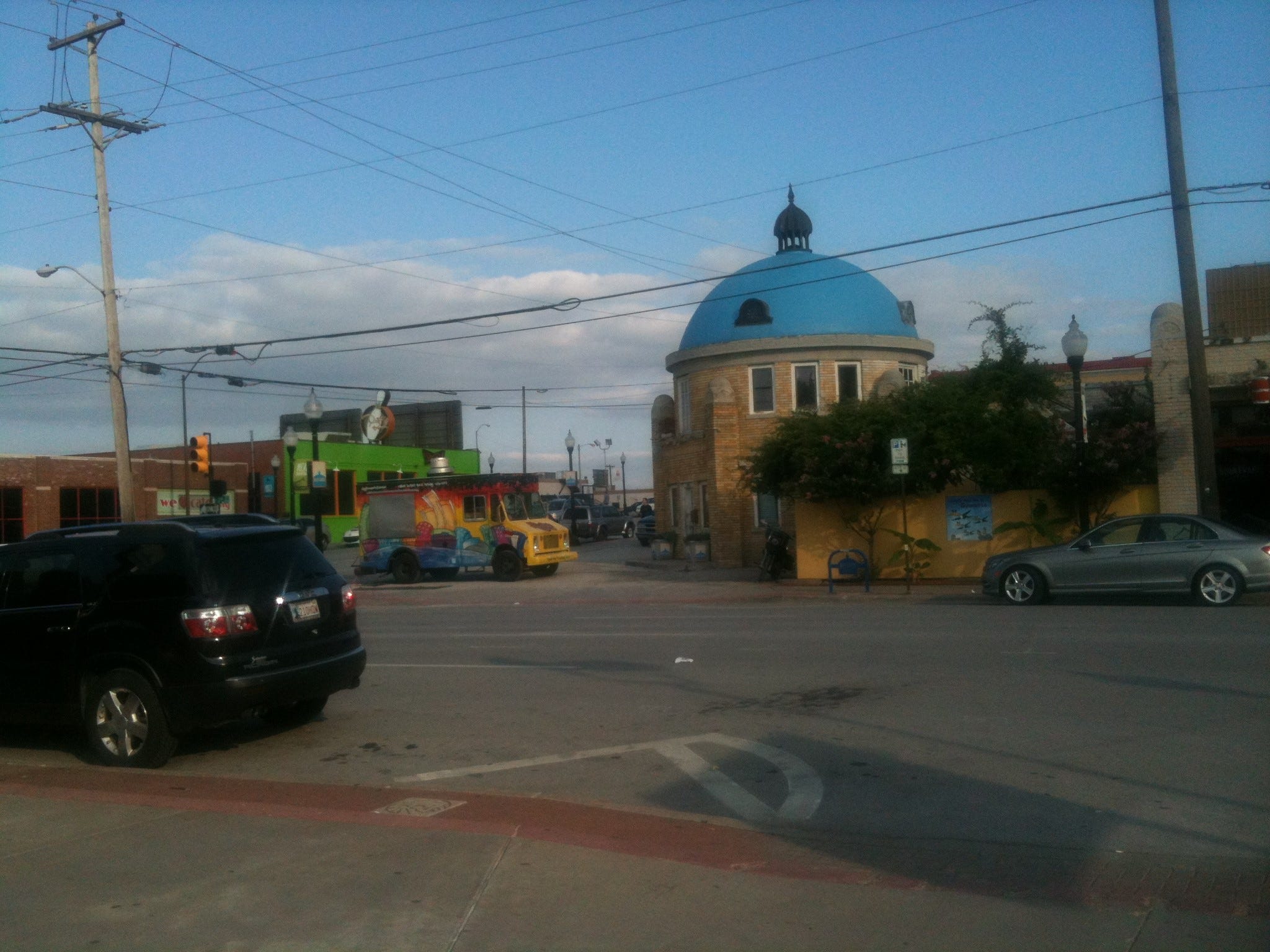
The journey involved tacking five blocks from Seventh to Second and another six or so from Boulder to partway between Detroit and Elgin. It provided my long-awaited stroll through Tulsa. The combination of churches and sleek narrow modern skyscrapers gave the town a surreal look with a signature design, Alpha Centaurian perhaps. Meanwhile the shops, signage, assorted public text had fifties and sixties flavors to them; they were vestiges and throwbacks of a gentler time. The Performing Arts Center was not much more than a stone’s throw from the Tulsa Drillers baseball stadium, ONEOK Field. We saw plenty of amateur art on walls and storefronts as well as common graffiti, but we never found the particular panel that I spied from 75 North. No one at the Holiday Inn knew what or where it was, and they brought in plenty of consultants. We likewise didn’t find it when I prevailed upon Lindy to drive Lansing Street along closed 75 on our way to Whole Foods after dinner.
We arrived at Tall Grass Prairie around 6:30; it was not only full of diners but booked till 9:30. In lieu of full seating, we accepted a small cocktail table by the bar, its main drawback being chairs that had no backs and were more like fancy stools. After we ate some range-fed beef in deference to our locale, we took a different route back to the hotel, then got our car from the underground garage, and went out looking for Whole Foods.
In starting on this ostensibly tame several-mile outing, we had some concern that the route would include marginal neighborhoods, junky malls, or something otherwise unexpected and unappealing—or that we would get lost. We did get lost, but only at the end and to a minor degree.
The route via Peoria to 41st was in keeping with the ethers of enchantment. We passed beautifully landscaped parks with hills encompassing multiple layers of grass, shrubbery, and trees; sculpted stones and outcroppings, tunnels, ponds, and waterfalls. The setting sun made these vistas all the more numinous and Oz-like, crying out for a dusk stroll we didn’t take. When we made a right rather than a left turn on 41st Street, we came to a quick dead end: a river with boats and dusk strollers.
En route to 41st we encountered neighborhoods of tasteful architecture, a few mansions, etc., but nothing overly castle-like—a bit like upscale Hartford, Connecticut. Tulsa looked like a great place to live (and die). It had some of the same distinctive indigenous vibe that drew us to Portland, Maine, over Berkeley. Yet it was Tulsa. Remember, this is Koch Brothers territory, blood land, Juneteenth country, oil money, money made off the backs of exploited immigrants, legal and other; likewise many of the cheerful well-dressed diners of all ages who graced Tall Prairie, at probably one to three degrees of separation, if any, were beneficiaries of oil and corporate tax breaks. These were probably not our kind of folks—we were in the heart of enemy territory. Yet I didn’t see or feel it that way. All the people we talked to (at the motel, the restaurant, Whole Foods) were friendly—too friendly in fact. It was as if they were trying to prove that we were in astral Tulsa/Oz. Or maybe they were all Moonies and Bible cultists, instructed to smile and be polite for God; maybe the invasion of the body-snatchers had taken place, and I was fooled. But it seemed authentic. Dreams always do when they are happening.
From our window in the Holiday Inn, the city turned spectral at night.

What is Tulsa finally? It is Salt Lake without the Mormon crescendo and pile-up—part of the esoteric Rocky Mountain Theocracy. It is a mixture of Denver, Austin, Elko, Portland (either one), and 1950s New York City, but clearly none of them. It leaves its own unique signature, and I wouldn’t mind someday returning and getting to see more of the inner sanctum, even if it dissipates the dream. I’d like to do a reading or talk there and experience what came out of the woodwork and stone of hidden, occult America here.
Our stay wasn’t all perfect. Holiday Inn experienced a catastrophic infrastructure breakdown that night: toilets backed up, hot water ceased, and dripping water made puddles throughout the underground garage, much of which was already cordoned-off in construction zones. In fact, the garage was a full-blown nightmare for Lindy the next morning when she couldn’t find our car and suddenly felt exposed and unsafe in the dark sub-sub-sub-basement, navigating around water, grime, and orange strips of tape. During a brief anxiety attack, she called me on the cell and I came down and helped locate the blue Prius, one half-spin above the tier on which she was looking.
I had gotten up at 6 AM to work on this trip journal and, while sitting at a table in the lobby with my laptop, I was able to listen in on a cockcrow convocation of airline pilots from different fleets, comparing routes and weather, and then introducing each other to each other’s stewardesses as they appeared one by one, in full regalia.
Strange that they would soon go shooting off through the sky across so many grids of Euclidean space before the day was out. For me their approaching travels were transpiring under the omen of the recent Malaysia airline shootdown above rebel Ukraine; that is, ever so slightly ominous and macabre, though perfectly normal and affable (like everything else as long as it is, or as long as there’s not a missing stair). I was also deducing, as I listened, that Tulsa was not a high-value destination, so these were probably not the top guns or max-seniority attendants.
I am a guy who likes saying, “Any day you don’t have to fly is a good day.” So I adored driving it and listening to air banter despite my own remaining long miles on concrete with much greater actually danger.
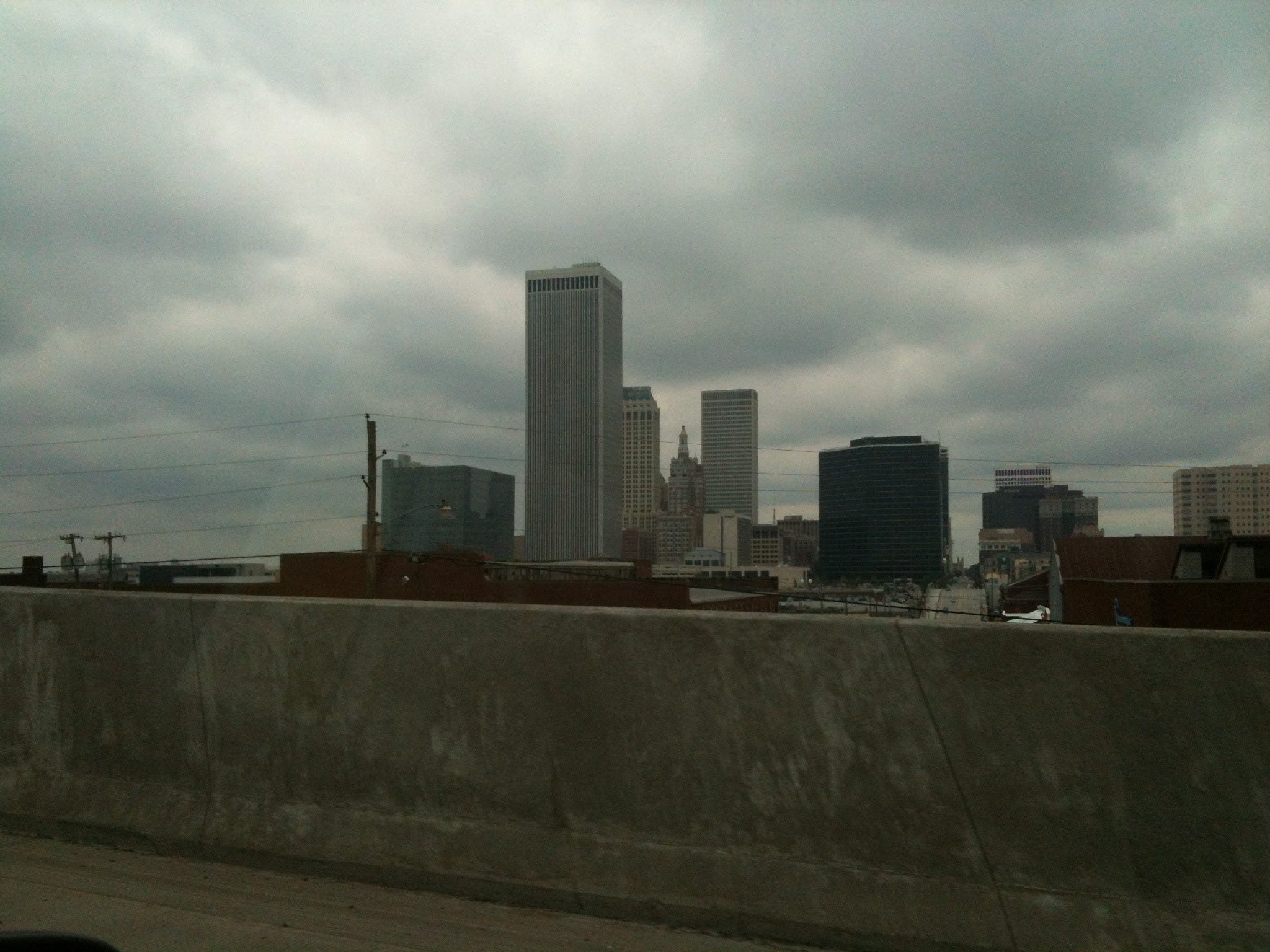
After finding our car, we set out at 10 AM toward Joplin. Progress was slow and incremental, but we didn’t pay too much attention to the miles because we had CDs worth of novels and short stories and the iPod and made regular Rest Area stops and driver changes. I did my t’ai chi set at least once or twice a day, having gotten over the embarrassment of my first such public attempt back on I5 in California. By New Mexico I was brazenly doing the whole form, and it brought spinal and visceral relief, giving a fresh start to the next stint.
It took till late afternoon to reach St. Louis. Getting past it involved a complicated series of maneuvers with many unpredictable, usually hair-raising lane changes around the perimeter of the city. Despite maps, what we were doing was obscure. We saw road signs leading everywhere that we weren’t going: Chicago, Minneapolis, Memphis, Tulsa—plus Indianapolis, our temporary destination.
Exiting 44 onto 270, we passed through Kirkwood, where Lindy’s father’s family lived before they went to Red Lodge, Montana, and then Denver—ostensibly a Hough family library is still in operation there. We passed the airport. Then long after we assumed that we had completely circled St. Louis and left it behind, it appeared to our right. I was driving, so Lindy took a few photographs. We crossed the Mississippi on a peacock’s tail of a bridge; this was the great American river marking the division between east and west, between (I told myself) Mark Twain’s irony and his actual profundity. The Mississippi carried both from the glaciers to the gulf, America in between, from cowboys and Indians to slave-owners and slaves, pimps and whores, industrialists and workers, toxins and fertilizer.
You might think that Tulsa is really far from Ann Arbor, and it is, almost a thousand miles. Yet after an hour or two, Oklahoma turns into Missouri. Then you cross Missouri, not all at once but gradually; you hit St. Louis, you cross the Mississippi, and you are in Illinois. 44 turns into 270 which becomes 70. We went from St. Louis, the outer boundary of the old National League, into the vicinity of Chicago, its hub.
In Illinois, you pass Cahokia, outlier of Serpent Mounds and the rough-hewn Southeast Cult planetarium. You go through Effingham, Illinois, the largest town on Illinois 70 but a place that I had never heard of till then. If you are us, you end up in Terre Haute at 8:30 PM local time, having lost an hour crossing into EDT. I had thought at the beginning of the day that St. Louis was our minimum goal, Indianapolis our outermost target. Tulsa to Terre Haute sounded more alliteratively right, and it turned out to be so: 581.9 miles, the biggest leap of the entire trip.

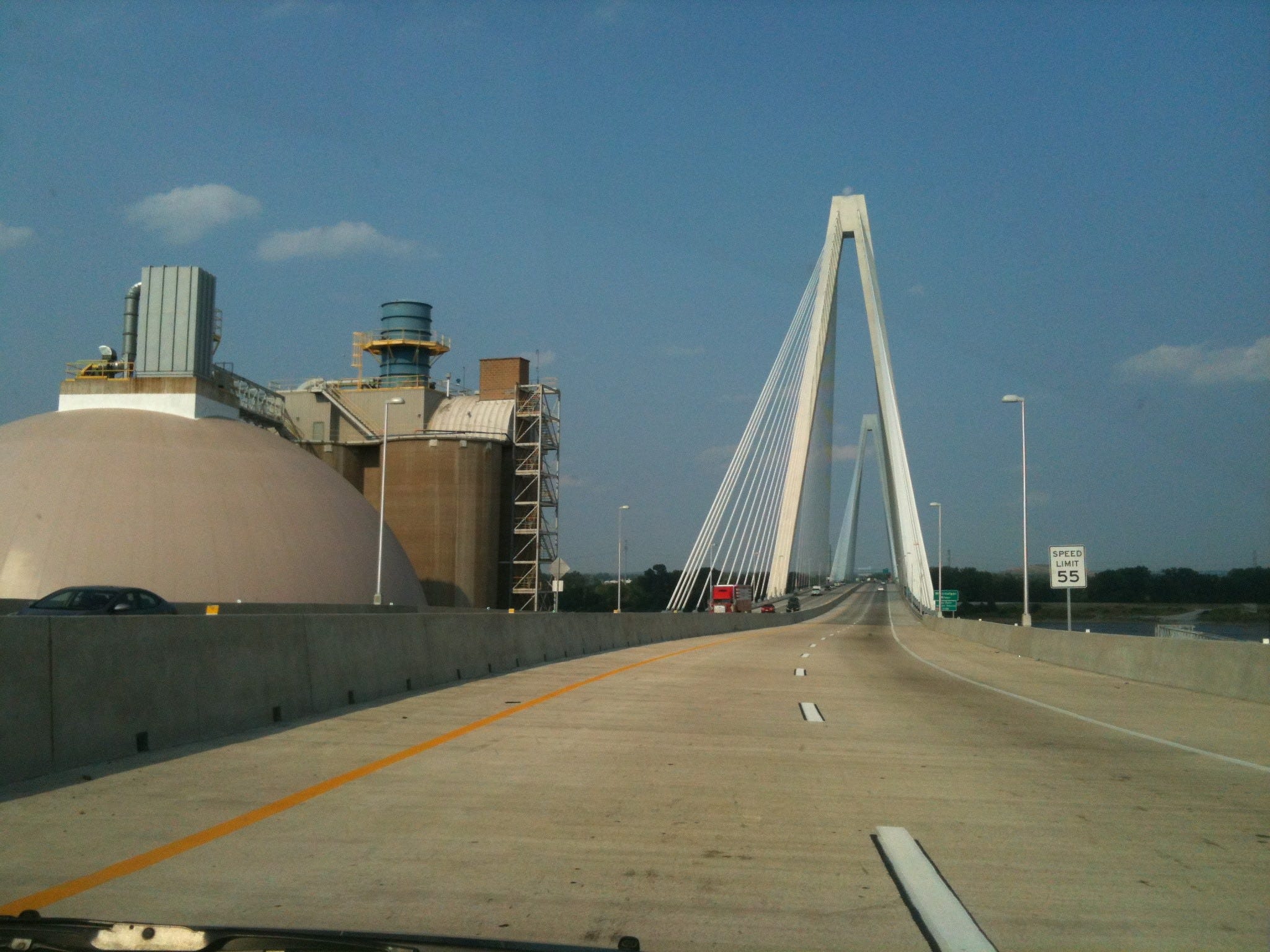
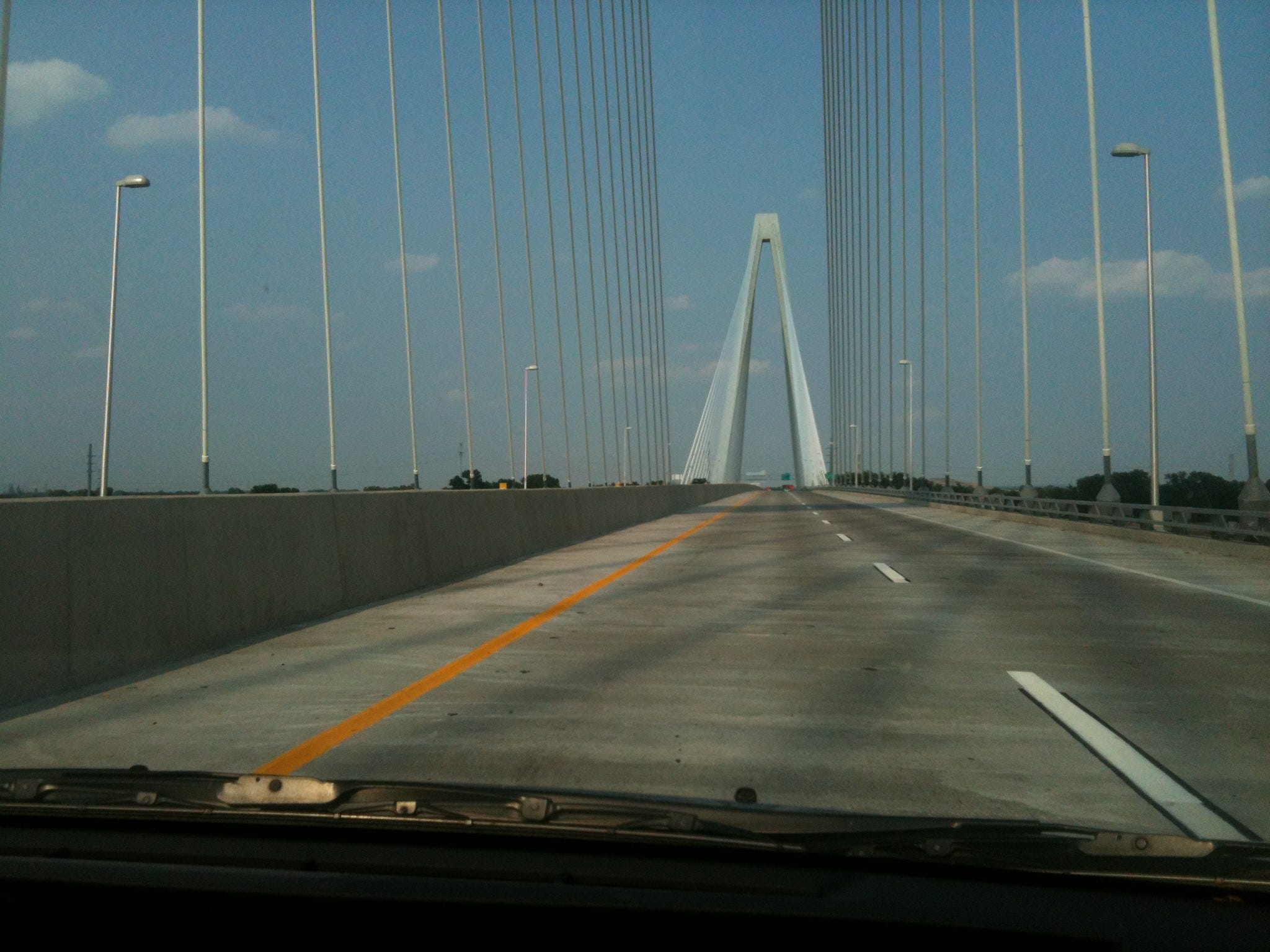
The first motel we tried off the highway in Terre Haute was too grungy. That is, Lindy balked and, though I was willing to stay there, the female clerk read her and directed us to the Marriott a hair down the road and on its other side. For all of $2 more, we got a much better room plus a much more upscale business center and lobby. We had moved from the Bowery to midtown.
In the morning we got started at 10 again and soon encountered the navigational complexity around Indianapolis, messing it up because 70 didn’t lead directly into 69 north as we had assumed. You needed 465 to connect them. Since we were circling the city counterclockwise, we got two shots at 465, first at around seven o’clock, then again at around three on the same circle. As navigator, I blew both, thinking that 70 was the circle and we were on it. Instead we were working the diameter and ended going due East toward Dayton. I redressed my error by calling for an exit onto 9 North instead of doubling back. That way after about twenty miles we intercepted I69 beyond the city. At least, we got to mellow out through pastoral farmland planted with corn and leafy greens, plenty of cows and barns too.
We entered Michigan in the early afternoon, the first place where Lindy and I made a home in 1966 after graduating from college and getting married.
Taking Interstate 94, we ran up another 356.3 miles from Terre Haute to Ann Arbor, a lot of driving for just two days.
It was 1980 when we had last been in the town where our son was born (and from which we set out on our greater karmic journey, its then-indecipherable portal opening with fieldwork among lobsterfishermen in downeast Maine). Robin is now 45, a historical geographer and environmental biologist living in Berkeley. In the labyrinth within the greater labyrinth, we are on a loop back to Ann Arbor and the residue of 1966!
The 938 miles between Tulsa and Ann Arbor also divides our journey into two very distinct halves, one southwestern, the other northeastern, not even so much in actual geography as in tone and spirit and culture.
Interlude
Okay, I did get carried away by my Tulsa tropes, Tulsa fugue, whatever you’d call it. Some of my readers’ responses (below) reminded me that an imaginal landscape can’t necessarily be transmitted. When I look at my account through others’ eyes, I am slightly embarrassed by it. Yet one does chase wisps of the unknown and unlived all the time. All cities contain many hidden and occult cities, and many alternate lives that surround the one that each of us lives. This is how Sethian “aspect reality” works. We can’t get at everything we are. Here are some comments on “Tulsa”:
“Not the most appealing skyline….”
“It doesn't seem you're doing any hard travelin'; you have no Blue Highways to traverse; you are travelling East rather than West. Somewhere along the way you've gotten lost.
The richness of the internal life of the dreamer will always drown out the reality of the sojourner. Each of us can be the hero of his own road novel. Howard Johnson replaced by Holiday Inn superseded by Motel 6. It all still comes down to having a place to piss when it's required.
Somehow all of this seems like notes from the Underground rather than the topsoil of America.”
“i have toured the middle many times trying different ways from VT to and from CA often by way of Wisconsin. made it through Tulsa once to visit a friend living there. it was surreal and not on my revisit list.”
“You've planted the sound of Bob Wills and the Texas Playboys in my ear — ‘Take Me Back to Tulsa.’
Julie’s response to her characterization in the previous post was off the charts. Maybe I should have expected that. I have been considering evading the whole issue, but I do owe everyone a fair rendition and continued storyline, in bad times as in good.
I missed all the signals in Avant and proceeded as though the three of us were peers under the same tacit pact of understanding of who we were, what kinds of lives we were living, how other people regarded and accepted us, and what could be decently if candidly said about each other without transgression or remorse.
I have made this mistake before, though never with such unhappy consequences. I can be such a stubborn, persistent person, with an imaginary mission even if all the indications are bad and I am grasping for a make-believe thread. In Oklahoma, I was telling myself a story, pretending about something that wasn’t there, and then reality hit. I had the delusion that I was writing about a reunion of high-school friends as the husband of one. I thought that we shared enough empathy and fallback trust and good will to survive any dissonance.
Not so. Here’s how I would put it now: If you think that you are with a person struggling with the some basic life issues and on the same playing field in the same game as you, measurable by the same general yardstick, while that person (by contrast) fancies himself (or herself) as a secret shaman, magician, and warrior, participating in the real game (a la Castaneda and Don Juan Matus) while you (in their regard) are lame pretenders out of a mere skit, untested in war, untested in the desert, untested in the desert, untested in the real parameters of life and death, then at some point the cards are going to turn, the bubble in which you are riding is going to come to a screeching halt and dump you on your ass. If you think you are not adversaries but your adversary knows you are an adversary and doesn’t want you getting away with anything, you are in trouble.
I don’t pretend to know what is the truth here. In truth, I struggle each day to keep the pieces together, my own sanity intact; that’s been the case since my earliest memories. Julie appeared to be in pain and struggling too, and aware of it, a wounded, prickly fellow traveler on the road of life and death, subject to the usual ups and downs, “the Heart-ache, and the thousand Natural shocks / That Flesh is heir to” (Hamlet). I saw a disabled yet wry loner, living among the relics and chaos of her life, a hero for her high dudgeon and spirit in the face of adversity, for surviving day to day, for continuing to make art. I honored her reclaiming of Osage roots, her feistiness and embattlement with all authority, and I had empathy for her state of disarray, fragile pride, and poverty. I wasn’t comfortable with her quickness to anger or the ticks or the dogs who trailed her like a wounded Cerberuses or the guns and threats or general mess and infrastructure disrepair and stage of filth; yet we were the guests and she was the host. We had brought ourselves there and had no business judging or complaining and wanting a better lifestyle match. Most of all, I unintentionally satirized, even pitied, a person was much more fire, rage, and pride to allow that to pass.
Julie didn’t think of herself or the situation at all in the way I have described. She considered that she was a made woman in her element, a full adept, above the “slings and arrows of outrageous fortune.” She saw us from the get-go as neurotic Berkeleyites, yuppies, to be humored and pitied. She thought of Texas as a wasteland of bad taste and privilege and that we had lessened our status by coming through there, rather than western Oklahoma.
She was from a world where folks don’t talk the way I have been—where they don’t psychologize or frame one another in sliding scales of semi-optional, situationally dispensable personae and allowably shape-shifting self-reflections. Some people live literally and by the law and, when you cross them with your nuanced shit—I mean, you’ve got no fancy words left if you are like a Shiite plebe facing the ISIS hoards or a non-banger wearing the wrong colors while sauntering, or soldiering, naïvely through enemy territory. You are going to get smashed or slimed as sadistically and nastily as they can retch it up. She apparently saw me as a wuss, pardoning my own excesses with (additionally) the foolhardy gumption to invade her territory and make a pitiable stand in words and acts. Her grade was less than F.
For one’s own fragile self-confidence and standing in a world of deceptive layers and paradoxes, where no one gets to stay above water for long and certainly not all the time, you (meaning me, meaning any of us) should stay out, stay out of places you don’t belong, are asked not to be, but, for criminy’s sake, don’t then attempt to file a quasi-routine report on the occasion, to normalize what can’t be normalized. In retrospect, Julie warned us. She said that she wasn’t in a good frame of mind and didn’t hanker guests. We kidded ourselves that our cross-country drive was important enough to impose over that and that we got points for making it and reconnecting, even for leaving when we were getting on each other’s nerves and it was obviously time. To her mind we had trespassed on sacred ground as blasphemers as we dared to treat a mage and decorated soldier in battle as a mere civilian. We were blind boobs.
No, I was not attending or supporting a reunion of high-school friends. There was something much darker, much more serpentine going on, something closer to the blood crux, the black hole, the essential life drama, maybe the whirlwind force that makes a labyrinth a labyrinth.
I am somewhat of a bumbling oracle, always have been. That is, I don’t set out to tell or reflect people’s secrets, to disclose their untold demons, the things they don’t want revealed, so it is not a great quality that I repeatedly cross that line. Yet it has been a part of my repertoire since I was a young child in a mad household.
As we headed east, I received two days worth (by now, make that six months) of continual emails from Osage Nation, accusing me of slander, betrayal, stupidity, self-servingness, effrontery, self-indulgence, insolence, and undue self-flattery. And I am substituting my own more polite words. The diatribes not only used four-letter words in rap-like outrage but seemed to employ them in trying to strain ever stronger epithets to pin on me (and Lindy). For a small sample try, “fucker,” “asshole,” “rapist,” “miserable tiny people,” “two really fucked-up people who deserve each other,” “retard,” “carnival huckster,” etc.
In the initial blasts, Julie claimed never to have liked Lindy in high school, merely to have suffered her insipid, aristocratic presence out of mercy and now to consider her a “total neurotic on an emotional racecourse.” To prove her point about high school, she almost certainly fabricated a skein of bizarre incidents involving Lindy doing unconscionable things to other girls. They had to be fabricated because the things of which she accused my then-teenage partner were too perfectly satanic, too totally out of character, more like the wishful thinking of someone desperate to hurt someone else as badly as she can. After forty-eight years I know enough about Lindy to know that there isn’t a whole body of nasty adolescent work withheld from me. Even as a teenager, Lindy looked out for other people first, put others before herself, to a fault. She is quite transparent, and I know that resumé by now.
Our host was shamelessly anti-Semitic too—and anyone who knows me well knows that I almost never pull that card. Yet the emails to both Lindy and me castigate her choice of a husband by using classic Jewish caricatures and epithets to describe the guy (and then to add, again, “you f’ers deserve each other” as if Tennessee Williams scripting for Brando and Vivien Leigh). If I quoted straight from her emails, you’d think that the lines were from a Nazi Party tract on the “Zionist Plague in Germany.” They are too repulsive to admit being associated with, even to the degree of putting them in this blog and then saying: “I didn’t say this; it was said about me.” I couldn’t get such a page clean enough to want to shoot into anyone’s inbox.
And, again, I flatter—yes, flatter—myself that I am politically one of the most anti-Zionist jewboys and, while I can’t help my genes, I do not buy into Jewish vogues of cultural preciousness and certainly not endless modes of holocaust guilt-tripping and anti-Semitic gotchaism. I love the Zohar and the esoteric Torah but certainly not the swaggering Chosen People who are imitators of every other self-sanctifying, run-of-the mill macho fascist ethnic-cleansing regime.
Well, Julie turned me into a spectrum of every common Zinist Jewish caricature, something I didn’t think that she had in her, either the vitriol or the wit.
Her barrage is also where a long-time admirer of Osage culture and religion, reader of the Rite of Vigil and other Plains ceremonies, falls flat on his ass before the revised Osage Nation in present-time motion.
It reminds me of another thing: people who are liberal on many issues and even artists, even indigenous, radical artists, can still carry major anti-intellectual Tea-Party vibrations. And that’s a lot what this was about too: flat-out anti-intellectualism of the sort that you might find elsewhere in Oklahoma under very different sociopolitical circumstances. It is the notion that intellectuals are ruining everything: they are smug and think all too highly of themselves. They rob the people of their rightful fruits by their pseudo-cleverness. To this protagonist, any idea, any visionary flight, any (god forbid, psychological insight), certainly poetry, certainly cosmic and spiritual troping, was repugnant intellectualism. (Rereading this now is a bit spooky, for those chickens have come home to roost big-time._
Under these surfaces are more substantial issues. In truth, everything harsh said about oneself, no matter by whom, no matter how off the wall (and who gets to judge that finally?), no matter how motivated by anger and petty desire to get back and wound, has an element of truth because it reflects some of the energy you are sending their way—some of the energy naturally in the field between both of you. They can’t do it to you unless you are doing it to them at some level also. It’s axiomatic: she is giving me fair blowback. That’s physics—psychic shamanic physics. Voodoo. Every evil eye is being generated by the gaze upon it. Every recrimination is a self-recrimination of the person receiving it, and vice versa. That’s Freudian projection, reaction formation too. You exaggerate what you can’t bear while turning it into its opposite and putting it out there in full regalia, on public parade. Jung’s enantiodromia.
I deserved what I got, and I’d be a fool as well as a squanderer of opportunities if I didn’t take the lesson seriously and try to internalize and convert it, to honor it as intelligence from (Julie aside) a higher source. The angels and spirit guides have many ways of speaking, of getting your attention, of Zen-tapping your stubborn ass, and, if you think they contact you only by being good guys and your friend, only by wonderful New Age affirmations, think again. It is exactly, often precisely the opposite. They come only in ways that you wouldn’t recognize. They rarely blow their cover and, even when they do, it’s exceptions that prove the rule.
Some of the folks in my life whom I have least liked initially and who have been the most ruthlessly critical of me have turned into my greatest teachers. Take Ron Sieh, my early-nineties martial-arts teacher who also got me started on psychic work. I thought that he was a jerk and I avoided him at Peter Ralston’s dojo. Not only did he say (once he became my teacher), “Your mind is all fucked up,” but, “It’s your set, no one else’s. So do it.” And he also said, “I’m trying to get you to be the best that you can, but you obviously have some other agenda.” That’s the basic message of foe as well as friend: we’re all try to bring each other up to snuff, up to code.
So my Osage humiliation, followed by my Tulsa indulgence, stop me in my tracks in Ann Arbor. Lindy had warned (on the drive to Tulsa), “Don’t write about Julie. I have a very bad feeling about it.” As usual, she was right, I was pig-headed and wrong. Instead I told myself that I was justified in responding after the next email, ragging me to be sure to give her my honest, unexpurgated, unabridged impression. Yeah, sure!
After characterizing my partner as a simpering ninny not worth her friendship then, let alone now, our host said, “Initially I found you more interesting than Lindy. You seemed quiet and polite.” Then she said that she burned cedar to clean her house of us, that we were never to come near her again.
The only thing I wrote back to her, other than to apologize again profusely and meticulouslywas that there are many kinds of cedar and we each burn our own when we need to: plus if she wanted to be treated like a shaman, she should act like one.
But there are also many types of shamans, many types of lessons shamans give—there are trickster shamans and predator shamans, who am I to judge?
Another, more minimalist view of this incident is that Lindy’s old friend was competitive with her and wanted a deference from us we couldn’t muster. I don’t think she could stand Lindy having any sort of an edge on her now (as apparently Julie was the boss lady in high school), and the way she handled it was to impose a value system whereby we were yuppies, jerks, invaders, despoilers, deceivers (like all the other gringos) and that she was the true Indian surviving on what was left of her stolen prairie, suffering the profanation of her ranch by crude, wimpy pseudo-artists from high falutin’ northern California and her irrelevant past.
Yes, I know—“Osage” is cultural not biological, but so is everything else, including the Rite of Vigil, the one we are all in, labyrinth and grail.
Finally her emails got too crazy for me to cede her a high position as shaman artist or even a marginally congenial host. I mean when disease-carrying ticks are jumping on your guests inside your home and in significant numbers and your old-friend guest (Lindy) picks up a gravid tick from the floor the size of a large marble and then you toss it to the chickens and accuse them later of insulting your house-keeping, I am sorry, but you do not get to claim the high moral ground or a position of unassailable grace or purity. And we were good-humored about the ticks, we took the hit, we didn’t blame the state of her housekeeping at all, allowed that she wanted to live in a wild state and that we had come to the wild-woman’s kiva willingly. I now have five black pustules, bites from something, on my legs, and I am trusting that they’re not ticks. They don’t look like them, and that’s a lot of tick bites to still be walking.
Anyway her triumphantly achieved position was finally her toughness, her guns, her trenchant drop-out-ness from white culture, her capacity not to be rattled by anything, to slum it uncomplainingly with survivalist and monastic esprit. We failed that test miserably. We were warned not to come there. So I got what I deserved.
I will give Julie the final word(s) by including two of her less racist or ugly emails—ones that also reflect a scintilla of truth:
“You are a deceiver, liar, twister of facts. You invaded my privacy in the most intimate and prurient ways, when I asked you to PLEASE not do that. You completely, and I dare say, deliberately misrepresented my whole home, lifestyle, personality, and my greater environment. You mash through people's lives like a carnival huckster.
“I debated long and hard whether to let you and Lindy even come here, because I felt no desire to reconnect, and I could smell the possibility of this sort of treatment. but I finally said yes. I regret that more than anything now. You are a creeping poison, a contaminant. I now don't believe a word in your books! I want to dispose of them the way I disposed of the stinking corpse of a dead rabbit this morning.”
“I just reread that insulting piece of garbage. What you said about my "Osageness" was so incredibly WRONG. You got all the facts SO WRONG. I'm beginning to think you are retarded. You, with an anthropology degree. Thank God you weren't allowed to go into the field.
“I took you for a really passive aggressive guy right off the bat, but this piece is a masterpiece of aggression.”
This sort of stuff still gives me the chills; it is like an exusion of toxic bile, an evil eye. Yet I was more chastened then than I am now. Six months of continuous rants self-cancel and reveal a prior pique having nothing to do with us or our visit, also an unbalance and cruelty. But we did make progress. She shared pictures of her artwork; she admitted that she would value keeping up the connection. She didn’t apologize, and she kept renewing the venom, but at increasingly reduced and more ironical levels, which was, finally, more authentic and heartfelt than a gratuitous mea culpa. I certainly didn’t want that, it would have sabotaged the lesson.
Consider the latest missive, after months of trying to make up, and briefly succeeding, “My beloved old dog Lassie, about whom Richard made derisive comments while poor, poor Lindy had to suffer the sight of her, sleeping quietly on the floor, is now dead. I had to have her put to sleep yesterday at the age of 16, having had her from a puppy. Hope you all can sleep better now......... Happy New Year, you twits.”
I see progress: the hint of a tease and a smile, perhaps still being unable to let go of the self-righteous indignation but a slight fondness for those clueless bumpkins who trespassed into her lair.
Nothing can finally diminish her essential indignation and ire or trammel her sacred blaze. That was there when we came and it will find its own resolution and destiny.
I finally thank Julie for making the labyrinth both dangerous and real. A Rite of Vigil, for sure. But the Vigil had just begun.
Richard, your travel blog *is* on Facebook back in 2014— a few of those posts popped up when I did a general search on Facebook for your name and "travel." And there actually IS a way can see ALL of your posts in chronological order by date using Facebook's "Activity log" feature. NOTE: the following instructions are for desktop only— the mobile Facebook app is different. Ok, here's how to do it. To access the "Activity log" feature: using a desktop web browser, go to your personal Facebook profile page and click on the three dots on the right side of the page that are in line with the horizonal menu bar that says "Posts____About____Friends____" etc. In the pop-up menu that will then appear, select "Activity log." On the page that action takes you to, click on "Your Facebook activity." In the new menu that then appears, click on "Posts." In the NEXT new menu that then appears, click on "Your posts, photos, and videos." Then ALL of your Facebook posts will appear on the right side of the page in chronological order, beginning with the most recent. (NOTE: the preceding steps, and the further ones I'm about to describe, are often sluggish— Facebook obviously hasn't put much processing power into its "Activity log" feature, lol!) Ok, next: to narrow down to a particular year, on the left side of the page that the previous steps have led you to, click where you see the words "Activity log" and then SCROLL UP— the "Activity log" column on the left has a *HIDDEN* scroll bar that appears when you hover or click inside the column! After scrolling up you'll see at the top of the column, under the word "Filters," a calendar icon and the word "Date." Click on that and a new menu will appear allowing you to filter results by "Year." And selecting this really WILL show you ALL of your posts for the year you selected (e.g., 2014) in chronological order! You can also filter further to choose a specific month within the year you've selected by using the "Month" menu that magically appears AFTER you select a year. I know that all sounds insane, but Facebook has literally made finding one's old posts that complicated! Hope this helps! :-)